EasyManua.ls Logo

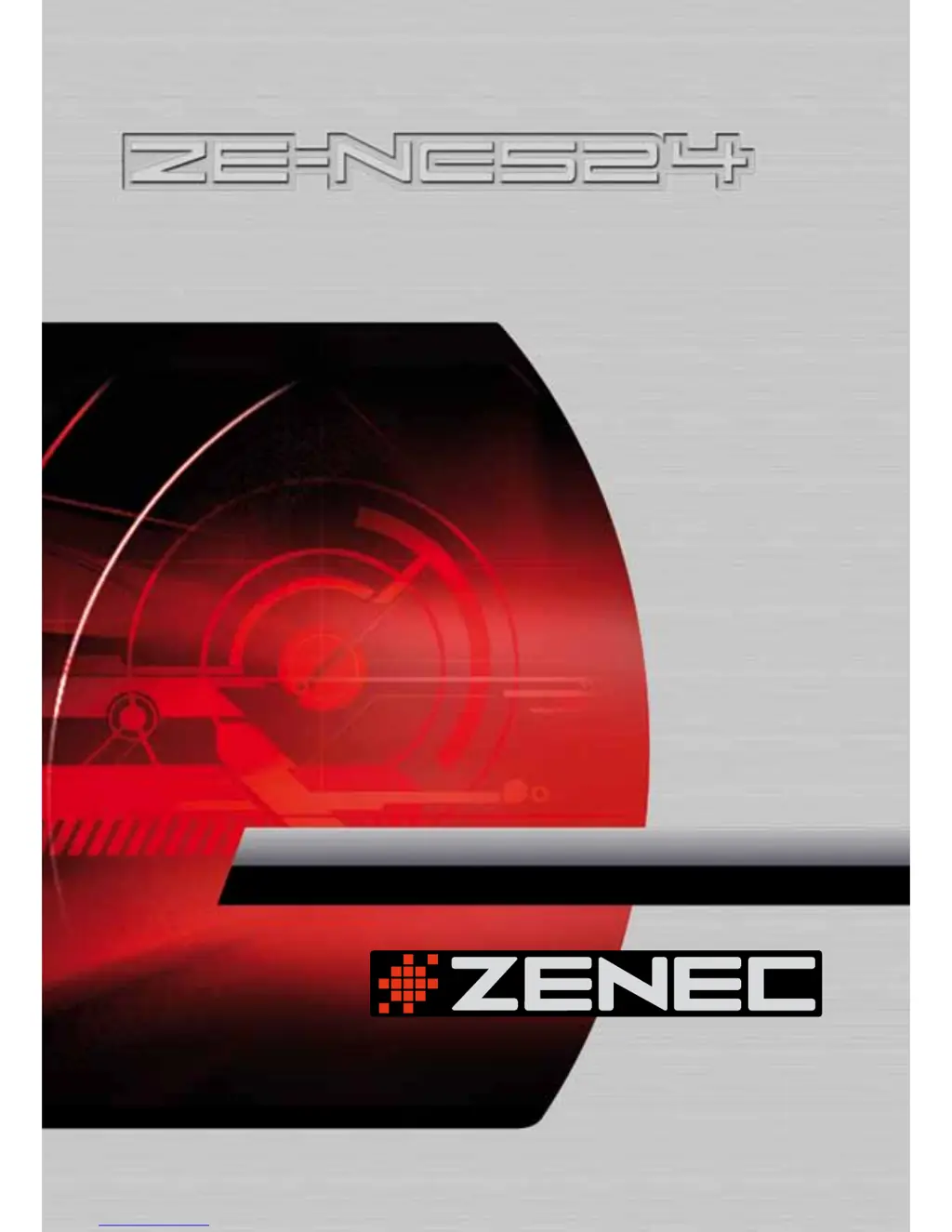
ZENEC ZE-NC524 - User Manual

ZENEC ZE-NC524
36 pages
Print Icon
To Next Page IconTo Next Page
Loading...
2-DIN NAVICEIVER
15.5cm/6.1" LCD DISPLAY
MODEL N0:
USER MANUAL
English

Questions and Answers

Summary

Safety Warnings and Precautions

General Safety Guidelines

Covers crucial safety instructions for connecting the unit, installation placement, avoiding distractions, and protecting against moisture.

Basic Operation and Setup

Initial Setup and Power Management

Covers password entry, turning the unit on/off, muting, and volume adjustment.

Disc Operation Fundamentals

Inserting and Ejecting Discs

Guides on how to insert and eject discs, including notes on disc compatibility and session closure.

Disc Playback and Supported Formats

Covers disc playback initiation, error handling, format recognition, and lists supported audio, video, and picture file types.

Playback Control and Pausing

Explains how to temporarily pause playback, resume it, and stop it entirely, saving the playback position.

Advanced Disc Playback Controls

Track Selection and Speed Control

Details how to select specific tracks, fast forward/backward playback at various speeds, and resume playback.

Disc Menu Navigation and Settings

Tuner Operation and Radio Features

Radio Menu and Tuning

Details the radio menu, automatic and manual tuning, preset station selection, and radio list display.

USB and SD Card Usage

SD Card Slot Functionality

Details the SD card slot's primary use for navigation software and maps, and how to remove the card.

USB Device Connection and Notes

Covers connecting USB devices, file system support, directory/file limits, ID tags, and USB version compatibility.

iPod Connectivity and Control

Connecting and Using the iPod

Explains how to connect an iPod for music playback and video/photo functions, and how to navigate the iPod interface.

Bluetooth Connectivity and Functions

Pairing and Connection Process

Details the steps for pairing a mobile phone with the unit via Bluetooth and the connection process.

Bluetooth Management and Settings

System Setup and Configuration

Audio;Video Settings Menu

Guides on accessing and adjusting audio settings (EQ, Fader/Balance) and video settings (Brightness, Contrast).

General, Language, and DVD Settings

Radio Settings and RDS Features

Bluetooth and Other System Settings

Device Connection Notes and Options

General Connection Guidelines

Provides essential notes on power connection, wiring security, fuse replacement, speaker impedance, and amplifier connections.

Installation Guide and Procedures

Step-by-Step Installation Instructions

Provides a comprehensive guide for installing the unit, including electrical connections, hand brake wire, camera connection, and trim frame attachment.

Troubleshooting Common Issues

General, Power, Audio, and Display Problems

Addresses common problems like unit power failure, remote control issues, audio output problems, and TFT monitor malfunctions.

Disc Playback and Error Message Solutions

Disc Playback and Error Message Resolution

Provides solutions for disc insertion errors, playback failures, PBC issues, region errors, and other disc-related error messages.

Technical Specifications

General and Disk Player Specifications

Details general electrical specifications, fuse rating, dimensions, weight, and disk player performance metrics.

Wiring Connections Diagram

Summary

Safety Warnings and Precautions

General Safety Guidelines

Covers crucial safety instructions for connecting the unit, installation placement, avoiding distractions, and protecting against moisture.

Basic Operation and Setup

Initial Setup and Power Management

Covers password entry, turning the unit on/off, muting, and volume adjustment.

Disc Operation Fundamentals

Inserting and Ejecting Discs

Guides on how to insert and eject discs, including notes on disc compatibility and session closure.

Disc Playback and Supported Formats

Covers disc playback initiation, error handling, format recognition, and lists supported audio, video, and picture file types.

Playback Control and Pausing

Explains how to temporarily pause playback, resume it, and stop it entirely, saving the playback position.

Advanced Disc Playback Controls

Track Selection and Speed Control

Details how to select specific tracks, fast forward/backward playback at various speeds, and resume playback.

Disc Menu Navigation and Settings

Tuner Operation and Radio Features

Radio Menu and Tuning

Details the radio menu, automatic and manual tuning, preset station selection, and radio list display.

USB and SD Card Usage

SD Card Slot Functionality

Details the SD card slot's primary use for navigation software and maps, and how to remove the card.

USB Device Connection and Notes

Covers connecting USB devices, file system support, directory/file limits, ID tags, and USB version compatibility.

iPod Connectivity and Control

Connecting and Using the iPod

Explains how to connect an iPod for music playback and video/photo functions, and how to navigate the iPod interface.

Bluetooth Connectivity and Functions

Pairing and Connection Process

Details the steps for pairing a mobile phone with the unit via Bluetooth and the connection process.

Bluetooth Management and Settings

System Setup and Configuration

Audio;Video Settings Menu

Guides on accessing and adjusting audio settings (EQ, Fader/Balance) and video settings (Brightness, Contrast).

General, Language, and DVD Settings

Radio Settings and RDS Features

Bluetooth and Other System Settings

Device Connection Notes and Options

General Connection Guidelines

Provides essential notes on power connection, wiring security, fuse replacement, speaker impedance, and amplifier connections.

Installation Guide and Procedures

Step-by-Step Installation Instructions

Provides a comprehensive guide for installing the unit, including electrical connections, hand brake wire, camera connection, and trim frame attachment.

Troubleshooting Common Issues

General, Power, Audio, and Display Problems

Addresses common problems like unit power failure, remote control issues, audio output problems, and TFT monitor malfunctions.

Disc Playback and Error Message Solutions

Disc Playback and Error Message Resolution

Provides solutions for disc insertion errors, playback failures, PBC issues, region errors, and other disc-related error messages.

Technical Specifications

General and Disk Player Specifications

Details general electrical specifications, fuse rating, dimensions, weight, and disk player performance metrics.

Wiring Connections Diagram

ZENEC ZE-NC524 Specifications

General IconGeneral
BrandZENEC
ModelZE-NC524
CategoryCar Video System
LanguageEnglish

Related product manuals