EasyManua.ls Logo

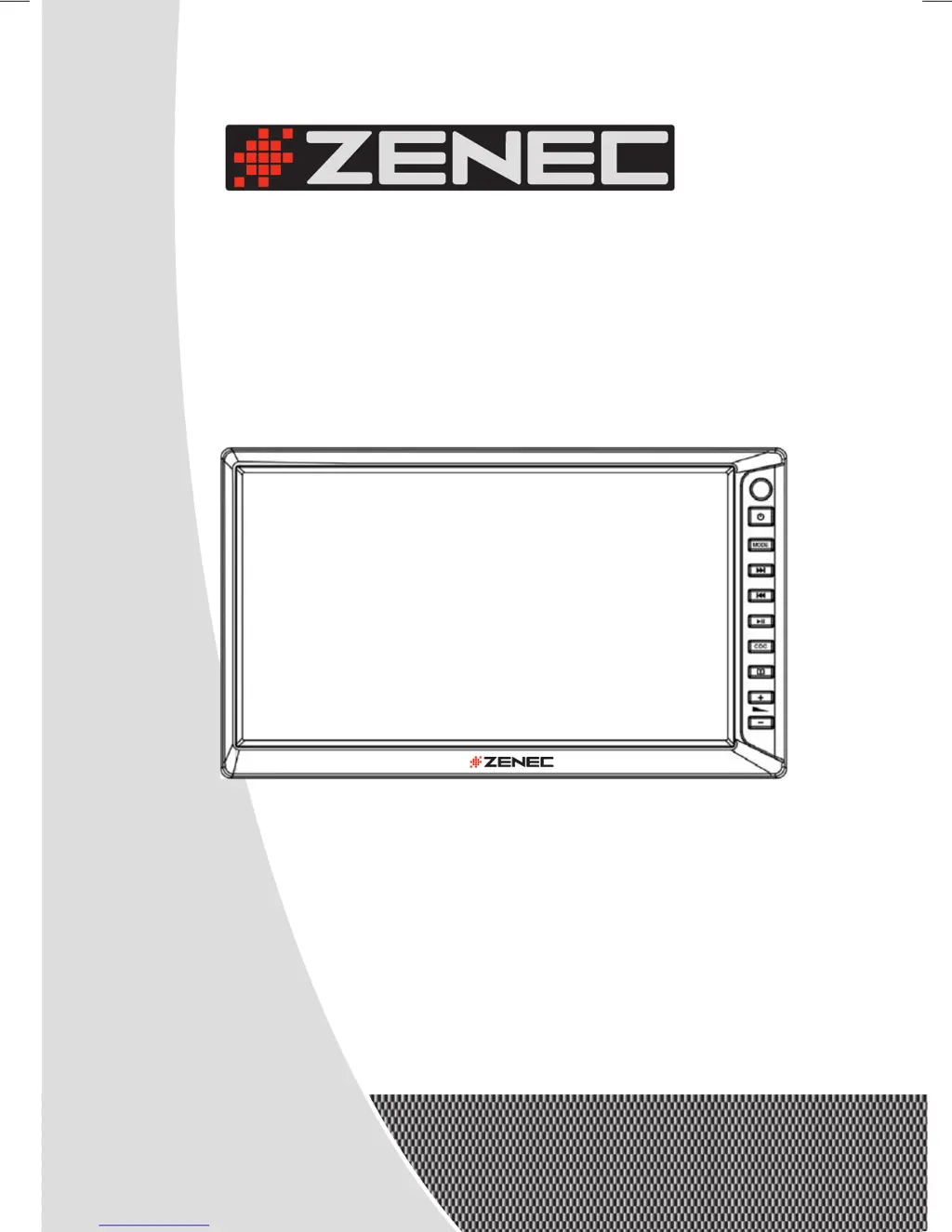
ZENEC ZEM-W600DDMM - User Manual

ZENEC ZEM-W600DDMM
56 pages
Go to English
Print Icon
To Next Page IconTo Next Page
Loading...
INSTRUCTION MANUAL
MODEL NO:
ZEM-W600DDMM
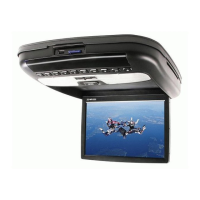
2-DIN TFT-LCD MONITOR
WITH TV/RADIO TUNER
ZEM-W600DDMM
ZEM-W600DDMM Manual D+E.indd 1 28.11.2005 12:35:11 Uhr

Questions and Answers

Summary

Technical Features

TFT-LCD Display

Details the specifications of the TFT-LCD panel, including resolution and brightness.

RDS-Tuner

Outlines the features and operations of the RDS-EON radio tuner.

TV-Tuner

Describes the capabilities and operations of the integrated TV tuner.

A;V-Connections

Lists the available audio and video input/output connection types.

Special Features

Highlights additional functionalities, design aspects, and compatibility.

Box Contents

Before You Start

Safety Precautions

Provides critical safety warnings and guidelines for proper usage and installation.

Display Care & Cleaning

Install;Uninstall Battery

Basic Operations

Control Panel

Details the functions of the unit's physical control panel buttons and remote sensor.

Remote Control

On-Screen Display

System Menu

Enter the System Menu

Instructions on how to access and navigate the system menu.

Settings

RDS Settings

Picture Adjustment

RDS-Tuner

Basic Operations

Explains how to operate the RDS tuner, including band selection and tuning.

Manual;Automatic Searching

Details methods for searching radio stations manually and automatically.

Manual Preset Memory

Describes how to store and recall preset radio stations manually.

Auto Preset Memory

Explains the process for automatically storing the strongest radio signals.

RDS Functions

Refers to system menu settings related to RDS functions.

TV-Tuner

Basic Operations

Explains how to operate the TV tuner, including station selection.

Manual;Automatic Searching

Details methods for searching TV stations manually and automatically.

Manual Preset Memory

Describes how to store and recall preset TV stations manually.

Auto Preset Memory

Explains the process for automatically storing the strongest TV signals.

CD;DVD Changer Control

Basic Operations

Explains how to enter and operate the CD changer mode.

CD Changer Operation

Details how to control the CD/DVD changer using the remote.

Installation

Safety Precautions

Provides essential safety guidelines for the installation process.

Connection Layout Audio Signals

Connection Layout Power Supply

Parking Brake Connection

Installation of the Unit

Removing of the Unit

Additional Information

Troubleshooting

Lists common problems, their possible causes, and suggested remedies.

Technical Specification

Warranty; Garantie

2 Years Limited Warranty

Outlines the terms and conditions of the two-year limited warranty.

Summary

Technical Features

TFT-LCD Display

Details the specifications of the TFT-LCD panel, including resolution and brightness.

RDS-Tuner

Outlines the features and operations of the RDS-EON radio tuner.

TV-Tuner

Describes the capabilities and operations of the integrated TV tuner.

A;V-Connections

Lists the available audio and video input/output connection types.

Special Features

Highlights additional functionalities, design aspects, and compatibility.

Box Contents

Before You Start

Safety Precautions

Provides critical safety warnings and guidelines for proper usage and installation.

Display Care & Cleaning

Install;Uninstall Battery

Basic Operations

Control Panel

Details the functions of the unit's physical control panel buttons and remote sensor.

Remote Control

On-Screen Display

System Menu

Enter the System Menu

Instructions on how to access and navigate the system menu.

Settings

RDS Settings

Picture Adjustment

RDS-Tuner

Basic Operations

Explains how to operate the RDS tuner, including band selection and tuning.

Manual;Automatic Searching

Details methods for searching radio stations manually and automatically.

Manual Preset Memory

Describes how to store and recall preset radio stations manually.

Auto Preset Memory

Explains the process for automatically storing the strongest radio signals.

RDS Functions

Refers to system menu settings related to RDS functions.

TV-Tuner

Basic Operations

Explains how to operate the TV tuner, including station selection.

Manual;Automatic Searching

Details methods for searching TV stations manually and automatically.

Manual Preset Memory

Describes how to store and recall preset TV stations manually.

Auto Preset Memory

Explains the process for automatically storing the strongest TV signals.

CD;DVD Changer Control

Basic Operations

Explains how to enter and operate the CD changer mode.

CD Changer Operation

Details how to control the CD/DVD changer using the remote.

Installation

Safety Precautions

Provides essential safety guidelines for the installation process.

Connection Layout Audio Signals

Connection Layout Power Supply

Parking Brake Connection

Installation of the Unit

Removing of the Unit

Additional Information

Troubleshooting

Lists common problems, their possible causes, and suggested remedies.

Technical Specification

Warranty; Garantie

2 Years Limited Warranty

Outlines the terms and conditions of the two-year limited warranty.

ZENEC ZEM-W600DDMM Specifications

General IconGeneral
Resolution800 x 480 pixels
BluetoothYes
SD Card ReaderYes
DVD PlayerYes
TouchscreenYes
AUX InputYes
Steering Wheel ControlYes
Rear View Camera InputYes
Display Size6.2 inches
Operating SystemWindows CE
GPS NavigationYes

Related product manuals