EasyManua.ls Logo

ZENEC ZE-NC520 - User Manual

ZENEC ZE-NC520
132 pages
Go to English
Print Icon
To Next Page IconTo Next Page
Loading...
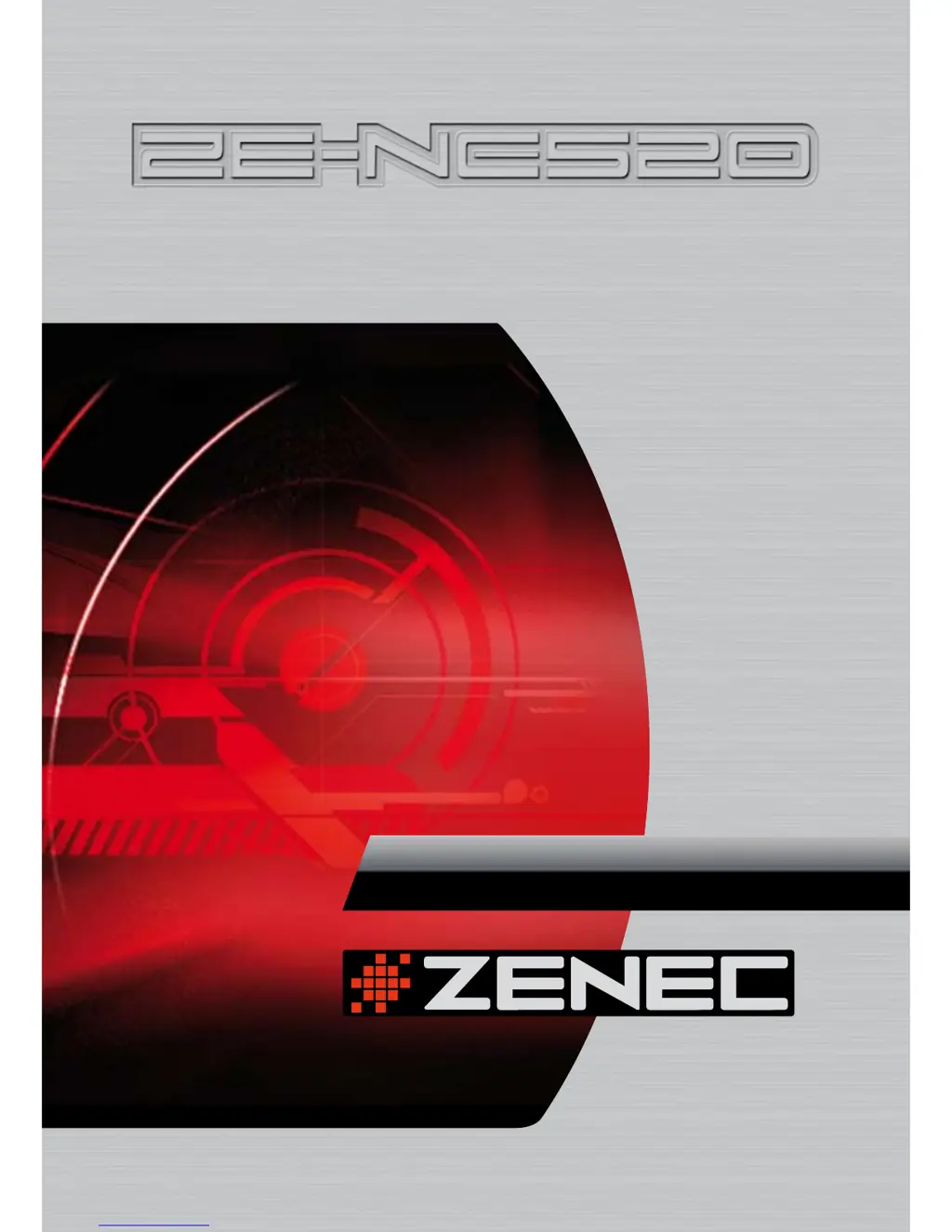
2-DIN DVD-NAVICEIVER WITH
MOTORIZED 6.95" LCD DISPLAY
MODEL NO:
INSTRUCTION MANUAL
1 CH DVB-T TUNER
ZE-DVBT1 0
MODEL NO:

Table of Contents

Questions and Answers

  • M
    Michelle MitchellSep 8, 2025
    How to fix ZENEC ZE-NC520 touchscreen that doesn't work correctly?
    • J
      James GardnerSep 8, 2025
      If the touchscreen on your ZENEC Car Video System isn't working correctly, it may need to be recalibrated, especially if the unit was recently disconnected or upgraded with a new software update. It’s necessary to calibrate the touchscreen.
  • G
    Glenn WalshAug 23, 2025
    How to fix no audio output on ZENEC ZE-NC520?
    • L
      Lisa ForbesAug 23, 2025
      If you're experiencing no or low audio output on your ZENEC Car Video System, several factors could be responsible: * Improper audio output connection: Check the wiring and correct as needed. * Volume set too low: Increase the volume level. * Improper “MUTE” connection: Review the wiring diagram and check the “MUTE” connection. * Speakers damaged: Replace the speakers. * Heavily biased balance setting: Adjust the channel balance to the center position. * Speaker wiring in contact with metal: Insulate all speaker wiring connections.
  • S
    Stephanie GutierrezAug 25, 2025
    What to do if ZENEC ZE-NC520 Car Video System remote control does not work?
    • K
      Kristen HendersonAug 25, 2025
      If the remote control for your ZENEC Car Video System isn't working, the issue is likely a depleted or incorrectly installed battery. Try replacing the battery with a new one. If that doesn't work, remove the battery and reinstall it, making sure it's correctly oriented.
  • R
    ralph90Aug 26, 2025
    Why is the sound quality poor on my ZENEC Car Video System?
    • M
      Marie TaylorAug 27, 2025
      Poor sound quality or distortion in your ZENEC Car Video System can stem from several causes. It could be due to using a pirated disc; if so, use an original copy. Alternatively, the speaker power rating might not be compatible with the unit, in which case you should connect proper speakers. Finally, a shorted speaker could be the culprit; check the speaker contact.
  • S
    Sharon AdamsAug 27, 2025
    How do I troubleshoot a ZENEC ZE-NC520 with no image?
    • T
      tonya62Aug 28, 2025
      If your ZENEC Car Video System displays no image, the issue could be related to the parking brake wire or the parking brake itself. Check the wiring to the parking brake wire and correct it if necessary. Also, if the PRK SW is activated, make sure to stop the vehicle in a safe place and apply the parking brake.
  • E
    Elizabeth EstesSep 22, 2025
    Why can't I repeat or search while playing VCD on my ZENEC Car Video System?
    • N
      Norma ChangSep 22, 2025
      If you cannot repeat or search while playing a VCD on your ZENEC Car Video System, PCB is likely on. Turn PCB off.
  • M
    Mario JohnsonSep 16, 2025
    What does 'Bad Disc' mean on ZENEC Car Video System?
    • D
      David JacksonSep 16, 2025
      If your ZENEC Car Video System displays 'Bad Disc', it could indicate the disc is dirty, so clean it with a soft cloth. Alternatively, the disc might be upside down; insert it with the label side up.
  • P
    patriciawatsonSep 18, 2025
    What does 'Error' mean on ZENEC ZE-NC520 Car Video System?
    • P
      Peter TuckerSep 18, 2025
      If your ZENEC Car Video System displays 'Error', it suggests an illegal mechanism operation. Press the “EJECT” button for 5 seconds to reset the loading mechanism.
  • N
    Nicole ClarkSep 7, 2025
    Why doesn't the monitor on my ZENEC ZE-NC520 Car Video System open automatically?
    • A
      Amanda SuarezSep 7, 2025
      If the monitor on your ZENEC Car Video System doesn't open automatically, the TFT Auto Open feature is likely turned off. Turn TFT Auto Open on.
  • J
    Jeff OconnorSep 4, 2025
    What if I cannot insert a disc into my ZENEC ZE-NC520 Car Video System?
    • T
      Thomas EdwardsSep 4, 2025
      If you cannot insert a disc into your ZENEC Car Video System, it is possible that a disc is already inside the unit. Eject the current disc and then try inserting the new one.

Summary

Product Features

Basic Operations

Power, Source, Volume, and Audio Control

Covers fundamental functions like turning the unit on/off, source selection, volume, and audio menu.

Audio Adjustments

Details EQ, Bass, Treble, Fade, Balance, Loudness, and 6-Channel settings.

System Setup and Settings

Main Menu Overview

Provides an overview of the system's main menu and its access methods.

Screen Settings

Covers adjusting brightness, screen tilt, and screen saver.

General Setup Options

Details settings like Radio, Clock, Bluetooth, and Anti-theft code.

Audio Signal Processing Setup

Allows fine-tuning of audio parameters like Bass Freq and Gain.

Tuner Operations

Tuner Display and Basic Controls

Explains the tuner interface and basic functions like band selection.

DVD Player Operations

Basic Disc Handling and Mode Access

Covers opening/closing screen, inserting/ejecting discs, and accessing DVD mode.

Playback Controls and Navigation

Explains touch screen controls for playback, stopping, pausing, and menu navigation.

Media Playback (CD;MP3;JPEG)

CD Player Interface and Controls

Describes the CD player interface, playback, and controls.

Troubleshooting Guide

General and TFT Monitor Issues

Provides solutions for common problems with the unit and display.

Media and Tuner Issues

Addresses troubleshooting for CD/DVD, MP3, and tuner reception problems.

Product Specifications

Warranty Information

ZENEC ZE-NC520 Specifications

General IconGeneral
Resolution800 x 480 pixels
BluetoothYes
NavigationYes
DVD PlayerYes
SD CardYes
TouchscreenYes
Video PlaybackYes
Audio PlaybackYes
Steering Wheel ControlYes
Rear View Camera InputYes
Display Size6.2 inches
Compatible FormatsMP3, WMA, DivX, Xvid
RadioFM/AM

Related product manuals