EasyManua.ls Logo

Zenith Allegro - Tape Recording and Pause Controls

Zenith Allegro
24 pages
Print Icon
To Next Page IconTo Next Page
To Previous Page IconTo Previous Page
Loading...
-__
*
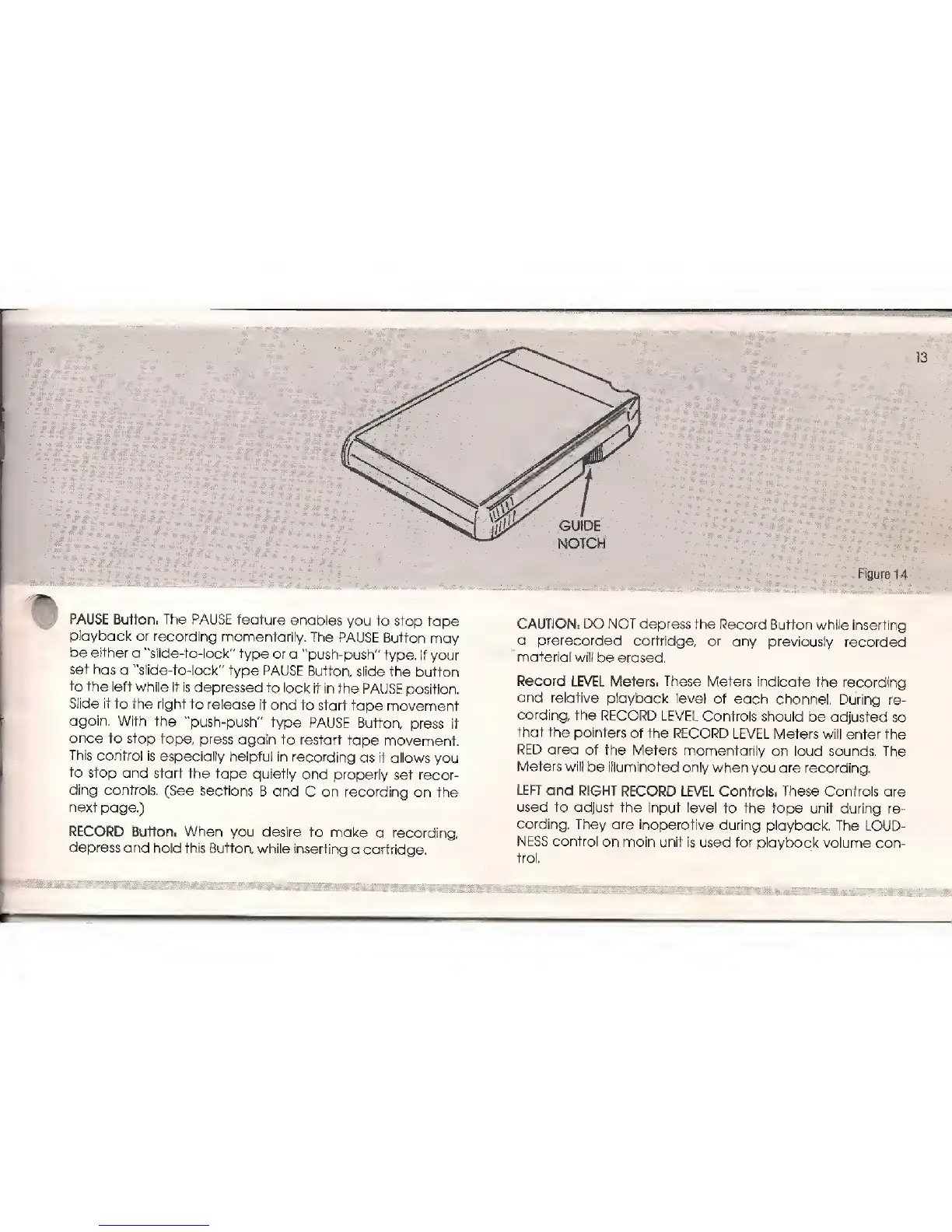
GUIDE
NOTCH
Figure
1 4
PAUSE Button, The PAUSE
feature
enables
you to stop
tape
playback
or recording
momentarily.
The
PAUSE
Button
may
be
either
a
J,
slide-to-lock"
type
or a
"push-push" type.
If your
set
has
a "slide-to-lock"
type PAUSE
Button,
slide the
button
to the
left while
it is depressed
to
lock
it in the PAUSE
position.
Slide it to the
right to
release it
and
to start
tape
movement
again,
With
the
"push-push" type
PAUSE
Button,
press
it
once
to stop
tape,
press
again to restart
tape
movement.
This
control is
especially helpful in
recording
as it allows
you
to stop
and
start the tape
quietly
and properly
set recor-
ding
controls.
(See sections
B and
C
on recording
on the
next
page.)
RECORD
Button.
When
you desire to
make
a recording
depress
and hold
this Button,
while inserting
a
cartridge.
CAUTION: DO NOT depress
the
Record
Button while inserting
a prerecorded
cartridge,
or
any
previously recorded
material
will be erased.
Record LEVEL
Meters.
These
Meters indicate
the
recording
and
relative playback
level
of each
channel,
During re-
cording,
the RECORD
LEVEL
Controls should
be adjusted
so
that the
pointers
of the
RECORD LEVEL
Meters will enter
the
RED
area of
the
Meters momentarily
on loud
sounds, The
Meters will
be illuminated
only
when you are recording.
LEFT
and RIGHT
RECORD LEVEL Controls.
These
Controls are
used to adjust
the input level
to the tape unit during re-
cording, They
are
inoperative
during playback.
The LOUD-
NESS
control
on main unit is used for
playback volume
con-
trol.
13

Related product manuals