EasyManua.ls Logo

Zenith Allegro - Tape Recorder Operation; Playing Tapes; Recording Tapes

Zenith Allegro
24 pages
Print Icon
To Next Page IconTo Next Page
To Previous Page IconTo Previous Page
Loading...
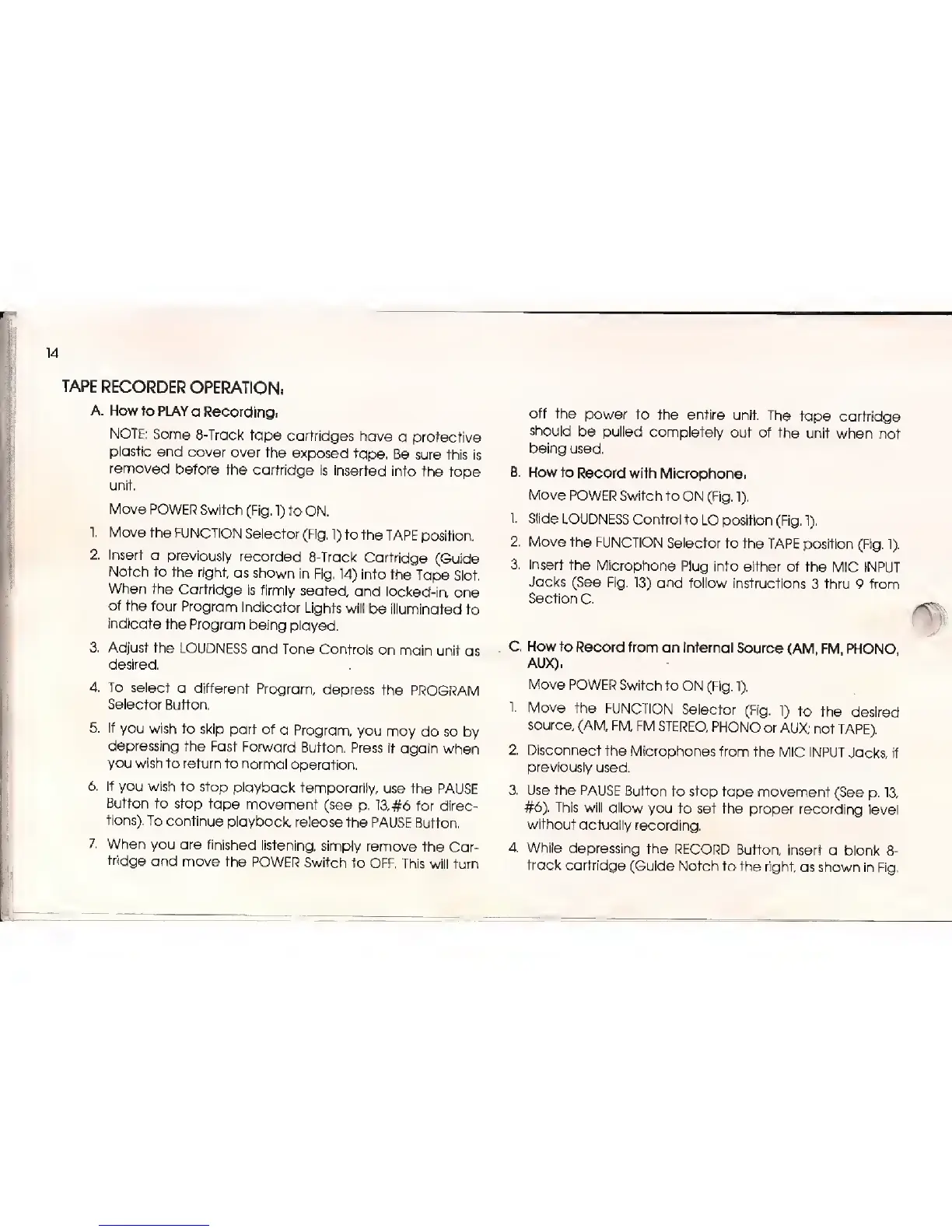
14
TAPE
RECORDER
OPERATION;
A.
How to PLAY
a Record
ingi
NOTE:
Some
8-Track
tape
cartridges
have
a
protective
plastic
end cover
over the
exposed
tape.
Be sure this
is
removed
before
the cartridge
is
inserted
into the
tape
unit.
Move POWER
Switch
(Fig.
1)
to
ON.
1
Move
the
FUNCTION
Selector
(Fig,
1)
to
the
TAPE
position.
2. Insert
a
previously
recorded
8-Track
Cartridge
(Guide
Notch
to the
right
as shown
in
Fig.
14)
into the
Tape
Slot.
When
the
Cartridge
is firmly
seated,
and
locked-in,
one
of
the
four Program
Indicator
Lights
will
be
illuminated
to
indicate
the
Program
being
played.
3. Adjust
the
LOUDNESS
and Tone
Controls on
main
unit as
desired.
4. To select
a
different
Program,
depress
the
PROGRAM
Selector
Button.
5.
If
you
wish
to skip
part of
a
Program,
you may
do so by
depressing
the
Fast
Forward
Button. Press
it again
when
you wish
to return to
normal
operation.
6. If
you wish
to stop
playback
temporarily,
use
the
PAUSE
Button
to stop
tape
movement
(see
p. 13, #6 for direc-
tions). To
continue
playback,
release
the PAUSE
Button.
7.
When
you are
finished
listening,
simply remove
the
Car-
tridge
and move the
POWER
Switch
to
OFF. This
will turn
off
the
power
to
the
entire unit.
The
tape
cartridge
should
be pulled
completely
out
of
the
unit when not
being
used.
B. How
to
Record
with Microphone.
Move
POWER Switch to
ON (Fig.
1).
I
Slide
LOUDNESS
Control
to
LO position
(Fig.
1),
2.
Move the
FUNCTION
Selector to
the
TAPE position
(Fig.
1).
3.
Insert the
Microphone
Plug into
either of the
MIC INPUT
Jacks
(See Fig.
13)
and
follow instructions
3 thru
9 from
Section
C.
C. How
to
Record
from an Internal
Source
(AM, FM,
PHONO,
AUX),
Move
POWER
Switch to
ON (Fig.
1).
1.
Move
the
FUNCTION
Selector
(Fig.
1)
to
the
desired
source, (AM,
FM, FM
STEREO,
PHONO
or
AUX;
not
TAPE).
2.
Disconnect
the Microphones
from
the MIC INPUT
Jacks,
if
previously
used.
3.
Use
the
PAUSE
Button
to stop tape
movement
(See
p.
13,
#6).
This will
allow
you to set the proper
recording
level
without
actually
recording.
4.
While
depressing
the
RECORD
Button,
insert
a blank
8-
track cartridge
(Guide
Notch to the
right
as shown
in Fig.

Related product manuals