Radio Operation
OPERATION
33
Presetting the Radio Stations
You can preset 50 stations for FM and AM. Before tun-
ing, make sure that you have turned down the volume.
11
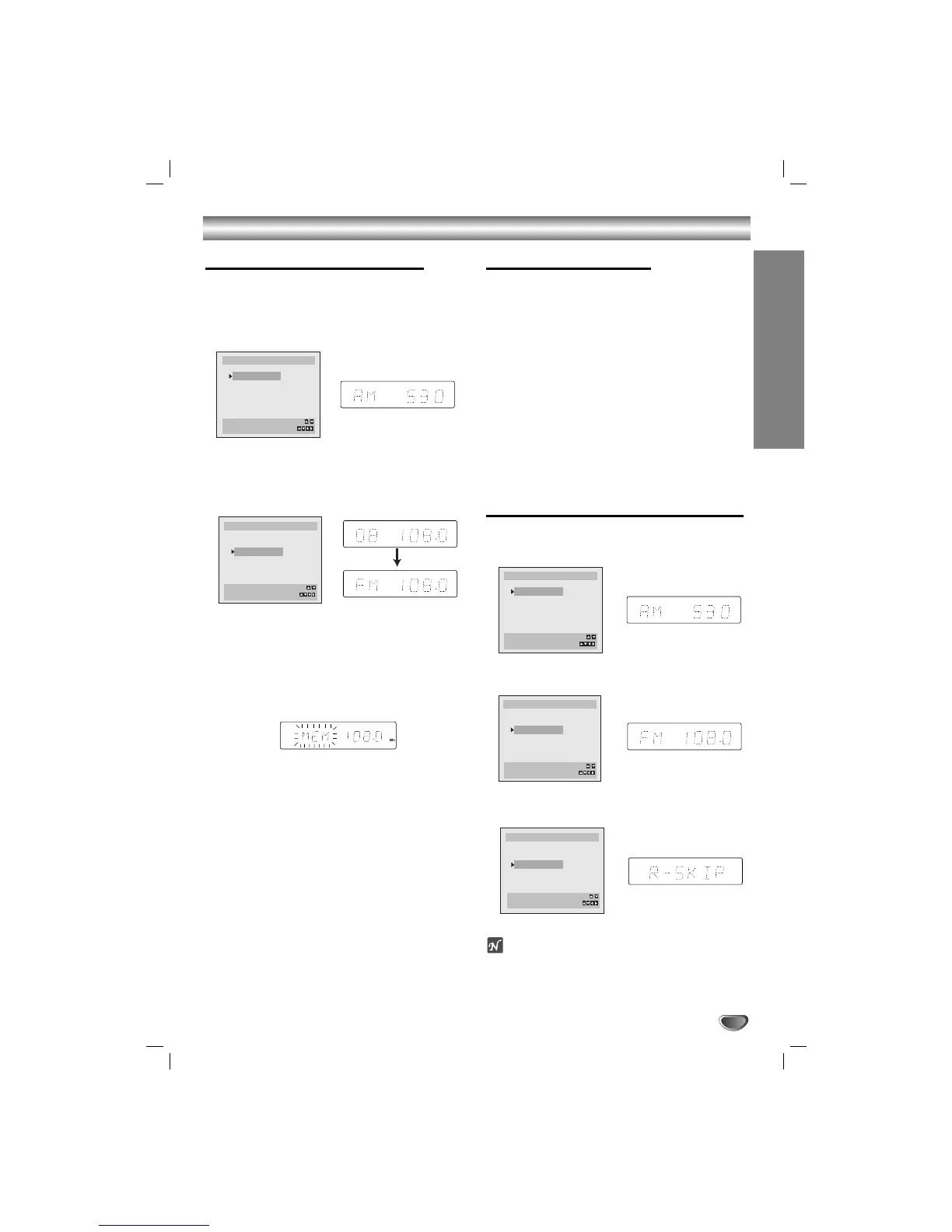
Press FM/AM on the remote control or front
panel until the frequency band appears on the
display and TV screen.
22
Use TRK/PRESET (v/V) on the remote
control or PRESET (+/-) on the front panel to
select the desired Station.
If you select a blank column, R-SKIP appears in the dis-
play window.
33
Press FM/AM on the remote control or front
panel to select the desired band.
44
Hold down TUNING (
44
/
33
) on the remote control
for 1 or 2 seconds, and a station is searched for
automatically.
55
Press MEMORY/ENTER on the remote control.
The station is stored.
66
Repeat steps 2 to 5 to store other stations.
Listening to the Radio
Preset radio stations in the DVD/VCR Receiver memory
first (see “Presetting Radio Stations” on the left).
11
Press FM/AM on the remote control or front
panel until the frequency band appears on the
display and TV screen.
The last received station is tuned in.
22
Use TRK/PRESET (v/V) on the remote
control repeatedly to select the preset station
you want.
Each time you press the button, the unit tunes in one pre-
set station at a time.
33
Adjust the volume by rotating VOLUME on the
front panel or by pressing VOLUME (+/-) on the
remote control repeatedly.
To Clear the Stored Radio Stations
11
Press FM/AM on the remote control or on the
front panel until the frequency band appears on
the display and TV screen.
22
Use TRK/PRESET (v/V) on the remote
control to select your desired station.
33
Press CLEAR the remote control to clear the
stored radio station.
ote
While record or record pause mode, the CLEAR
function may not be operated.


 To Next Page