USER MENUS 905-10533
SR23 - 923-03509 1-12 CS - MENUS
Notes:
• When the “- - - -” label is selected, then the Auto
channel label is activated, in other words, the program
automatically takes the channel label of the signal
that is sent by broadcasting through the XDS service.
• If the label None is selected, the Auto channel label
is not activated.
PROGRAMMABLE CHANNEL LABELS
Besides the labels already provided, the customer may
select a label of his or her choice. The programmable
labels are at the end of the list of labels already provided.
Pressing the volume key allows the editing of the first
character. In this case it is the “L” that would start
blinking. However, if the Left volume key is pressed, the
“1” is the character that would begin to blink. When the
character begins to blink, the customer may select
another character.
The method of selecting another character is by pressing
the channel Up/Down key. If the channel up key were
pressed, the character displayed would be an “M”. On
the other hand, if the channel down key is pressed, the
character displayed is an “L”.
There are 20 programmable labels that the customer may
program. The available characters to choose from are
the following:
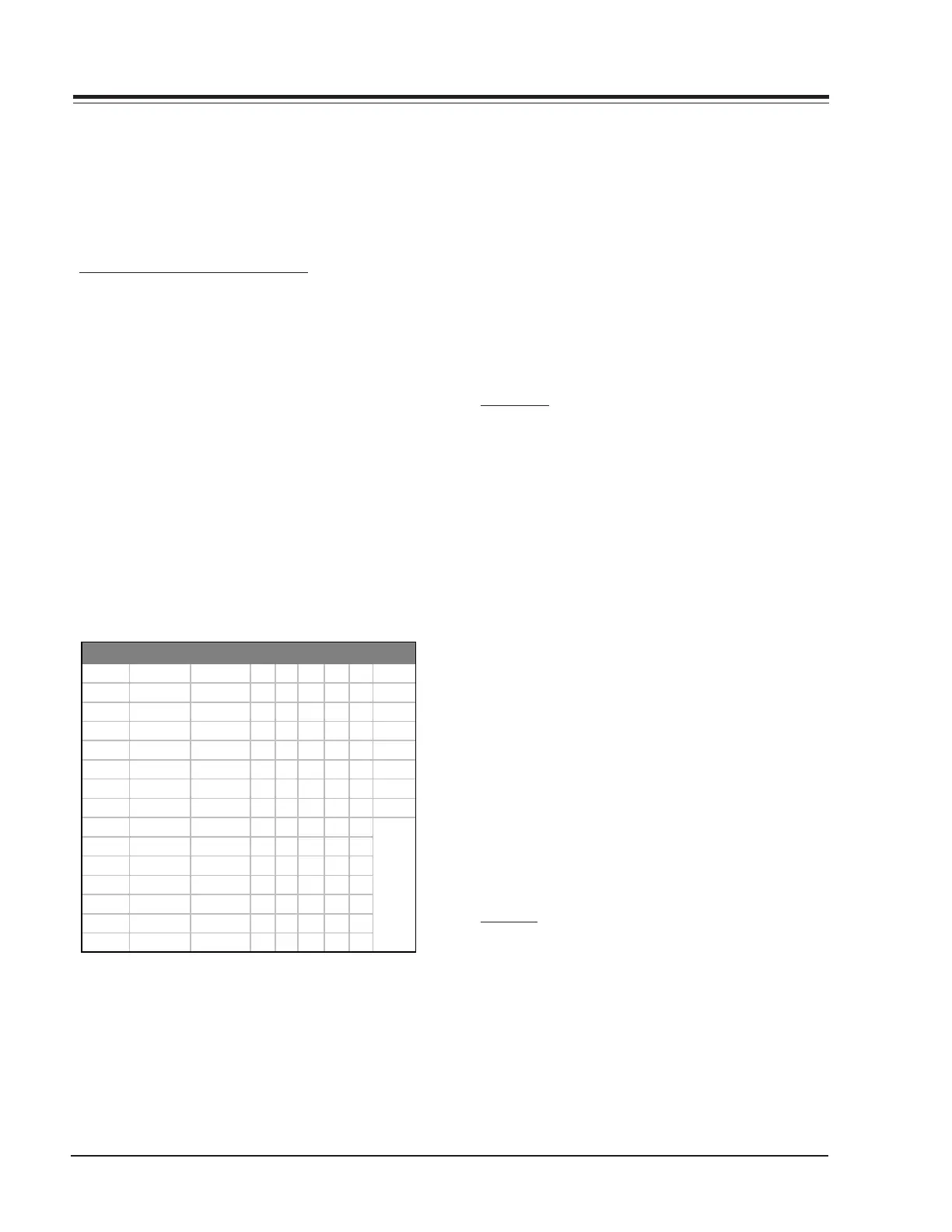
Blank ê Reserved - < K Z i x
|î Reserved.=L[jy
| ô Space / > M \ k z
Blank û ! 0 ? N ] l {
Òá “ 1@O^m|
°é # 2AP_n}
½í $ 3BQ‘o~
¿ó % 4CRapBlock
äú & 5DSbq
¢V ‘ 6ETcr
£¸ ( 7FUds
)8GVet
àñ * 9HWfu
èReserved+ :IXgv
âReserved‘ ;JYhw
Programmable Channel Labels
Notes:
• If the mute key is pressed, the label is cleared. The
channel is automatically given the label NONE.
• Any changes done to a label are stored even if another
keystroke occurs. For example if the customer is
programming a label and the first 3 letters are entered
and accidentally the ENTER key is pressed or the Menu
key is pressed, the label is stored with only the three
characters being changed. The other two remain
unchanged. The programmable labels have 5
characters that may be programmed.
• If, for example, the 10
th
label is programmed as ABCDE,
then the customer decides to clear it. The channel
automatically receives the label NONE and label 10 is
restored to LAB10.
• Using the Channel Up/Down the customer may select
the above-mentioned characters.
CLOCK SET
This Setup Menu Line allows the customer to set the
clock time and date.
When no time is set, the display shows: - -: - -
There are two ways to set the time:
1. Direct Entry is preferred. Use the digit keys, followed
by ‘Enter’ or Select Up/Down.
2. Left/Right Arrow keys.
When the first digit is introduced, the display shows:
0:0d AM
When the time is set, the display shows:
hh:mm AM
where d = digit, mm = minutes, and hh = hours.
To select either AM or PM, the Timer key must be used.
Pressing the Timer key, toggles AM and PM to allow the
customer to select AM or PM.
Notes:
• Entering the time in 24 hour (Military) format is
allowed. AM/PM will be toggled automatically.
• Entering an invalid time (“0” for example) will result
in the clearing of the current time - - : - -.
• When only one digit is pressed and no other is pressed
in an interval of seven seconds, the current time will
be cleared.
CAPTION
This function allows the user to show in the screen the
configuration menu to captions.



 To Next Page