USER MENUS 905-10533
SR23 - 923-03509 1-11 CS - MENUS
USER MENUS
SETUP MENU
The Setup Menu and all of the options for Presentation
Chassis are described below.
Note: This menu is not available while the set is in
computer mode.
LANGUAGE
AUTO PROGRAM
CLOCK SET
CH. LABELS
ADD/DEL/BLNK
SETUP MENU
ALARM
TO PROGRAM
CAPTIONS
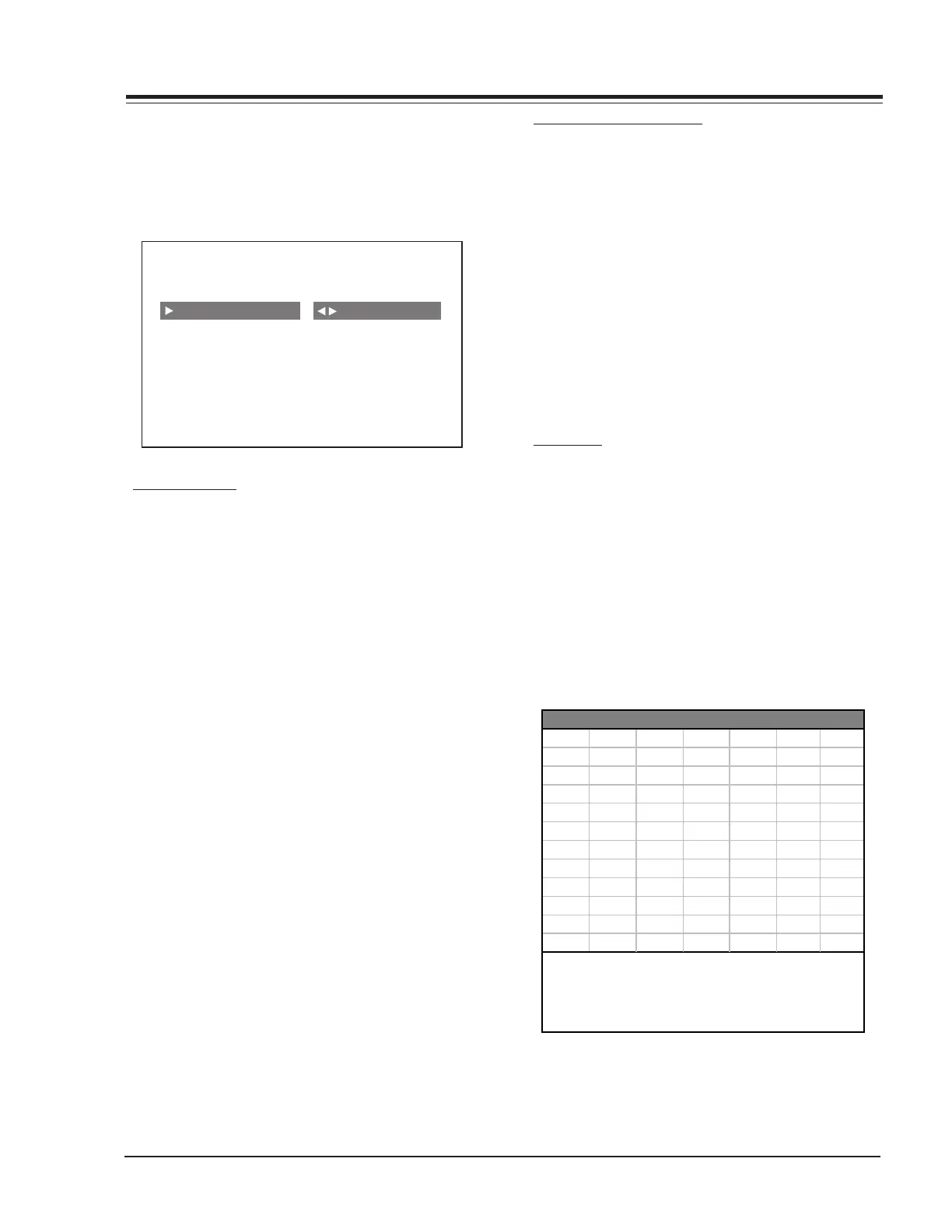
AUTO PROGRAM
The Auto Program feature automatically searches for all
available channels and marks them as ‘added’ so that
they may be accessed via the channel Up/Down key.
In the Auto Program screen:
• A message at the top displays “Auto Program” to
let the customer know that they have entered the
Auto Program feature.
• A line at the bottom of the screen shows that the
Up/Down and Left/Right Arrow keys are used for
Auto Program selections.
• The current RF input type (Off Air Antenna or Cable
TV) is highlighted. Use the Up/Down Arrow keys to
change the RF input type.
To start the Auto Program, press the Left/Right Arrow
key. If the Cable TV input type is selected, the Auto
Program routine will determine what type of cable system
is present.
Notes:
• Auto program clears all blanked channels, which were
added.
• While searching for channels, all keys except for the
Power key are disabled. This prevents an incomplete
Auto Program procedure.
• Running the Auto Program will clear the factory mode,
if it was active. This happens at the end of the Auto
Program.
• If the Auto Program line in the Setup Menu is ‘red’,
this indicates that the module did not pass one of
the test equipment’s tests.
If no channels are found then the following message
will appear: “Make sure that the cable/ant. is connected
and try again.”
CHANNEL ADD/DEL/BLNK
After running the Auto Program, all channels found by
the Auto Program feature will be marked as ‘Added’.
However, some of these channels may be scrambled, or
undesired by the customer. The Channel Add/Del/Blnk
feature allows the customer to selectively mark any
channel as ‘Deleted’ or ‘Added’.
To change the status of a channel, press the Right/Left
Arrow key.
To change the channel while adding or deleting channels,
use the Channel Up/Down keys, or press the desired
channel digits followed by ‘Enter’. If Channel Up/Down
is pressed the next or previous channel, which was marked
‘Added’, will appear. If only one channel is present, to
change the channel the customer must use the digit
keypad to select a channel.
CH. LABEL
This feature allows the customer to select a channel label
for the current station. This channel label is displayed
in the Channel/Time display. Initially, all channel labels
are set to ‘——‘ (which means that auto label is selected).
To change the current channel label, press the Left or
Right Arrow key.
To change the channel while adjusting channel labels,
use the Channel Up/Down Arrow keys, or press the desired
channel digits, followed by ‘Enter’. (If Channel Up/Down
is pressed, the next or previous channel that was marked
‘Added’ will appear.)
A&E CMTV ESPN HSE NOS TBN VC
ABC CNBC ESP2 HSN PBS TELE VCR
ACTS CNN ET IC PLAY TLC VH-1
ADC COM EWTN INSP PTL TMC VISN
AMC CSPN FAM JCN QVC TNN VJN
BCC CSP2 FNN LIFE RDS TNT WB
BET CTN FOX MAX REQ TRAV WGN
BRAV CTV F&V ME/U SC TSN WTBS
CA DIS FX MMT SCFI TVA WWOR
CBC DISC GALA MTV SHOW TWC YTV
CBN E! HBO NBC SIN UPN - - - -
CBS ENC HN NICK TBS USA None
NOTE:
Channel Labels
Selecting the "- - - -" label option means
that auto label is selected. Selecting the
"None" option means the channel will not
have a label.



 To Next Page