USER MENUS 905-10533
SR23 - 923-03509 1-13 CS - MENUS
ALARM
If the factory menu item Alarm is set to 1 the Alarm
feature is activated.
LANGUAGE
AUTO PROGRAM
CLOCK SET
CH. LABEL
ADD/DEL/BLNK
SETUP MENU
ALARM
TO SET ALARM
CAPTIONS
LANGUAGE
This feature allows the customer to change the menu
language from English, Spanish, or French by pressing
the Left/Right Arrow keys.
AUDIO MENU
All options in the Audio Menu are selected with the Up
Arrow key. Once the option is selected, use the Left/Right
Arrow keys to adjust to option to the desired setting.
AUDIO MENU
BASS
SOUNDRITE
BALANCE
TREBLE
STEREO
AUDIO MODE
OFF
ON
ON
SPEAKERS
PRESET
AUDIO PREF
FRONT SURR
BASS
Bass adjustment has 15 steps (0 to 14). A center mark
indicates step 7.
TREBLE
Treble adjustment has 15 steps (0 to 14). A center mark
indicates step 7.
BALANCE
Balance adjustment has 29 steps (0 to 28). A center
mark indicates step 14.
AUDIO MODE
There are three audio modes available: Mono, Stereo, 2
nd
Audio/SAP.
If 2
nd
Audio/SAP is selected, but the current channel
does not support SAP, then either Stereo or Mono will be
heard.
SOUNDRITE
The SoundRite feature is used to obtain a uniform volume
level, particularly while changing channels. The SoundRite
feature can be best demonstrated on a channel with no
signal (snow).
FRONT SURROUND
Front Surround sound can be set to ‘ON’ or ‘OFF’, regardless
of the current Audio Mode setting. However, the surround
effect can only be heard when the Audio Mode has been
set to ‘Stereo’ and a Stereo signal is present. When this
condition exists, there will be a short mute (200ms)
while toggling the Surround ‘On’ to ‘Off’, to embellish
front surround activation.
SPEAKERS
The Speaker feature is used to turn the internal speakers
on or off. It does this by pulling the power amp mute
line.
AUDIO PREF
This feature allows the customer to maintain two separate
audio settings by selecting “custom” or “preset”. The
Factory gets the “Preset” setting and the customer sets
“custom”. The PRESET and CUSTOM settings are selected
using the Left/Right arrow keys.
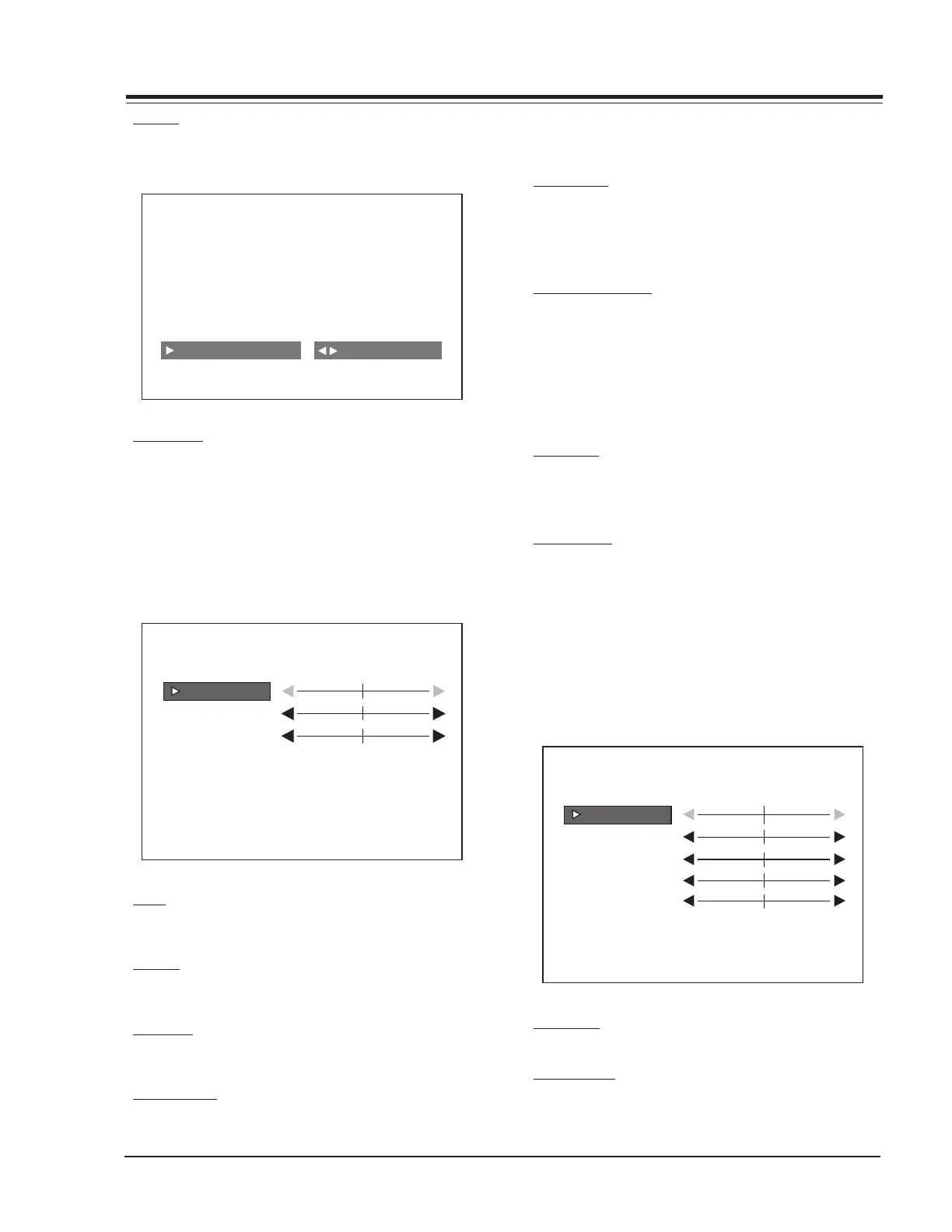
VIDEO MENU
All menu items are adjusted with the Left/Right Arrow
keys. Each option of the Video Menu is shown below:
BRIGHTNESS
COLOR
TINT
VIDEO MENU
CONTRAST
PICTURE PREF PRESET
SHARPNESS
CONTRAST
Contrast adjustment has 64 steps (0 to 63).
BRIGHTNESS
Adjusts the brightness of the picture.



 To Next Page