USER MENUS 905-10533
SR23 - 923-03509 1-20 CS - MENUS
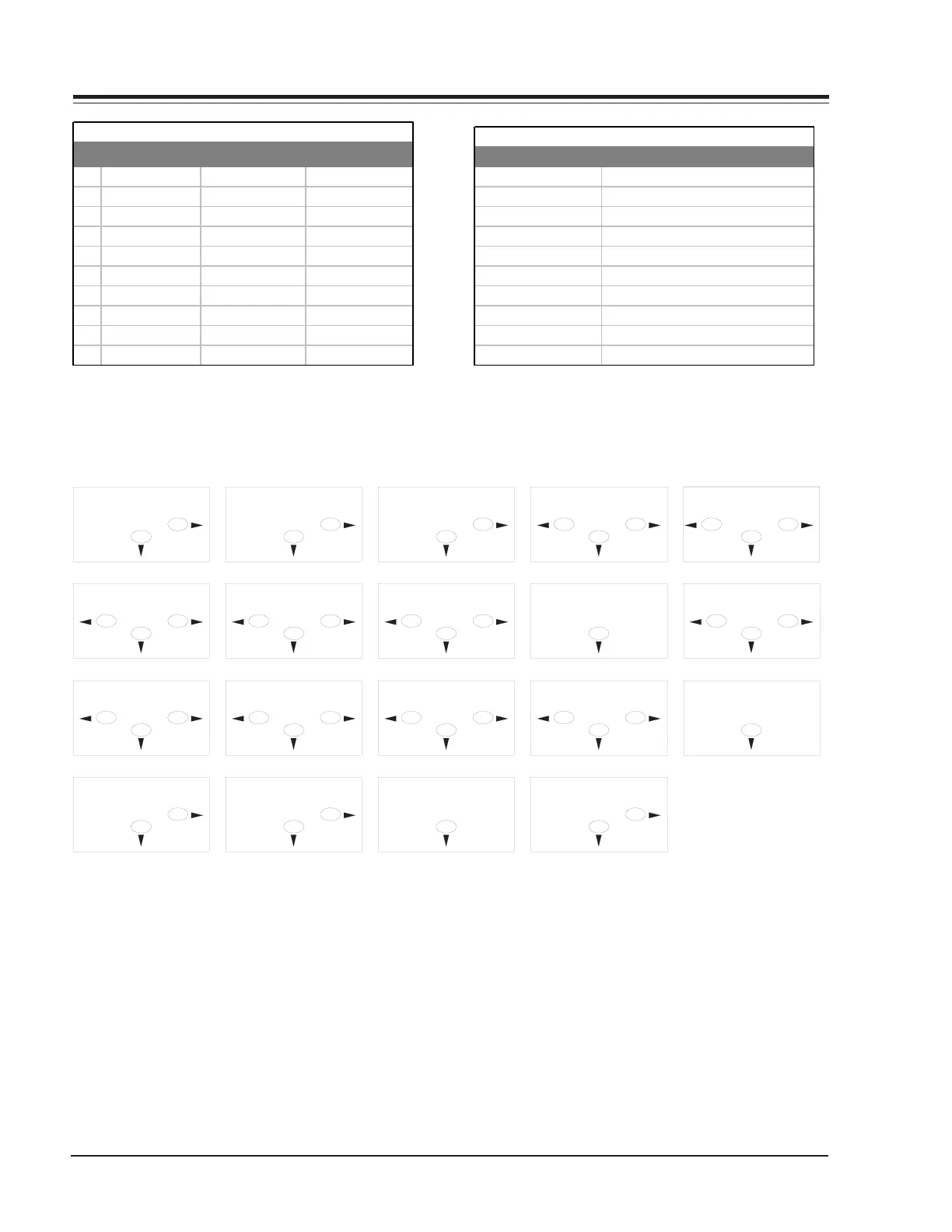
KEY NORMAL MODE MENU MODE ZOOM MODE
1 Enter Zoom Mode N/A Cancel Zoom Mode
2N/A N/A Pan Up
3 Compress On/Off N/A Compress On/Off
4 N/A Menu Adjust Pan Left
5 Enter Menu Mode Cancel Menu Mode Enter Menu Mode
6 N/A Menu Adjust Pan Right
7 Begin Auto-Size N/A Begin Auto-Size
8 N/A Menu Select Pan Down
9N/A N/A N/A
0 Freeze N/A Freeze
Remote Functions
Screen Size
8
6
Manual Set
8
6
Adjust
6
8
4
Out H Centre
Rev #
8
Adjust
6
8
4
VGA Left
Adjust
6
8
4
Out H Width
Adjust
6
8
4
VGA Bot
Screen Size
6
8
4
Out V Centre
VGA Lines
8
Adjust
6
8
4
VGA Top
Adjust
6
8
4
Out V Height
6
8
4
VGA Width
Adjust
Store Settings
6
8
Eng. Reset
6
8
Advanced
8
6
Clk Width
6
8
4
Sense
6
8
4
Store Settings
6
8
Vert Freq
8
Remote Key Command Functions
Sense Level
Clk Width
1 to 3
0 to 3
107 to 232 for NTSC, 300 to 400 for SV
200 to 250 for NTSC, 480 to 600 for SV
0 to 20
30 to 81
Out V-Height
VGA Left
VGA Width
Out h-Centre
Out H-Width
Limits of Settings
VGA Top/4
VGA bottom/4
0 to 40
70 to 260 (i.e. up to 200 *4 = 800line
RANGE
65 to 85
80 to 120
SETTING
Out V-Centre



 To Next Page