EasyManua.ls Logo

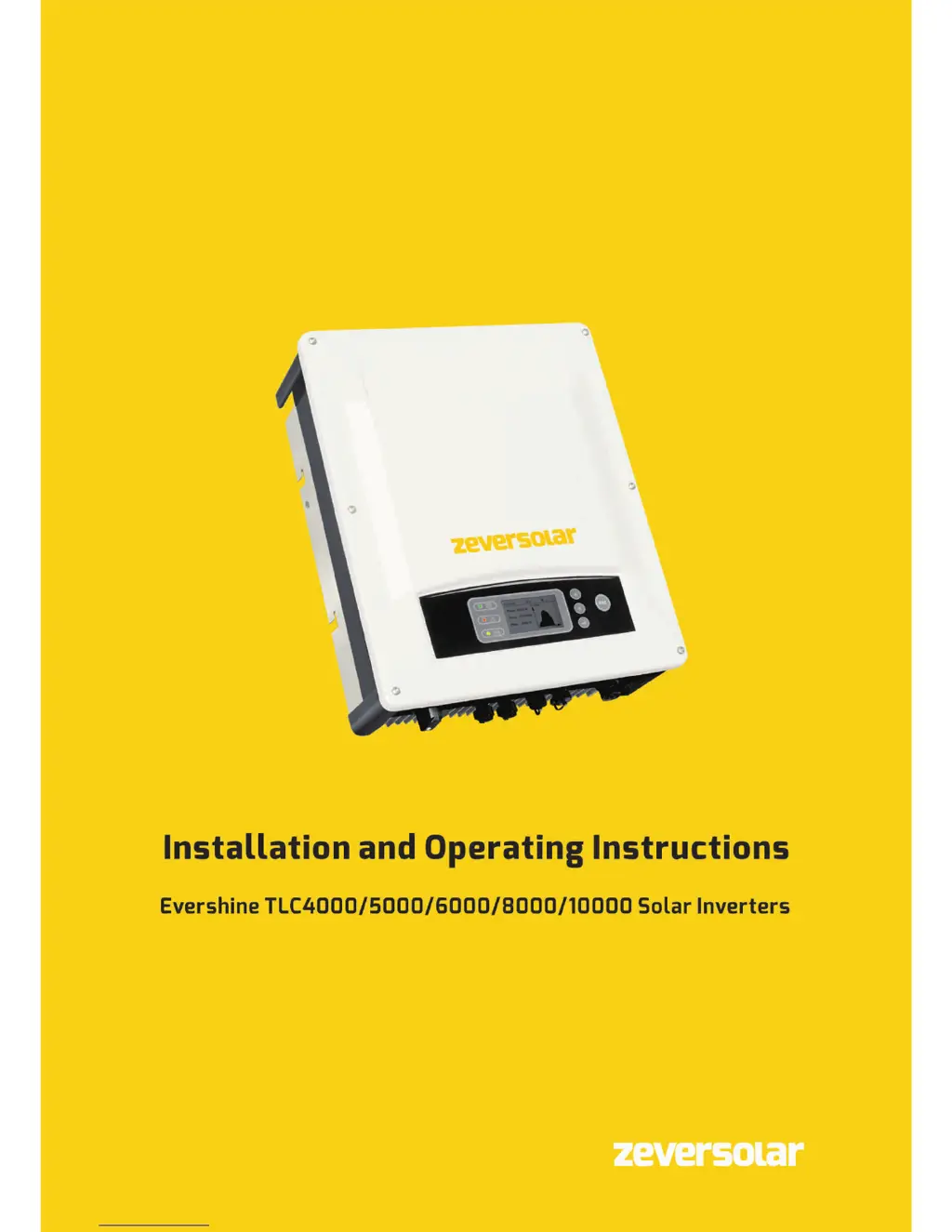
Zeversolar Evershine TLC4000 - User Manual

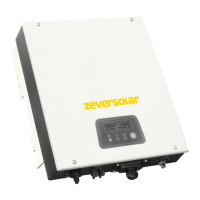
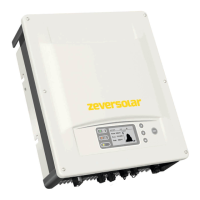
Zeversolar Evershine TLC4000
74 pages
Print Icon
To Next Page IconTo Next Page
Loading...

Table of Contents

Questions and Answers

  • D
    Dawn TaylorAug 20, 2025
    What to do if Zeversolar Evershine TLC4000 Inverter shows Resumable Fault 35?
    • J
      Jennifer HaleAug 20, 2025
      If your Zeversolar Inverter displays Resumable Fault 35, check the fuse and the triggering of the miniature circuit breaker in the distribution box. Also, check the grid voltage, grid usability, AC cable, and grid connection on the inverter. If the fault persists, contact the service.
  • S
    Sarah PatelAug 22, 2025
    What to do if Zeversolar Inverter shows Resumable Fault 34?
    • T
      Teresa TranAug 22, 2025
      If your Zeversolar Inverter displays Resumable Fault 34, check the grid voltage and grid connection on the inverter. Verify the grid voltage at the inverter's connection point. If the grid voltage is outside the permissible range, consider adjusting the monitored operational limits after consulting with the electric utility company. If the grid voltage is within the permitted range and the fault continues, contact the service.
  • C
    Christina KimAug 25, 2025
    What to do if Zeversolar Evershine TLC4000 shows Resumable Fault 40?
    • J
      Joshua JohnsonAug 25, 2025
      If your Zeversolar Inverter displays Resumable Fault 40, check whether the air flow to the heat sink is obstructed and whether the ambient temperature around the inverter is too high.
  • S
    Steven HallAug 26, 2025
    What to do if Zeversolar Evershine TLC4000 Inverter shows Resumable Fault 33?
    • M
      Matthew SmithAug 26, 2025
      If your Zeversolar Inverter displays Resumable Fault 33, check the grid frequency and observe how often major fluctuations occur. If frequent fluctuations cause this fault, consider modifying the operating parameters after informing the utility provider first.
  • E
    Elizabeth BoyleAug 28, 2025
    What to do if Zeversolar Inverter shows Resumable Fault 41, 42 43, 44?
    • M
      megan54Aug 28, 2025
      If your Zeversolar Inverter displays Resumable Fault 41, 42, 43, or 44, disconnect the inverter from the grid and the PV generator, then reconnect them after 3 minutes. If the fault persists, contact the service.
  • A
    Aimee YoungAug 29, 2025
    What to do if Zeversolar Evershine TLC4000 Inverter shows Permanent Fault 1,2,3,4 ,8,9,10 ,11,39?
    • K
      Kimberly PaceAug 29, 2025
      If your Zeversolar Inverter displays Permanent Fault 1, 2, 3, 4, 8, 9, 10, 11, or 39, disconnect the inverter from the grid and the PV generator, then reconnect them after 3 minutes. If the fault persists, contact the service.
  • J
    jeffreyreyesAug 31, 2025
    What to do if Zeversolar Evershine TLC4000 shows Resumable Fault 46?
    • M
      Mia VincentAug 31, 2025
      If your Zeversolar Inverter displays Resumable Fault 46, check the open-circuit voltages of the strings, making sure it is lower than the Max. DC input voltage of the inverter. If the input voltage is within the permitted range, and the fault still occurs, it is possible that the internal circuit has broken, contact the service.
  • A
    Austin PetersSep 2, 2025
    What to do if Zeversolar Evershine TLC4000 shows Resumable Fault 37?
    • R
      Richard Howard DDSSep 2, 2025
      If your Zeversolar Inverter displays Resumable Fault 37, check the open-circuit voltages of the strings, making sure it is lower than the Max. DC input voltage of the inverter. If the input voltage lies within the permitted range and the fault still occurs, contact the service.
  • C
    Carrie BrownSep 4, 2025
    What to do if Zeversolar Evershine TLC4000 shows Resumable Fault 38?
    • B
      Brittany MillerSep 4, 2025
      If your Zeversolar Inverter displays Resumable Fault 38, check the PV generator’s insulation to earth, and ensure that the insulation resistance to earth is greater than 1MOhm. Also, perform a visual inspection of all PV cables and modules, and ensure the inverter's earth connection is reliable. If the fault occurs often, contact the service.
  • E
    Elizabeth PetersonSep 6, 2025
    What to do if Zeversolar Evershine TLC4000 Inverter shows Resumable Fault 36?
    • J
      Julie RussellSep 6, 2025
      If your Zeversolar Inverter displays Resumable Fault 36, ensure the inverter's earth connection is reliable and perform a visual inspection of all PV cables and modules. If the fault persists, contact the service.

Summary

Unpacking and Inspection

Mounting Guidelines

Ambient Conditions for Mounting

Specifies environmental requirements for installing the inverter.

Electrical Connection

Safety During Electrical Connection

Critical safety warnings and procedures for handling high voltages during connection.

AC Connection

DC Connection

Communication Options

Operating the Inverter

Display and Menu Navigation

Technical Data

DC Input Specifications

Details DC input voltage, current, power, and MPP tracker specifications.

Troubleshooting Guide

Resumable Faults and Corrective Measures

Lists faults that can be resolved by the user and their corrective actions.

Maintenance and Cleaning

Zeversolar Evershine TLC4000 Specifications

General IconGeneral
ModelEvershine TLC4000
Rated Output Power4000W
Number of MPPTs2
Power Factor>0.99
Cooling MethodNatural convection
CoolingNatural convection
Protection ClassIP65
Protection LevelIP65
Nominal AC Voltage230 V
Maximum Input Current11 A
Output Voltage230 V
Output Frequency50Hz/60Hz
Operating Temperature-25°C to +60°C

Related product manuals