EasyManua.ls Logo

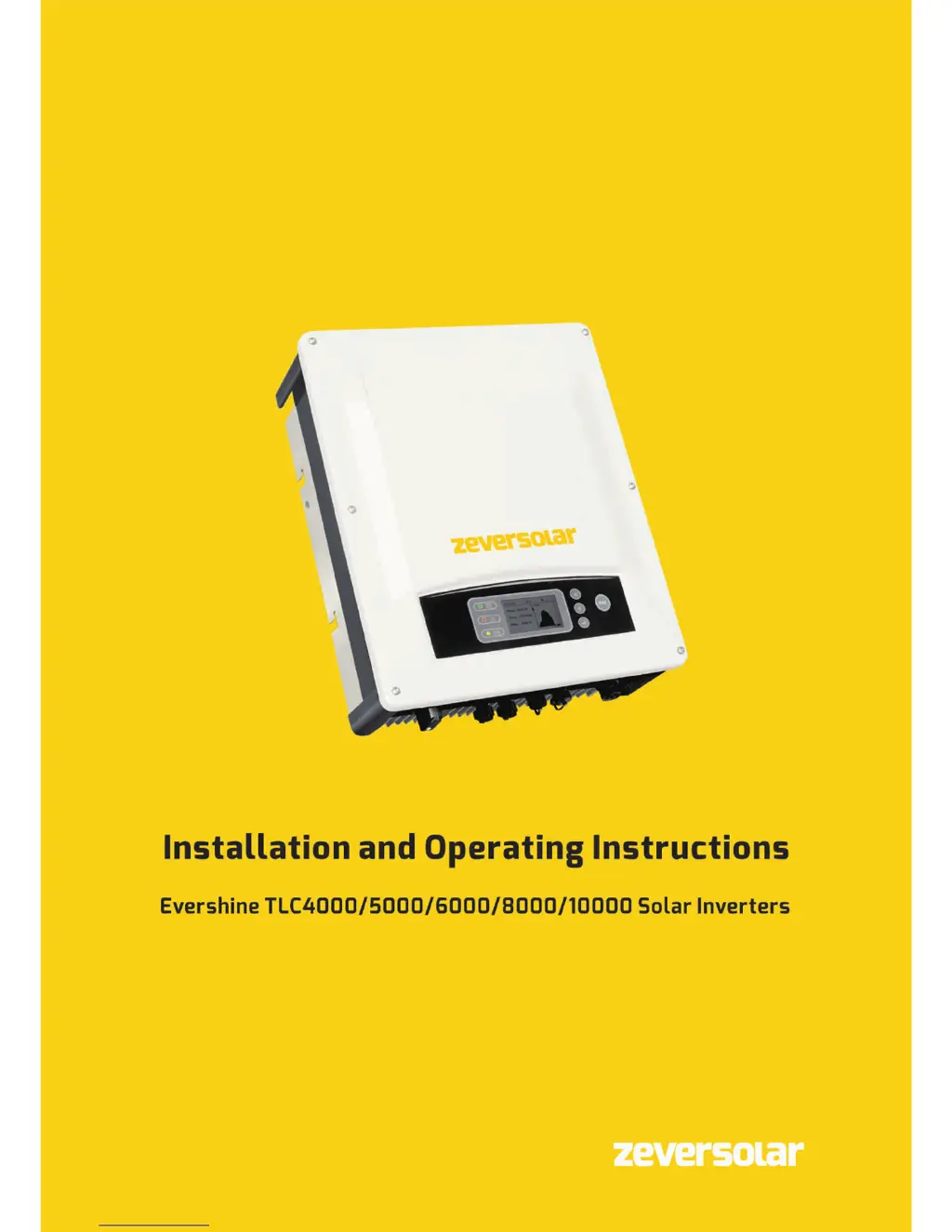
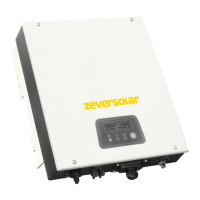
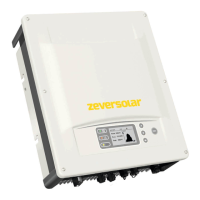
Zeversolar Evershine TLC5000 - User Manual

Zeversolar Evershine TLC5000
74 pages
Print Icon
To Next Page IconTo Next Page
Loading...

Table of Contents

Other manuals for Zeversolar Evershine TLC5000

Questions and Answers

Summary

Safety

2.3 Important safety information

Highlights critical safety points like qualified personnel, supervision of children, and electrical hazards.

2.4 Symbols on the type label

Explains icons found on the product label, their meanings, and associated risks.

2.5 Basic safety protection

Lists built-in safety features like overvoltage, overfrequency, and anti-islanding protection.

Mounting

4.1 Ambient conditions

Specifies required clearances, temperature limits, and avoidance of direct sunlight for optimal operation.

4.2 Selecting the mounting location

Guidelines on inverter orientation, height, and avoiding flammable materials for safe installation.

4.3 Mounting the inverter with the wall bracket

Step-by-step procedure for attaching the wall bracket and mounting the inverter securely.

Electrical connection

5.1 Safety

Critical safety warnings regarding high DC voltages, electric shock, and proper connection procedures.

5.3 Overview of the connection area

Identifies and describes all input/output ports and connectors on the inverter.

5.4 AC Connection

Details cable requirements, AC connection plug assembly, and grounding procedures for grid connection.

5.5 DC connection

Instructions for connecting PV arrays, including requirements and assembly of DC connectors.

Commissioning

7.1 Electrical check

Essential electrical checks before operation, including grounding, voltage, and polarity verification.

7.3 Start-up

Procedure for switching on the inverter after checks and understanding its operating states.

Disconnecting the inverter from voltage sources

Operating

9.1 Overview of the control panel

Describes the LCD, LED indicators, and control buttons on the inverter's panel.

9.2 LED indicators

Explains the meaning of the green, red, and bicolor LED status lights.

9.3 Display messages

Lists various operating states and error codes shown on the display with their causes.

Display

9.4.12 Safety regulations setting

Configuration of safety parameters based on regional regulations.

Technical data

10.1 DC input data

Table detailing DC input specifications like voltage, current, and power for different models.

Troubleshooting

Zeversolar Evershine TLC5000 Specifications

General IconGeneral
BrandZeversolar
ModelEvershine TLC5000
CategoryInverter
LanguageEnglish

Related product manuals