EasyManua.ls Logo

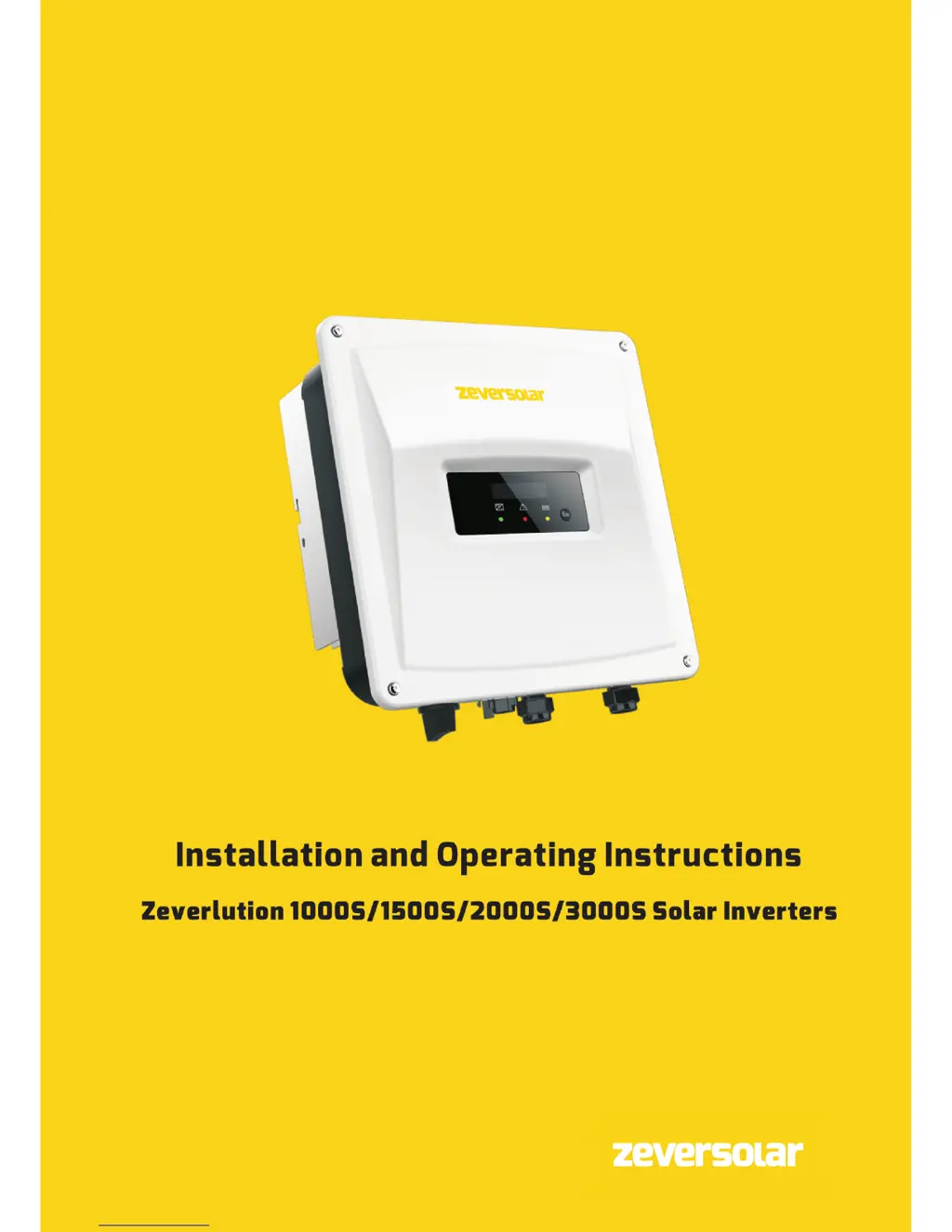
Zeversolar Zeverlution 2000S - User Manual

Default Icon
74 pages
Print Icon
To Next Page IconTo Next Page
Loading...

Table of Contents

Other manuals for Zeversolar Zeverlution 2000S

Questions and Answers

  • T
    tyler73Sep 10, 2025
    What to do if Zeversolar Zeverlution 2000S Inverter shows error code 36?
    • J
      Julia EspinozaSep 10, 2025
      If your Zeversolar Inverter displays error code 36, ensure the grounding connection of the inverter is reliable. Perform a visual inspection of all PV cables and modules. If the fault is still present after these checks, contact the service.
  • J
    Jerry BauerAug 22, 2025
    What to do if Zeversolar Zeverlution 2000S Inverter displays Presumable Fault 34?
    • J
      Jeremy PhelpsAug 22, 2025
      If your Zeversolar Inverter displays Presumable Fault 34, check the grid voltage and grid connection on the inverter. Also, check the grid voltage at the point of connection of the inverter. If the grid voltage is outside the permissible range due to local grid conditions, try modifying the values of the monitored operational limits after informing the electric utility company first. If the grid voltage is within the permitted range and the fault persists, contact service.
  • J
    Jason MartinAug 25, 2025
    What to do if Zeversolar Inverter shows Permanent Fault 1, 2, 3, 4, 5, 6, 8, 9?
    • S
      Sean AllenAug 25, 2025
      If your Zeversolar Inverter is showing Permanent Fault 1, 2, 3, 4, 5, 6, 8, 9, disconnect the inverter from the utility grid and the PV arrays, and reconnect them after the display and LED turn off. If the fault continues to be displayed, contact the service.
  • R
    rosejordanAug 26, 2025
    What to do if Zeversolar Zeverlution 2000S shows Presumable Fault 41, 42, 43, 44, 45?
    • M
      Mr. Richard Cortez PhDAug 27, 2025
      If your Zeversolar Inverter is showing Presumable Fault 41, 42, 43, 44, or 45, disconnect the inverter from the grid and the PV arrays, then reconnect them after 3 minutes. If the fault continues to appear, contact the service.
  • M
    Michael SheltonAug 27, 2025
    What to do if Zeversolar Inverter shows Presumable Fault 38?
    • A
      Ashley BergerAug 27, 2025
      If your Zeversolar Inverter is showing Presumable Fault 38, check the PV array’s insulation to ground, ensuring that the insulation resistance to ground is greater than 1 MOhm. Otherwise, visually inspect all PV cables and modules. Also, ensure the grounding connection of the inverter is reliable. If the fault occurs often, contact the service.
  • B
    briannacurryAug 29, 2025
    What to do if Zeversolar Zeverlution 2000S displays Presumable Fault 36?
    • G
      Gregory Waters PhDAug 29, 2025
      If your Zeversolar Inverter displays Presumable Fault 36, ensure the grounding connection of the inverter is reliable. Then, perform a visual inspection of all PV cables and modules. If the fault persists, contact the service.
  • H
    Holly RomeroSep 18, 2025
    What to do if Zeversolar Inverter displays error code 41, 42, 43, 44, 45, 47?
    • Z
      Zachary HutchinsonSep 18, 2025
      If your Zeversolar Inverter shows error codes 41, 42, 43, 44, 45, or 47, disconnect the inverter from both the grid and the PV array. Wait for 3 minutes, then reconnect. If the fault persists, contact the service.
  • M
    Marie DiazSep 12, 2025
    What to do if Zeversolar Inverter shows error code 40?
    • R
      Robert BrowningSep 12, 2025
      If your Zeversolar Inverter is showing error code 40, verify that the airflow to the heat sink is not blocked. Also, check to see if the ambient temperature around the inverter is too high.
  • S
    solomonjenniferSep 8, 2025
    How to fix error code 38 on Zeversolar Zeverlution 2000S?
    • T
      Tasha PageSep 8, 2025
      To address error code 38 on your Zeversolar Inverter, start by checking the PV array’s insulation to ground, ensuring it's greater than 1 MOhm. Perform a visual inspection of all PV cables and modules. Ensure the inverter's grounding connection is reliable. If the problem persists, contact the service.
  • D
    Doris MillerSep 5, 2025
    What to do if Zeversolar Inverter shows error code 35?
    • T
      taylor69Sep 5, 2025
      If your Zeversolar Inverter displays error code 35, inspect the fuse and the circuit breaker in the distribution box. Verify the grid voltage and usability. Also, check the AC cable and the grid connection on the inverter. If the error persists, it is recommended to contact the service.

Summary

Safety

Important Safety Information

Crucial warnings and precautions to prevent injury, death, or equipment damage.

Mounting

Ambient Conditions

Specifies environmental requirements and clearance for safe inverter installation.

Selecting the Mounting Location

Guidelines for choosing an appropriate and safe place to install the inverter.

Mounting with Wall Bracket

Step-by-step instructions for securing the inverter using the provided wall bracket.

Electrical Connection

Electrical Safety Precautions

Critical safety measures to follow before and during electrical connections.

AC Connection

Procedures and requirements for connecting the inverter to the AC power grid.

AC Connection Conditions

Details cable specifications, requirements, and design for AC grid connection.

Grid Connection

Specific requirements and considerations for a secure and compliant grid connection.

Second Protective Grounding

Instructions for establishing an additional protective earth connection.

Circuit-Breaker Rating

Recommendations for selecting appropriate miniature circuit-breakers for inverter protection.

DC Connection

DC Connection Requirements

Prerequisites and guidelines for connecting DC power sources to the inverter.

Assembling DC Connectors

Detailed steps for correctly assembling the DC connectors for PV array connection.

Connecting the PV Array

Instructions for properly connecting the photovoltaic array to the inverter's DC inputs.

Communication

Operation

Commissioning

Electrical Checks

Pre-commissioning tests to verify electrical integrity and safety.

Start-Up Procedure

Step-by-step guide for initiating inverter operation after installation.

Disconnecting from Voltage Sources

Technical Data

Troubleshooting

Troubleshooting Guide

Provides solutions for common faults, error codes, and corrective measures.

Zeversolar Zeverlution 2000S Specifications

General IconGeneral
ModelZeverlution 2000S
Rated Output Power2000 W
Nominal AC Power2000 W
Nominal AC Voltage230 V
Number of MPP Trackers1
AC Output Voltage230 V
AC Output Frequency50/60 Hz
Operating Temperature Range-25°C to +60°C
Cooling MethodNatural convection
Protection DegreeIP65
MPPT Voltage Range90-450 V
Max. AC Power2200 VA

Related product manuals