EasyManua.ls Logo

Zeversolar Zeverlution 2000S - 7 Operation; Overview of the Control Panel

Default Icon
74 pages
Print Icon
To Next Page IconTo Next Page
To Previous Page IconTo Previous Page
Loading...
44 Installation and Operating Instructions V03
7 Operation
The information provided here covers the LED indicators, control button and display
messages, and the language and safety regulation settings.
7.1 Overview of the control panel
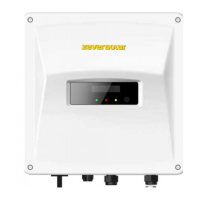
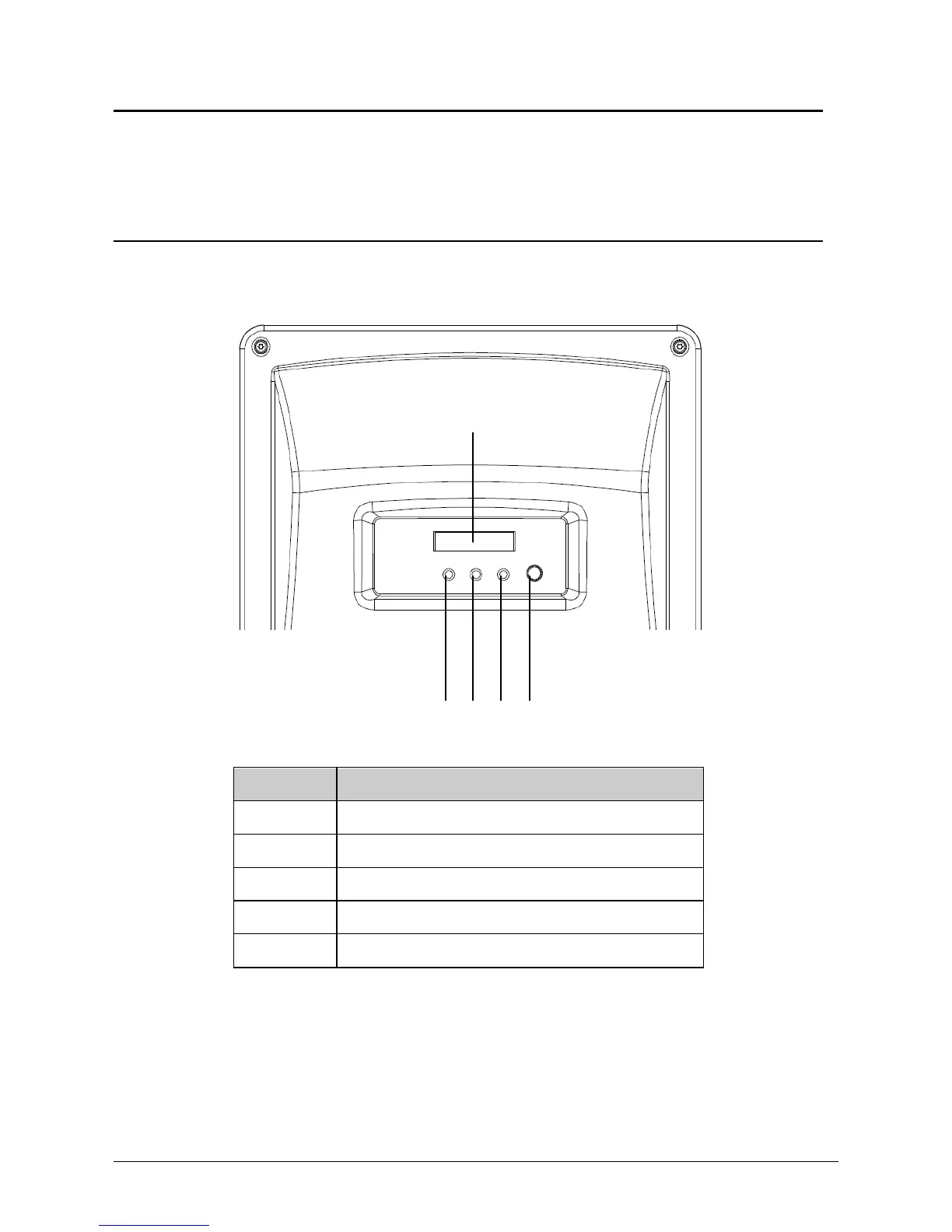
The inverter is equipped with a text display, three LEDs indicators and a control
button.

Object
Description
A
Normal (Green LED)
B
Fault (Red LED)
C
Communication (Yellow LED)
D
Display
E
Control button
A
B
C
E
D

Table of Contents

Other manuals for Zeversolar Zeverlution 2000S

Related product manuals