21
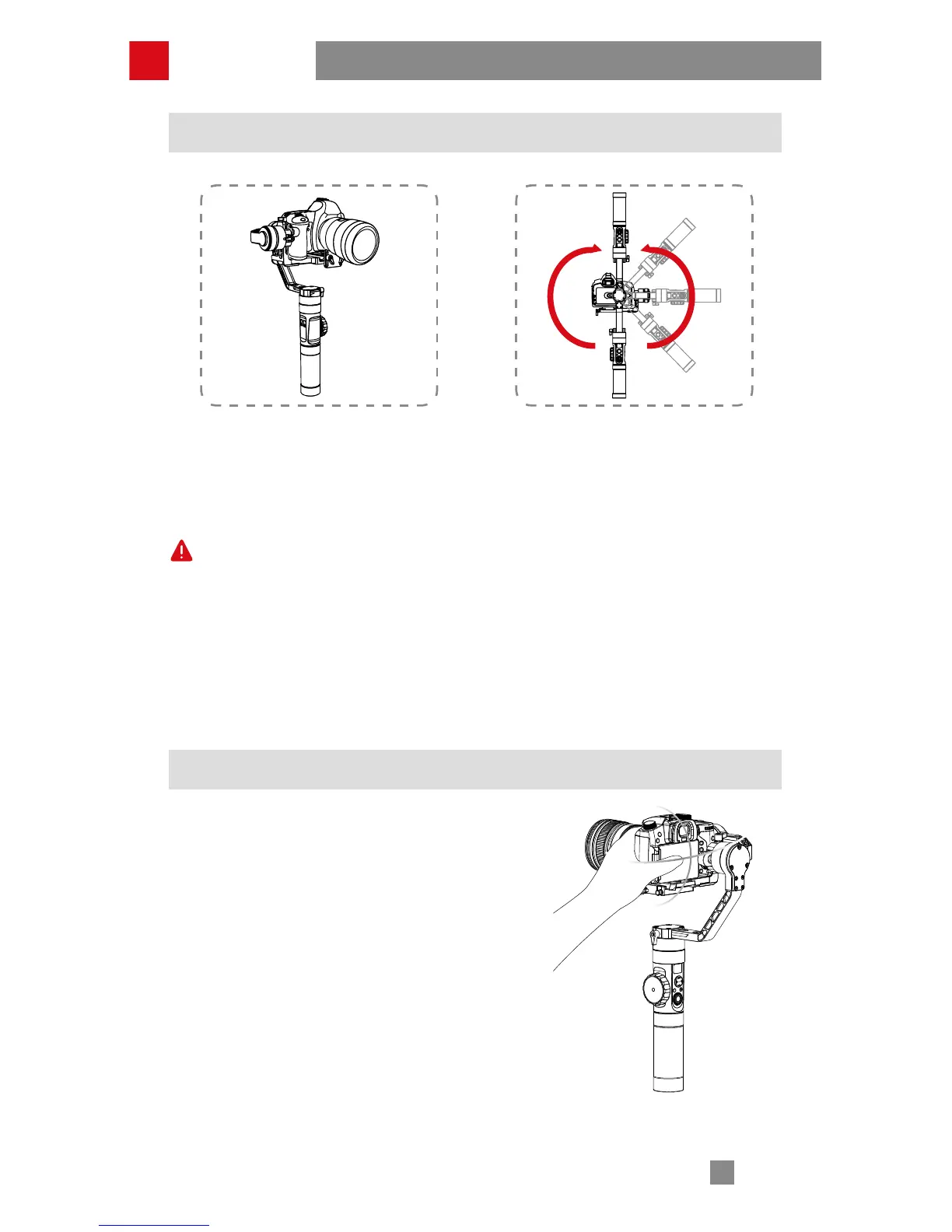
Bottom up Mode Operation
Top Down Mode
Please ensure balanced installation of the camera under top down mode and do
not rotate or shake the handle while initiating the bottom up mode (as seen in
graph).
Bottom Up Mode
Whether the bottom up mode can be successfully initiated or not relies on the
size and the balance condition of the camera. For some cameras, you may
need to turn the stabilizer upside down first and then balance the camera
before initiating the bottom up mode.
Manual Positioning
Under pan following mode and locking mode,
you can manually rotate the camera to a certain
angle, then loosen your grip and the camera
position will be fixed. Under pan following mode,
you can manually adjust the angle of tilt axis.
Under locking mode, you can manually adjust
the angle of pan axis and tilt axis.
How to Use



 To Next Page
 Loading...