16
6. Configuration
6.1 Configuration
Enter config mode:
Long press config key(in wakeup
mode) to enter config mode.
In config mode:
Config key: change items.
Feed key: Modify content.
Save & Exit:
Press power key or no operation
in 5s the printer will save the
change & exit config mode.
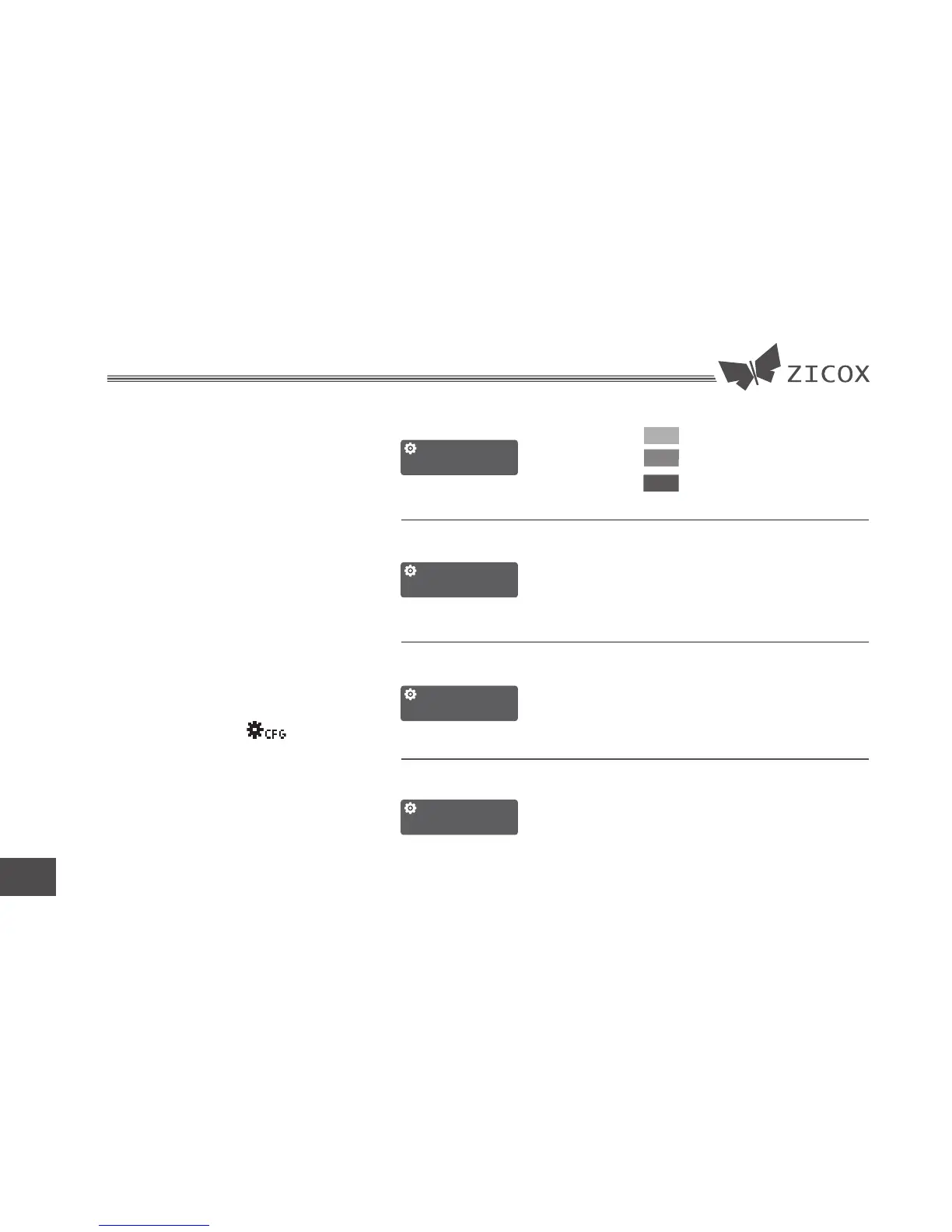
When the icon
display on the screen the printer
has enter the config mode
CFG
CFG
CFG
CFG
Darkness
DARKNESS: 2
PRINT SPEED: I
PRINT SELFTEST
Language 中文
Speed
Press Feed key to print the
self-test page
Change the display
language
Language:
I normal
II High
ENGLISH
中文
Change the darkness
for different paper.
Change the print
speed
1
2
3


 To Next Page