Basic settings (such as language) can be set or changed in the device configuration
using arrow keys.
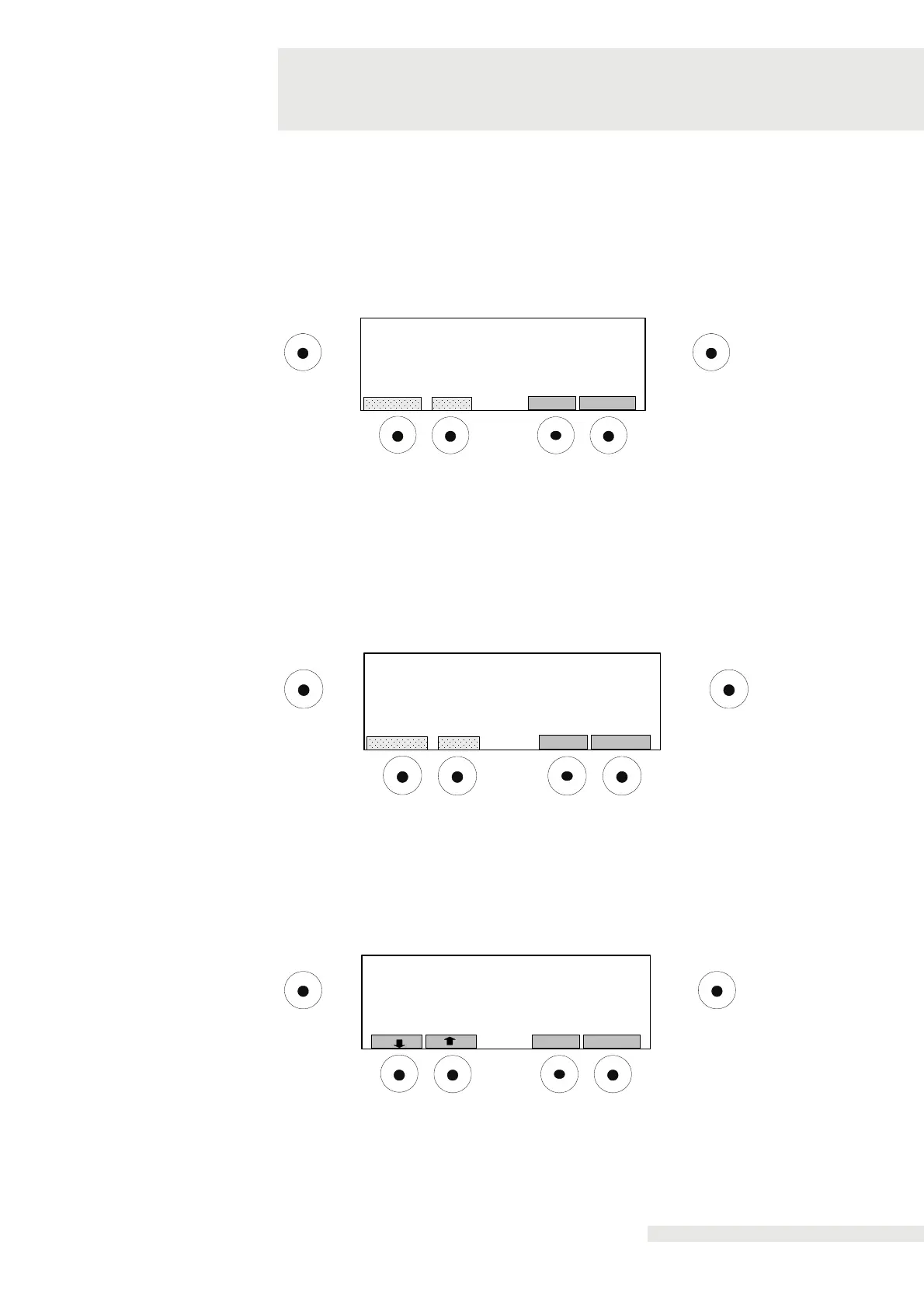
Vaporiser temperature display:
Select "CHANGE" to change the current setting.
If "ON" is selected, the vaporiser temperature will be shown on the display. The
temperature displayed is NOT the air temperature.
OK
Start/ Stop
Evaporator temperature displayed
STOREBACK
CHANGE
State: ON
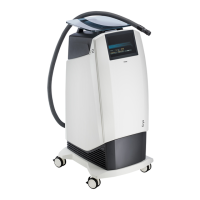
Warning threshold setting:
Use this submenu to display the warning on the display and to enable/disable the
acoustic alarm.
Warning:
Select "CHANGE" to change the current setting.
If "ON” is selected, the alarm will sound for 2 minutes in intervals of one second.
Press "SAVE" to save the changed settings.
OK
Start/ Stop
Audio warning
STOREBACK
CHANGE
State: ON
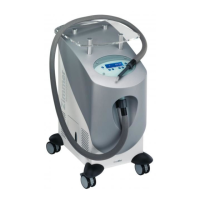
Setting warning threshold temperature:
With this menu, you can set the temperature warning threshold between
-20° C and +20° C. The factory setting is 4° C. Press "SAVE" to save the changed
settings.
OK
Start/ Stop
Setting of temperature warning threshold
StoreBack
Temperature [-20..+20] °C: 4


 To Next Page