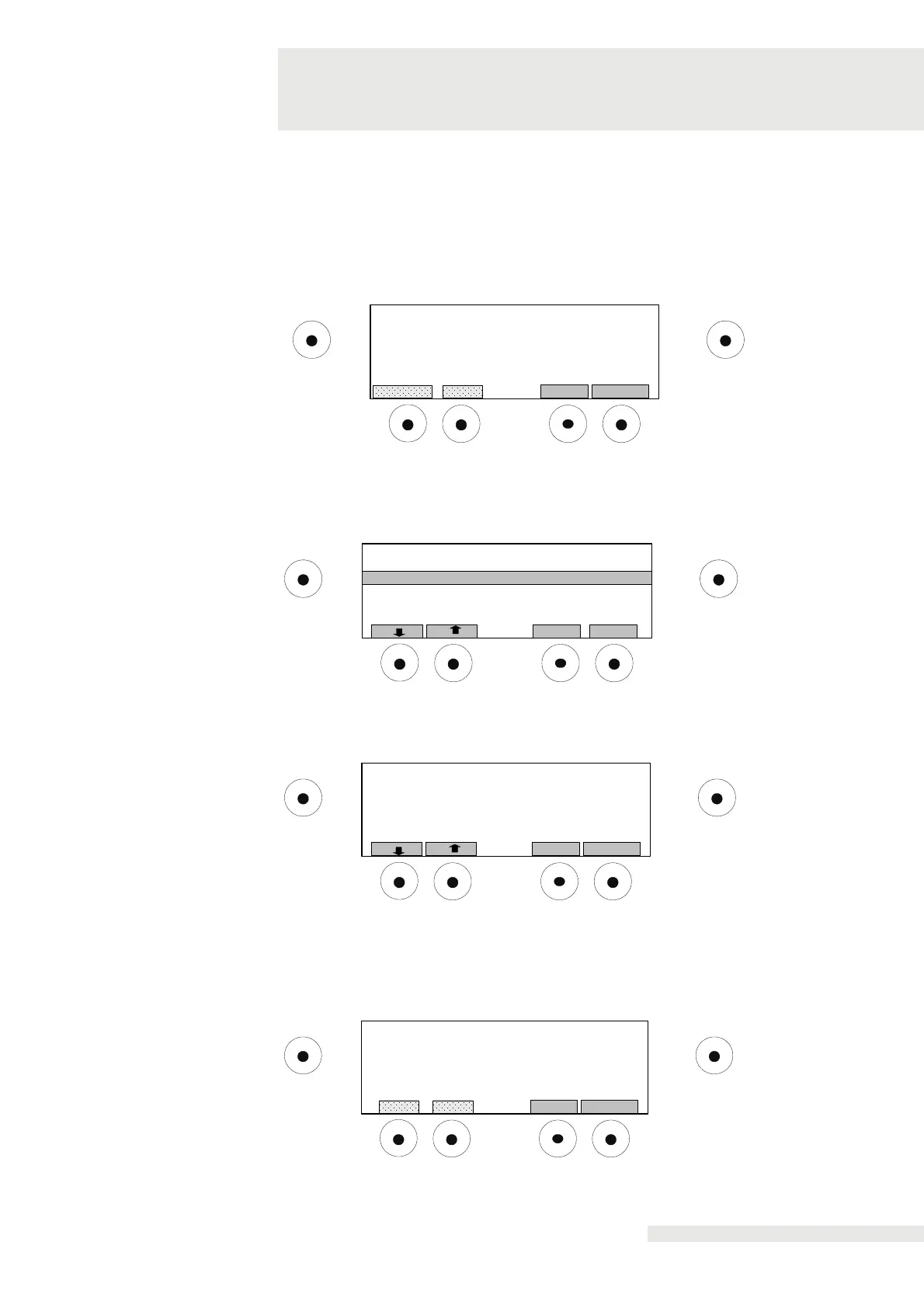
Press "CHANGE" to change the current status.
When "ON" is selected, a warning will appear on the display as soon as the set
vaporiser temperature is reached.
Press "SAVE" to save the new settings.
Press "SELECT" to select the language for the display.
The languages German, English and French can be selected.
OK
Start/ Stop
Evaporator temperature displayed
Setting of warning threshold
Display-Backlight
SelectBack
Language
Display-Contrast
Provides setting options for the display contrast with values between 10 and 30. The
contrast is very low at 10 and very high at 30.
OK
Start/ Stop
Setting of Display-Contrast
StoreBack
Contrast Value (10-30) : 18
Selection via the "YES" button,
- Changed parameters are reset the factory settings.
Selection via the “NO" button,
- Changes are discarded.
OK
Start/ Stop
Reset default configuration?
NoYes
OK
Start/ Stop
Warning text in display
STOREBACK
CHANGE
State: ON


 To Next Page