This area is password-protected and is only accessible for
persons trained by Zimmer MedizinSysteme.
Exit the menu via the "OK" button.
OK
Start/ Stop
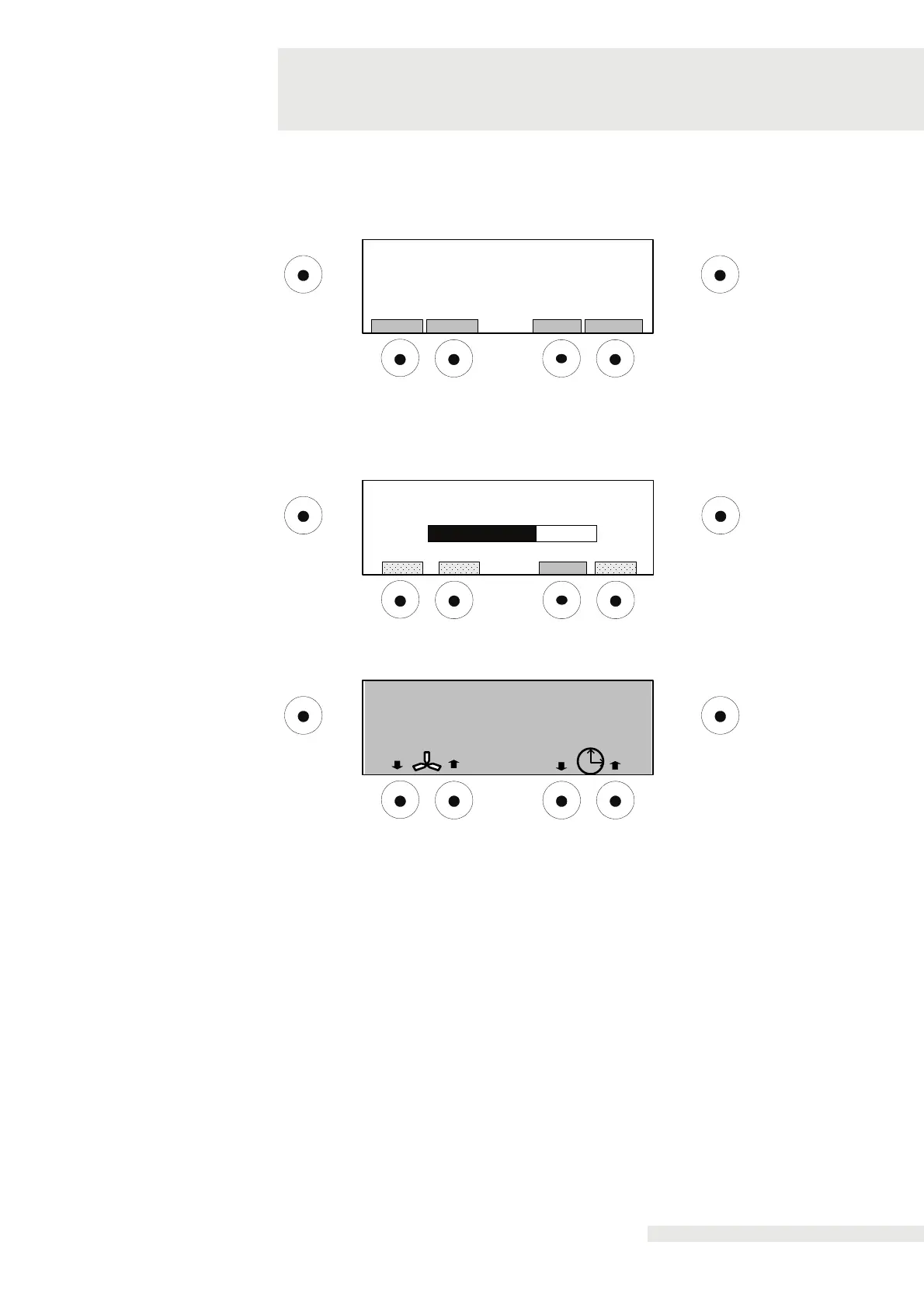
Please enter passwort:
1 2 43
[............]
Exits the configuration menu and starts the therapy screen.
Select "DEFROST" button to start the automatic defrost.
OK
Start/ Stop
Defrost mode activated
0% 100%
Back
7
05:30
OK Start/ Stop
- 10°C
The treatment display shows following the pre-cooling; CryoMini is ready. Press
"Start / Stop” to start the therapy.
The end of treatment with automatic fan shutdown is signalled acoustically. This also
applies to a premature termination of treatment through the “Start / Stop” button.
The treatment time can be set from 00:00 to 99:59 minutes.
Pressing the arrow key will change the treatment time in 1-minute steps.
Pressing the arrow key longer will change the treatment time in
10-minute steps.
If the treatment time has been changed accidentally, pressing "Start / Stop" will
restore factory settings.


 To Next Page