42
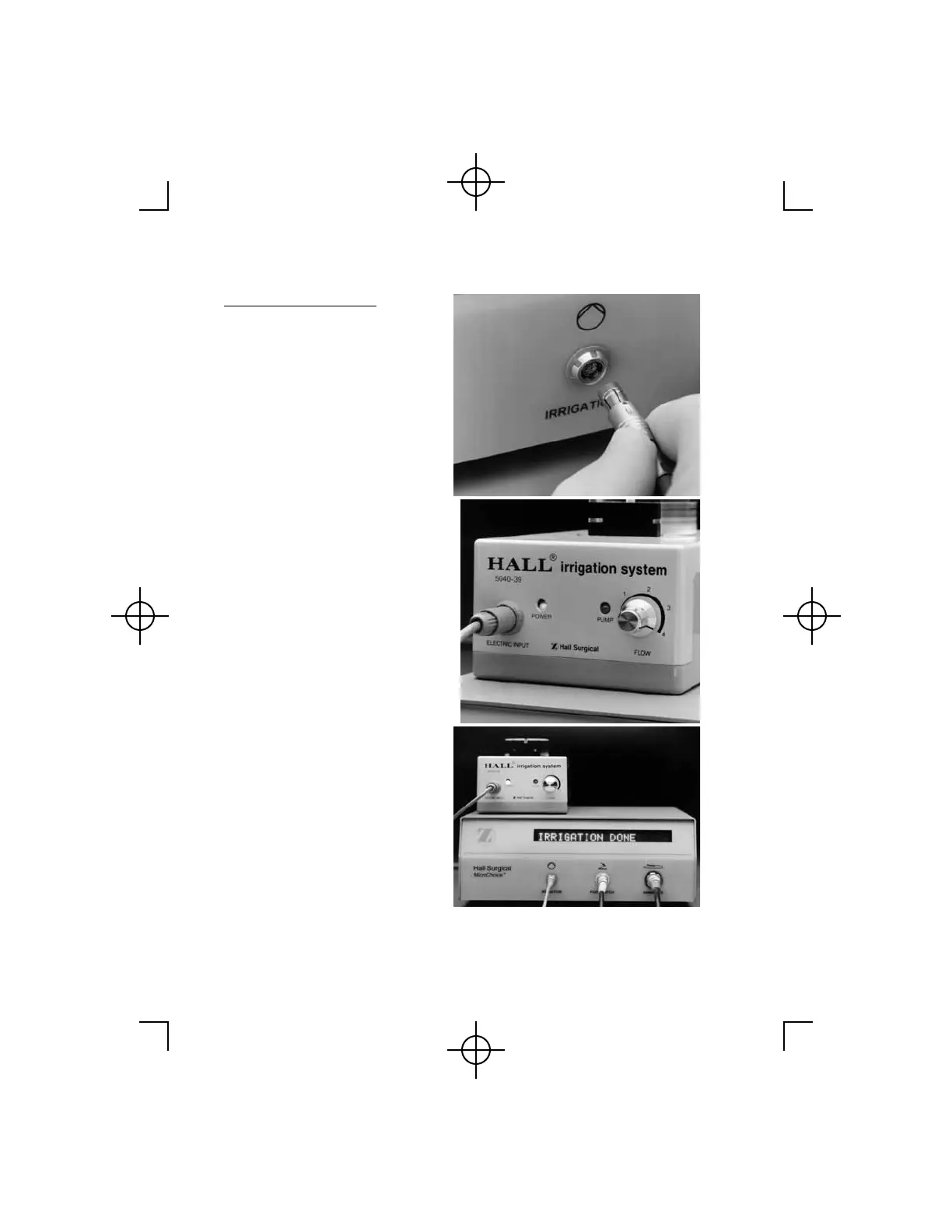
To Set Irrigation Flow:
1. Move the Safe/Run Slide to
the "safe" position.
2. Attach the Irrigation Cord to
the Irrigation Pump and the
Irrigation receptacle on the
Controller. Turn the pump on.
Rotate the flow control dial on
the Irrigation Pump to the
maximum setting.
3. Press the Mode Select Button
twice, within two seconds. The
IRRIGATION SPEED menu
will display (IRRIGATION
will blink). After two seconds,
IRRIG. LIMIT: 100% will
display (100% will blink). To
select a new flow rate, press
the Mode Select button until
desired rate displays. Stop
pressing Mode Select button.
IRRIGATION DONE will
display.



 To Next Page