43
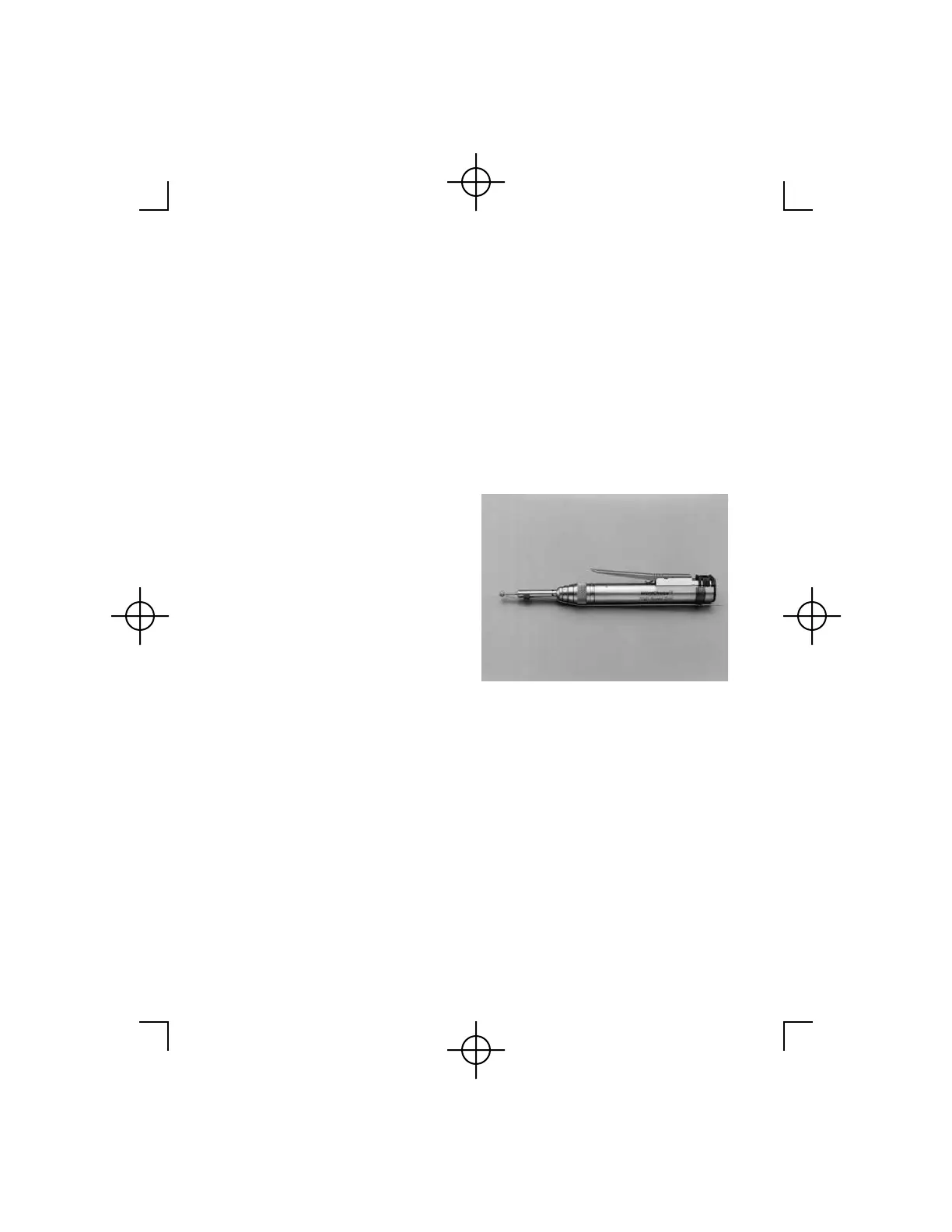
4. The handpiece I.D. and the
speed are displayed (speed
will be blinking). Selection of
a new maximum speed is
possible. See Changing the
Default Speed Setting (page
40).
5. The Controller display will
alternate between the
irrigation flow rate setting and
the maximum speed setting.
6. Connect Irrigation Tips and
Tubing. For additional
information refer to Hall
®
Irrigation Instruction Manual.
7. Depressing the Handpiece
Activation Lever or
Footswitch will activate the
Irrigation Pump and handpiece
simultaneously.
Note: The flow rate default
setting for all handpieces and
attachment options is 100%.



 To Next Page