45
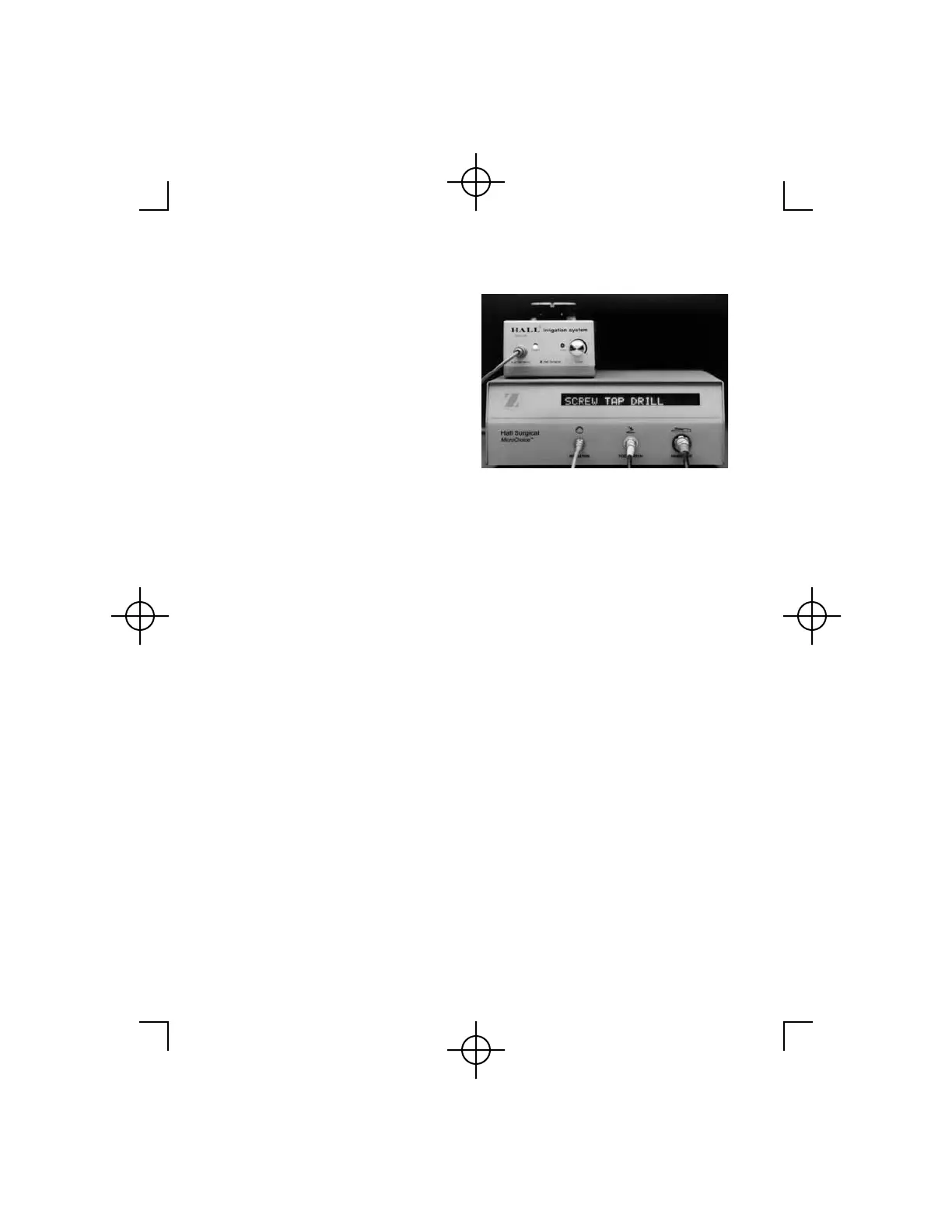
4. Depress the Mode Select
Button twice, within two (2)
seconds. The SCREW TAP
DRILL menu will display
(DRILL will be blinking).
Depress the Mode Select
Button until the desired
function is blinking.
Discontinue pressing.
5. The selected function will display with the maximum speed setting
(blinking). Depress the Mode Select Button until the desired speed is
displayed. Discontinue pressing.
6. The Controller will display the selected function and SAFE ON.
7. Move the Safe/Run Slide to the "run" position. The function and
maximum rpm will be displayed.
8. Depress the Footswitch to activate.
Warning: Make sure the head attachment matches the function
selected. Improper head selection may result in erroneous speed or
torque.
Notes: When the Low Speed Drill is set to the SCREW or TAP mode,
the speed is not variable in the reverse direction.



 To Next Page