6.1. General operation
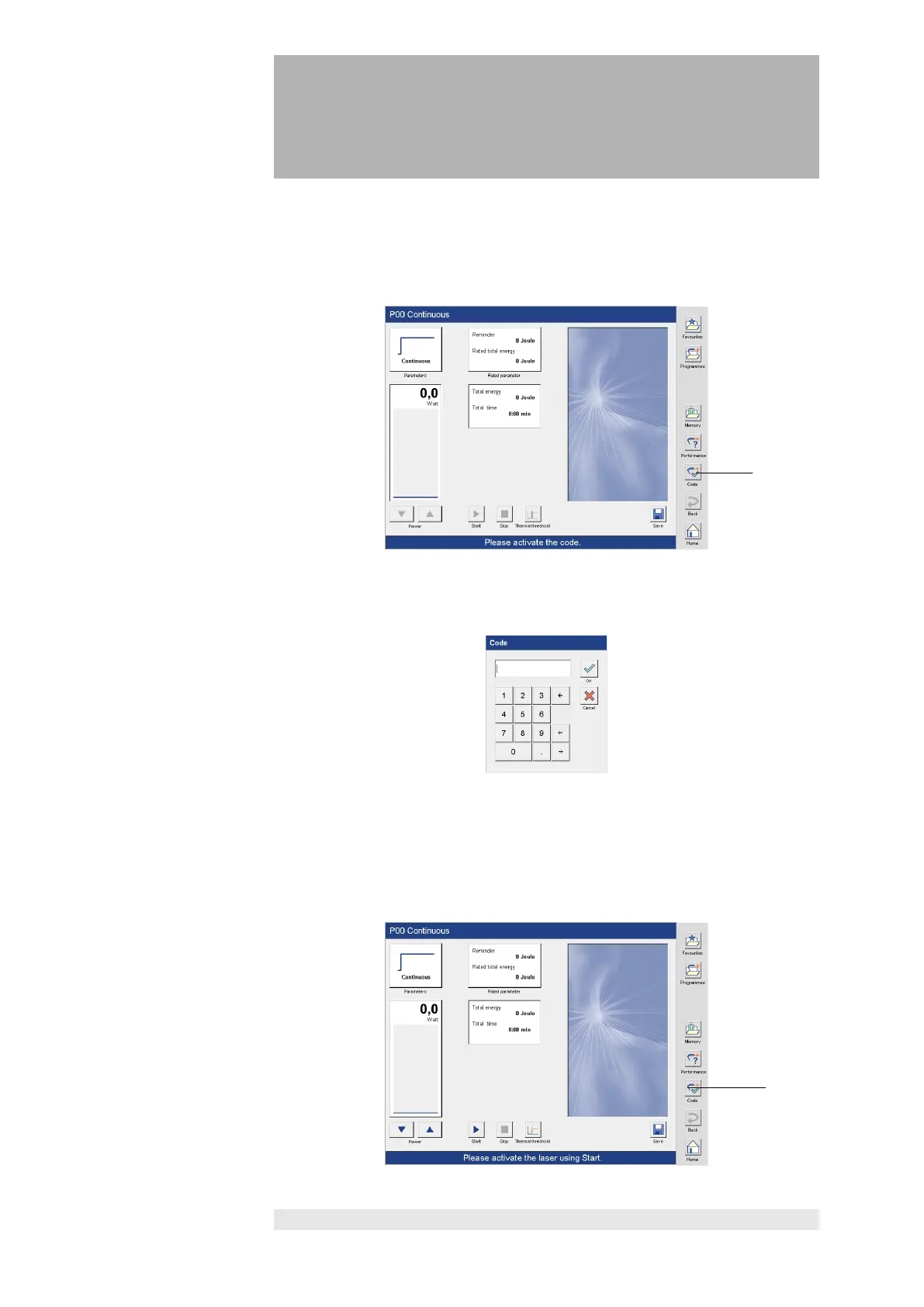
We recommend activating the key code in the program screen.
If the key code is not activated in the treatment screen, the treatment screen is
deactivated, and intensity entries cannot be made.
key code
Press the "Code (1)" button to open a numerical keypad to enter the code.
Enter the factory-programmed code 1234 or your own code as programmed in
the configuration menu (Section 4) and confirm with the "OK" button.
After activating the code, the symbol on the code button (2) changes and the
message “Please activate the laser using Start" is shown in the status bar.


 To Next Page
 Loading...