The laser is protected from unauthorized access by a key code, which must be
input every time it is switched on.
If the code is deactivated, only the parameters can be set.
The laser cannot be activated using the “Start” button, power settings cannot
be changed, and performance test cannot be conducted.
key code
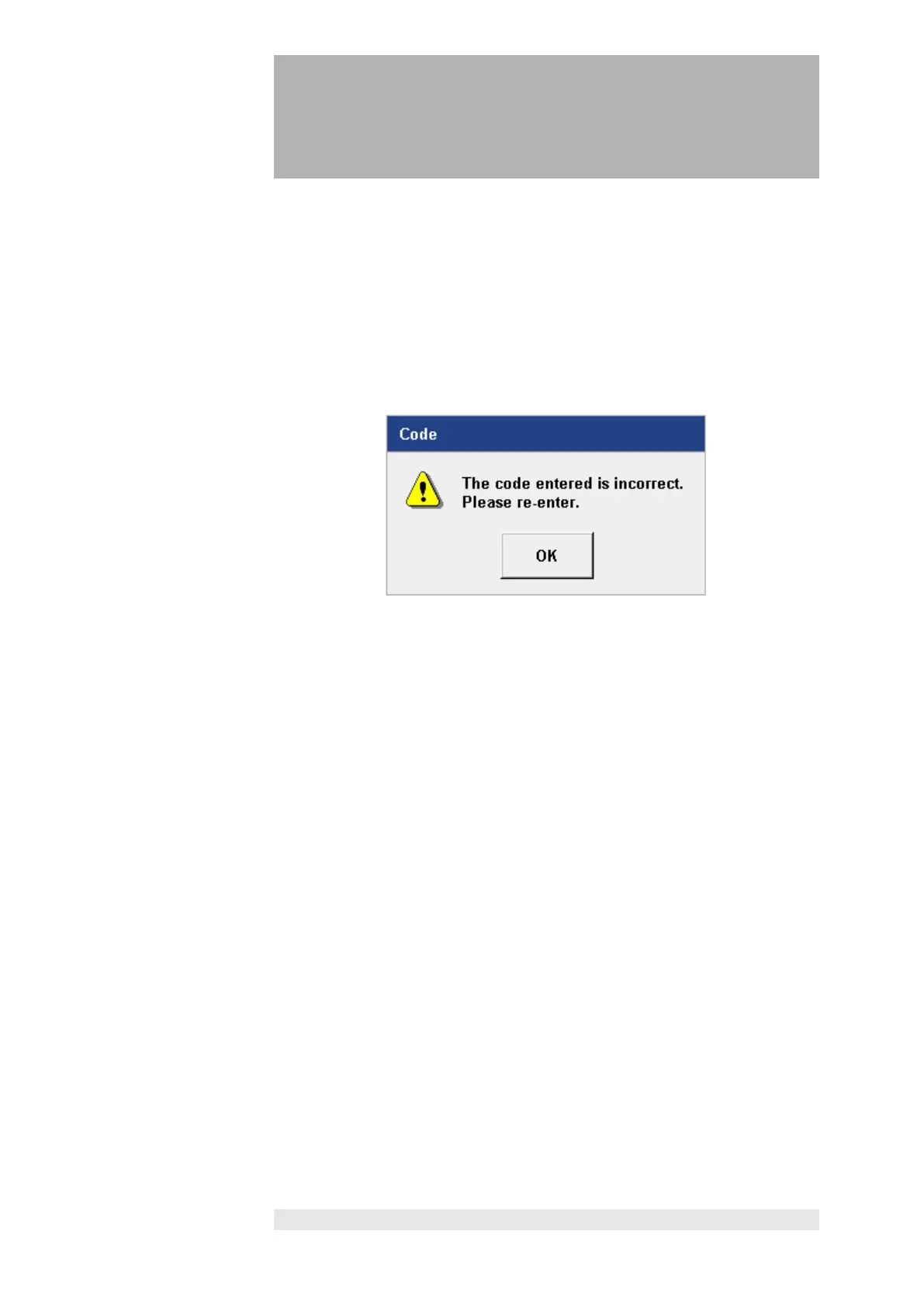
If an incorrect key code is entered, this is indicated with the following message.
After confirming with the “OK” button, the entry can be repeated.
deactivation of
the key code
The code deactivates automatically after 10 minutes if nothing is done on the
screen in this time.
The code must then be re-entered.
If something is done within 10 minutes, the deactivation period automatically
resets to 10 minutes.
The configuration menu (Section 4) includes the option of defining a personal
code and customizing the deactivation periods.












 To Next Page