SD card / accessories / service
User-defined settings are saved on the SD card.
If no SD card is inserted and the Favorites area is activated, the following
message appears:
"No SD card has been found". Insert the SD card and press "OK".
If no SD card is inserted and the Memory area is activated, the following
message appears:
"No SD card has been found". Use of the Memory requires an SD card.
Insert the SD card and press "OK".
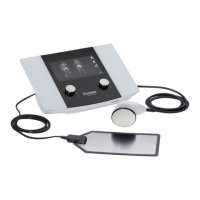
Only the included accessories must be used when operating the system.
The device may be opened by service technicians authorized by Zimmer
MedizinSystems only.












 To Next Page