Summary
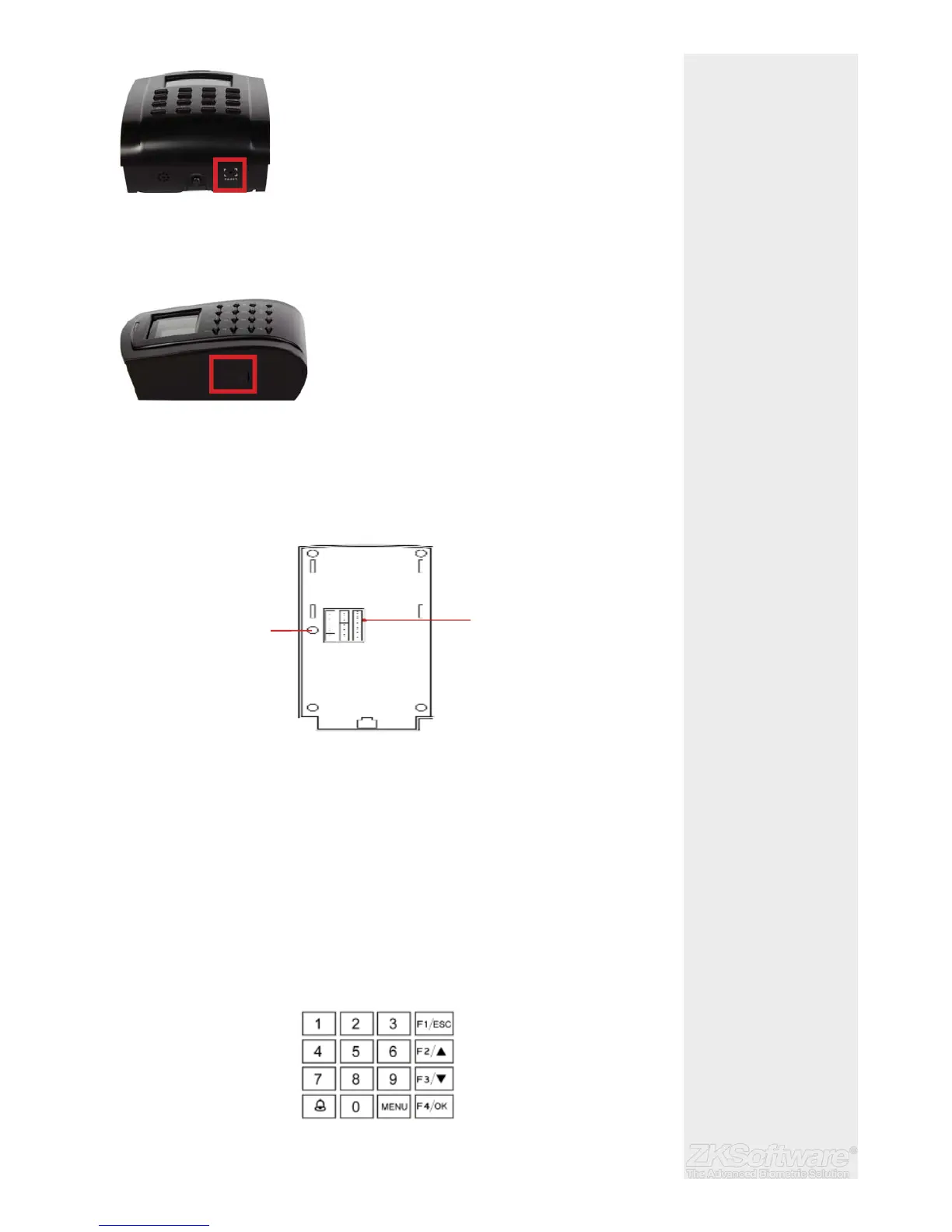
* Reset button is situated
below the unit
Bottom view:
• Reset button: Used to restart the device.
Side View:
• USB Port To upload/download users information, password and transaction
logs via USB fl ash disk.
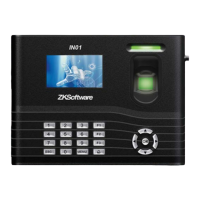
Rear View:
• Wiring terminal: Connects with locks and power supply through cables.
• Tamper Switch: Used to generate a tamper alarm.
2.3 Keypad
You can insert inputs into the terminals through the keypad. It contains numbers from
0-9, an OK button, an ESC/Cancel button, a Scroll up/down button, a doorbell button
and a Menu button.
* Keypad used for user
password / pin entry and
navigation of the unit
* USB port is situated on the
side of unit
5
Reset Button
USB Port
Wiring terminal
Tamper switch


 To Next Page