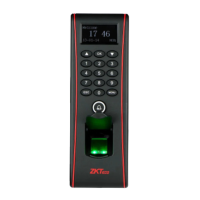
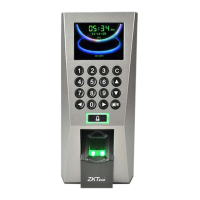
Machine IP address:
Default IP is 192.168.1.239. You can modify it. But do NOT use an IP address already
being used by another network device.
Subnet mask:
Default mask 255.255.255.0. You can modify it.
Gateway address:
Default gateway address is 0.0.0.0. You can modify it.
Network speed:
Note 3 Options (Automatic, 10M and 100M)
Scroll with the ▲ /▼ keys to place the cursor in the desired field. Enter your preferred
network communication settings.
After making changes, either press the OK key, or highlight the OK (M/<-) button and
then press the OK Key.
After selecting “OK”, you’ll be prompted “Change Saved Successfully! OK”; Press OK to
continue. The screen will change to the previous menu. Press the ESC key to continue
moving backward in the menu system.
RS232/485
Press the Menu key to open the Main menu


 To Next Page
 Loading...