EasyManua.ls Logo

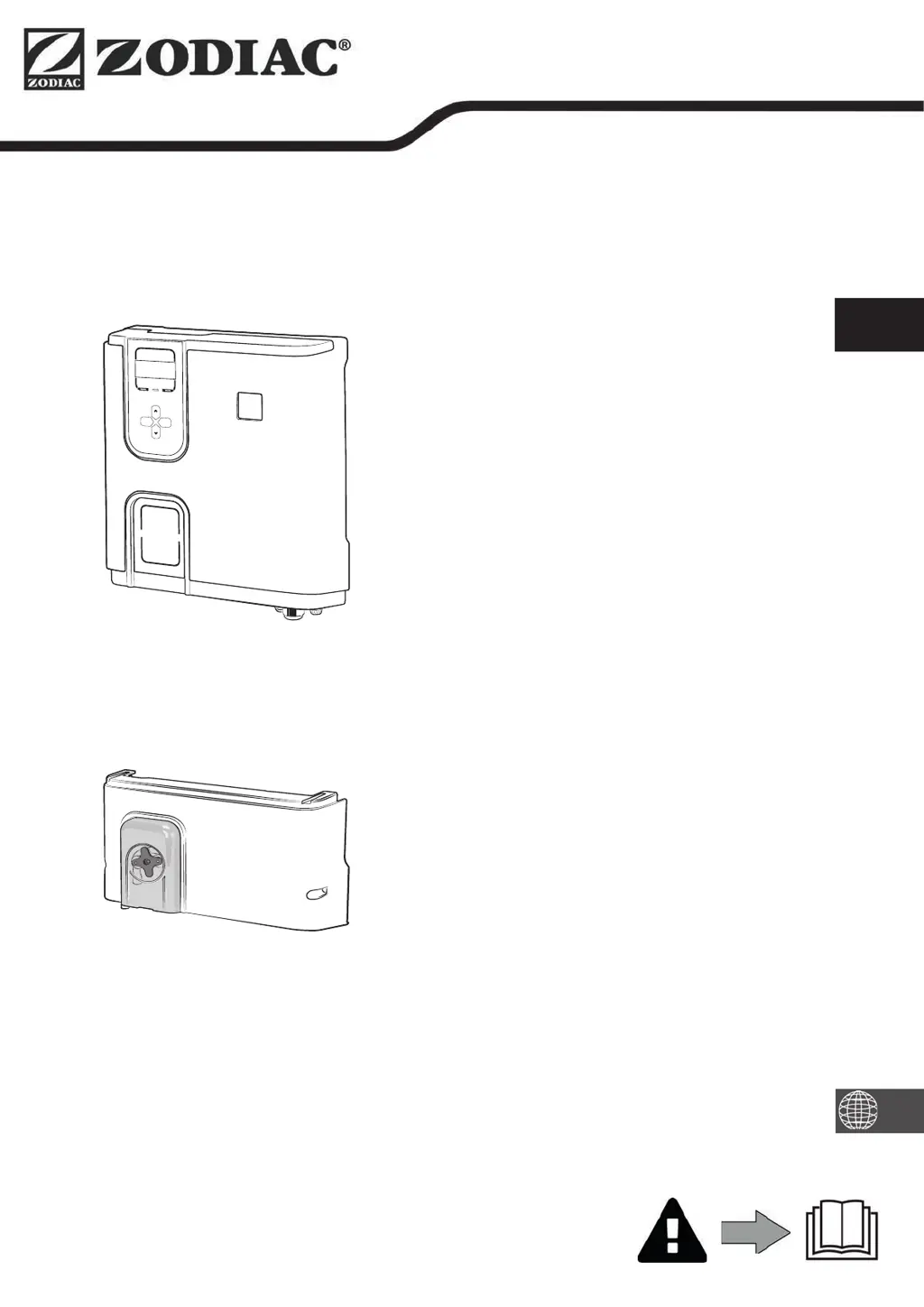
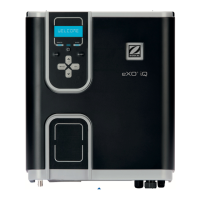
Zodiac eXO iQ Series - User Manual

Zodiac eXO iQ Series
60 pages
Print Icon
To Next Page IconTo Next Page
Loading...
H0632500.C- 2020/11 - ES11--
More documents on:
www.zodiac.com
Instruc ons for installa on and use - English
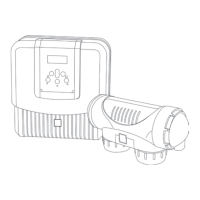
Salt water chlorinator, pH/Redox regula on
Transla on of the original instruc ons in french
EN
pH Link / Dual Link
eXO®/ eXO® iQ (LS)
GenSalt OT

Questions and Answers

  • J
    Jonathan SteeleAug 17, 2025
    What to do if my Zodiac Water Filtration Systems shows 'NO FLOW CHECK PUMP'?
    • J
      Jasmine MartinezAug 17, 2025
      If your Zodiac Water Filtration System displays 'NO FLOW CHECK PUMP', it indicates a problem with water circulation. This can be due to a filter pump failure, dirty filter or skimmer(s), or closed by-pass valve(s). Inspect the pump, filter, skimmer(s), and by-pass valve(s), cleaning them as needed. Also, check the flow switch wire connections and ensure the flow switch is working correctly; replace it if necessary.
  • C
    Cynthia CastanedaAug 20, 2025
    Why does my Zodiac Water Filtration Systems show a conductivity error?
    • I
      irushAug 20, 2025
      A conductivity error in your Zodiac Water Filtration System could be due to several reasons. If your model has a temperature sensor, low water conductivity (low salt) might be the cause, so check the water temperature. It can also be caused by low salt levels due to water loss or dilution from filter backwash, water renewal, rain, or leaks. Measure the salt concentration using a salt tester or test strip, and add salt to maintain the level at 4 g/L or 2 g/L, depending on your model. Also, check the condition of the cell plates.
  • D
    Danielle HicksAug 22, 2025
    How to fix 'PROD. ERROR' on Zodiac Water Filtration Systems?
    • M
      Michael SmithAug 22, 2025
      If your Zodiac Water Filtration System displays 'PROD. ERROR', it could stem from a few issues. First, check the power supply cord connections from the cell, both to the cell and inside the appliance, ensuring they are secure after switching off the appliance and the power supply to the control box. Another cause might be worn, scaled up, or broken cell plates, which would require cell replacement. It may also indicate an internal electronic problem in the control box, in which case you should check the power supply board.
  • C
    christina93Aug 26, 2025
    What should I do if pH dosing STOP on my Zodiac Water Filtration Systems?
    • N
      nielsenshannonAug 26, 2025
      If the pH dosing stops on your Zodiac Water Filtration System, it means that the pH value measured remains higher than the pH setpoint. To solve this problem you should check or replace the container, check and adjust the alkalinity (TA) of the pool water, and check/clean or replace the pH sensor.
  • C
    Crystal WoodAug 28, 2025
    What causes 'ORP PROD. STOP' in Zodiac Water Filtration Systems and how to resolve it?
    • M
      Melinda SweeneyAug 28, 2025
      The 'ORP PROD. STOP' error in your Zodiac Water Filtration System indicates that the ORP setpoint hasn't been reached after prolonged chlorination. You should check the pool's chlorine level using a photometer or test strip, and inspect the ORP sensor wiring on both the control box and sensor holder. High cyanuric acid levels can also interfere with chlorine's effectiveness and ORP readings, so empty the pool using the bottom drain to reduce cyanuric acid concentration and perform shock chlorination with calcium hypochlorite to reduce chloramines. Also, check the condition of the cells and consider replacing the ORP sensor.
  • D
    Daniel DawsonAug 31, 2025
    Why does my Zodiac Water Filtration Systems show 'pH REGUL. STOP'?
    • T
      Terri GreenAug 31, 2025
      The 'pH REGUL. STOP' error on your Zodiac Water Filtration System means the pH setpoint hasn't been reached after 5 hours of injection. Start by checking the pool's pH with a photometer or test strip and inspect the pH sensor wiring on the control box and sensor holder. Ensure the pH minus container isn't empty and test the peristaltic pump. If the alkalinity is high, this can prevent pH reduction; consider reducing the alkalinity level. Replacing the pH sensor may also be necessary.
  • F
    fwilsonSep 2, 2025
    What to do if my Zodiac Water Filtration Systems is overheating?
    • T
      Teresa MitchellSep 2, 2025
      If your Zodiac Water Filtration System is overheating, it means the temperature inside the control box is too high. To prevent this, protect the box from direct sunlight if it's installed outdoors. The chlorination process slows above 85°C and stops above 90°C to protect the electric circuits. Chlorination will resume automatically once the temperature decreases.
  • C
    Caitlin CookSep 5, 2025
    Why does my Zodiac Water Filtration Systems display 'LOW WATER TEMP.'?
    • T
      Tina SaundersSep 5, 2025
      Your Zodiac Water Filtration System displays 'LOW WATER TEMP.' because the water temperature measured by the appliance's temperature sensor is 10°C or less. Production stops to protect the cell. Chlorination will automatically resume at the Low mode chlorination rate between 10 and 15°C, and at the normal chlorination rate when the temperature exceeds 15°C.
  • M
    Michael HowellSep 8, 2025
    Why is there no visible chlorine production on the cell plates of my Zodiac Water Filtration Systems?
    • J
      Jimmy OlsonSep 8, 2025
      If you observe no visible chlorine production on the cell plates of your Zodiac Water Filtration System, it may be because chlorination is in the reversal period, or chlorination is set to less than 100% and is stopped. In either case, wait and see; chlorination should resume within the next 10 minutes.
  • C
    Christopher SanchezSep 12, 2025
    What causes a 'pH LOW' error on my Zodiac Water Filtration Systems?
    • E
      estradachristianSep 12, 2025
      A 'pH LOW' error on your Zodiac Water Filtration System indicates that the pH is less than 5. Check the pH sensor wiring on the control box and the sensor holder. Also, a faulty connection, calibration error, pH sensor failure, or a dirty sensor could be the cause, so check the sensor's operation. Low alkalinity can also reduce pH, so check and adjust the alkalinity.

Summary

Safety Warnings

General Safety Precautions

Covers general warnings, PPE, installation compliance, handling, and chemical safety.

Electrical Safety

Covers electrical warnings, power supply protection, wet conditions, battery handling, and storm protection.

Product Specifications

Package Contents

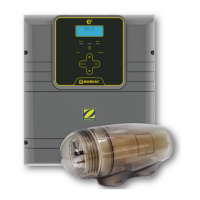
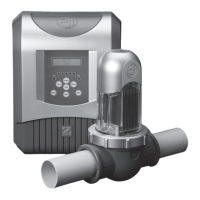
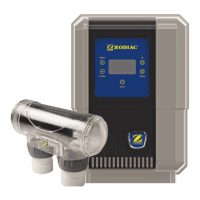
Lists included components for the appliance (eXO (iQ) / GenSalt OT).

Technical Data

Details technical specifications for chlorinator and optional modules.

Chlorinator Installation

Cell and Component Installation

Instructions for installing the cell, sensor, flow switch, and control box.

Electrical Connections

Steps for making electrical connections, identifying functions, and external connections.

Module Installation

POD Kit Setup

Guidelines for installing the POD kit, including pipe preparation and assembly.

pH Minus System

Instructions for installing pH minus injection and suction hoses.

Pool Preparation

Water Balancing

Recommendations for water analysis and adjustments (TA, TH, pH).

Salt Addition

Formula and steps for calculating and adding salt to the pool.

Appliance Operation

User Interface and Configuration

Overview of controls, initial setup, language, time, and pump selection.

Sensor Calibration and Setpoints

Guides for calibrating pH/ORP sensors and setting desired values.

Routine Use Modes

Explains modes like Boost, Low, Cover, and Cold Water Safeguard.

Remote Control

iAquaLink App Setup

Steps for downloading and connecting the appliance to the iAquaLink app.

Maintenance and Troubleshooting

Cleaning Procedures

Instructions for cleaning sensors, electrodes, and filter backwashing.

Winterising and Re-use

Methods for winterising the appliance and preparing it for re-use.

Error Messages and Solutions

Lists common error messages, causes, and troubleshooting steps.

Zodiac eXO iQ Series Specifications

General IconGeneral
BrandZodiac
ModeleXO iQ Series
CategoryWater Filtration Systems
LanguageEnglish

Related product manuals