8H0426500.C - EN - 2016-01
3.5 I Star ng the cleaning cycle
• Bathing is prohibited when the device is in the pool.
• Do not use the device during shock chlorina on.
• Do not leave the device una ended for an extended period.
• When the control box is powered up, the following symbols light up to indicate:
- The ac on in progress
- The cleaning selected (depending on model)
- Maintenance required
• The control box switches to standby a er 10 minutes, and the screen switches off . Just press any key to exit standby
mode. Standby mode does not stop the device if it is in a cleaning cycle.
3.5.1 Cleaning cycle selec on (depending on model)
• A cleaning cycle is already confi gured by default: the symbols are on.
• The cleaning cycle can be selected at any me, before the device starts or while it is opera ng. The new cycle will
start immediately.
• The cleaner adapts its movement strategy depending on the choice in order to op mise the coverage rate.
Surface to clean
Bo om only
Bo om + sides + water line
3.5.2 Launching the cleaning cycle
• Press
Tip: to improve the cleaning performance
At the start of the bathing season, launch several cleaning cycles in bo om only mode (a er removing the
large debris with a net).
Regular use of the cleaner (without exceeding 3 cycles per week) means that your pool will always be clean
and the fi lter less clogged.
3.5.3 Adjus ng the cleaning me (depending on model)
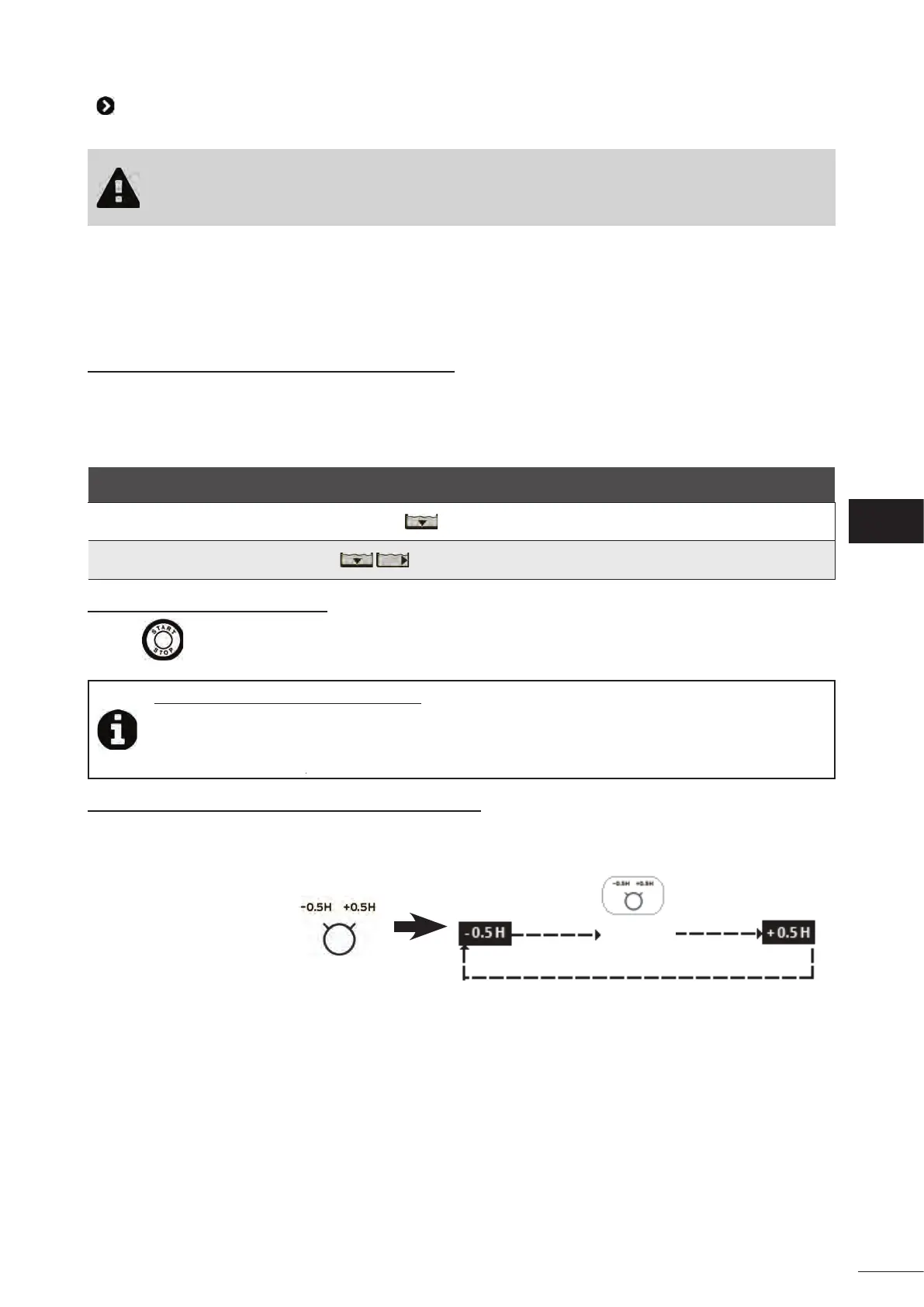
• You may reduce or increase the cleaning me at any me (+/- 0.5 H.
• Press the bu on:
Normal
dura on
EN



 To Next Page