¢RADIO OPERATON
¢Turning the radio On/Off.
1. To turn the radio on, turn the On-Off / Volume control knob
clockwise.
2. To turn the radio off, turn the On-Off / Volume control knob
counterclockwise until you hear a click.
¢Adjusting the radio volume
Turn the On-Off / Volume control knob to adjust the volume level.
¢Selecting a radio channel
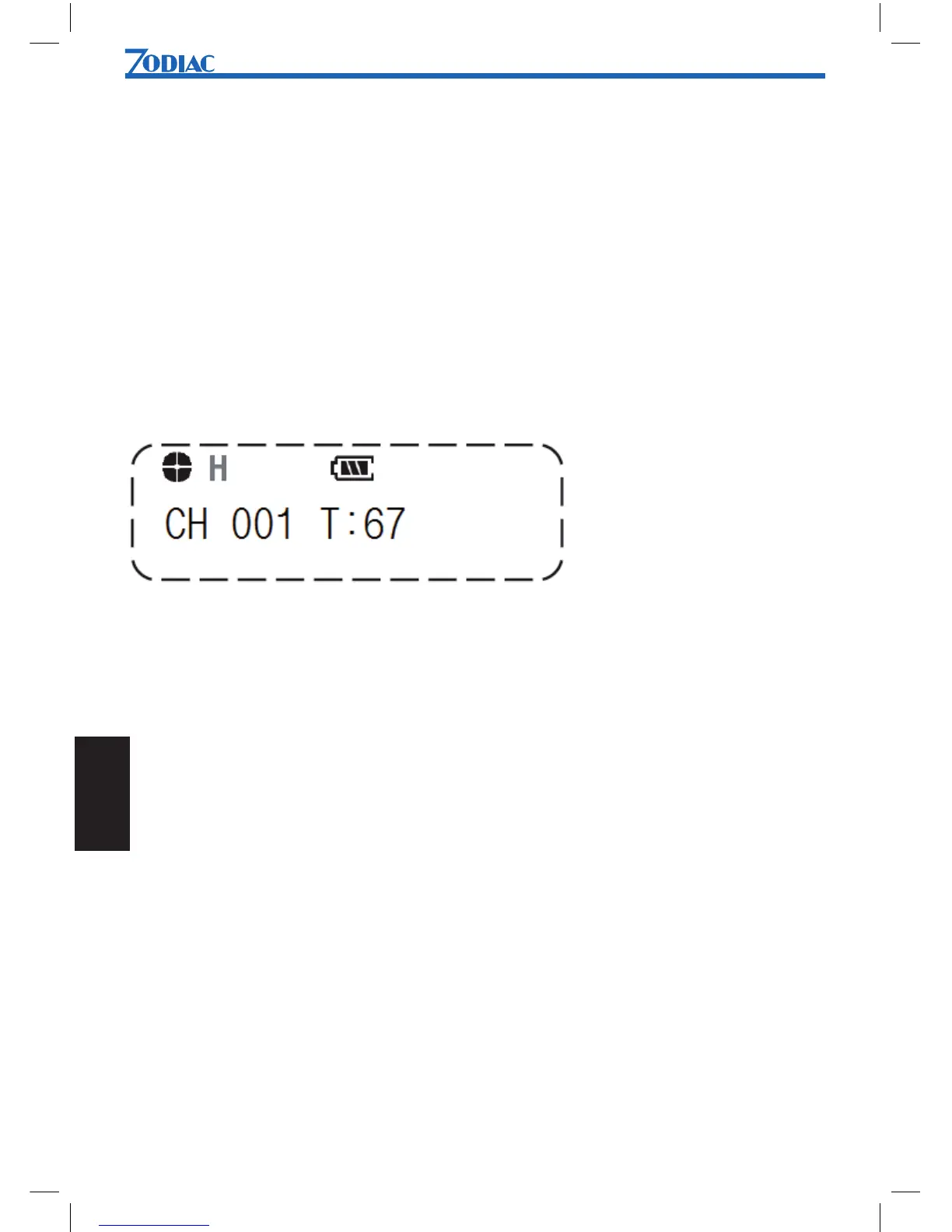
This radio offers up to 255 channels.Select the desired channel by using Up / Down key.
Each press increases or decreases the channel number. When held down, the channels
increases continuously.
¢Transmitting
To transmit, monitor the channel and make sure it is clear.
1. To transmit, press and hold in the PTT switch. Speak into the microphone in a normal
voice. The LED indicator (5) will give a red light during transmission.
2. To return to receiveing mode, release the PTT switch.
¢Receiving
Select the wanted radio channel. The LED indicator (5) will give a green light during the
reception of signals. If the LED indicator is blinking green, it indicates that the sender is
using another CTCSS tone (CTCSS code) than set in your receiver. Try to change the
CTCSS tone by using the CTCSS menu.


 To Next Page