¢Whisper mode
In order to avoid disturbing the wild life in critical situations you can use the wisper mode, a
function that increases the gain of the microphone and allows you to whisper in a very low
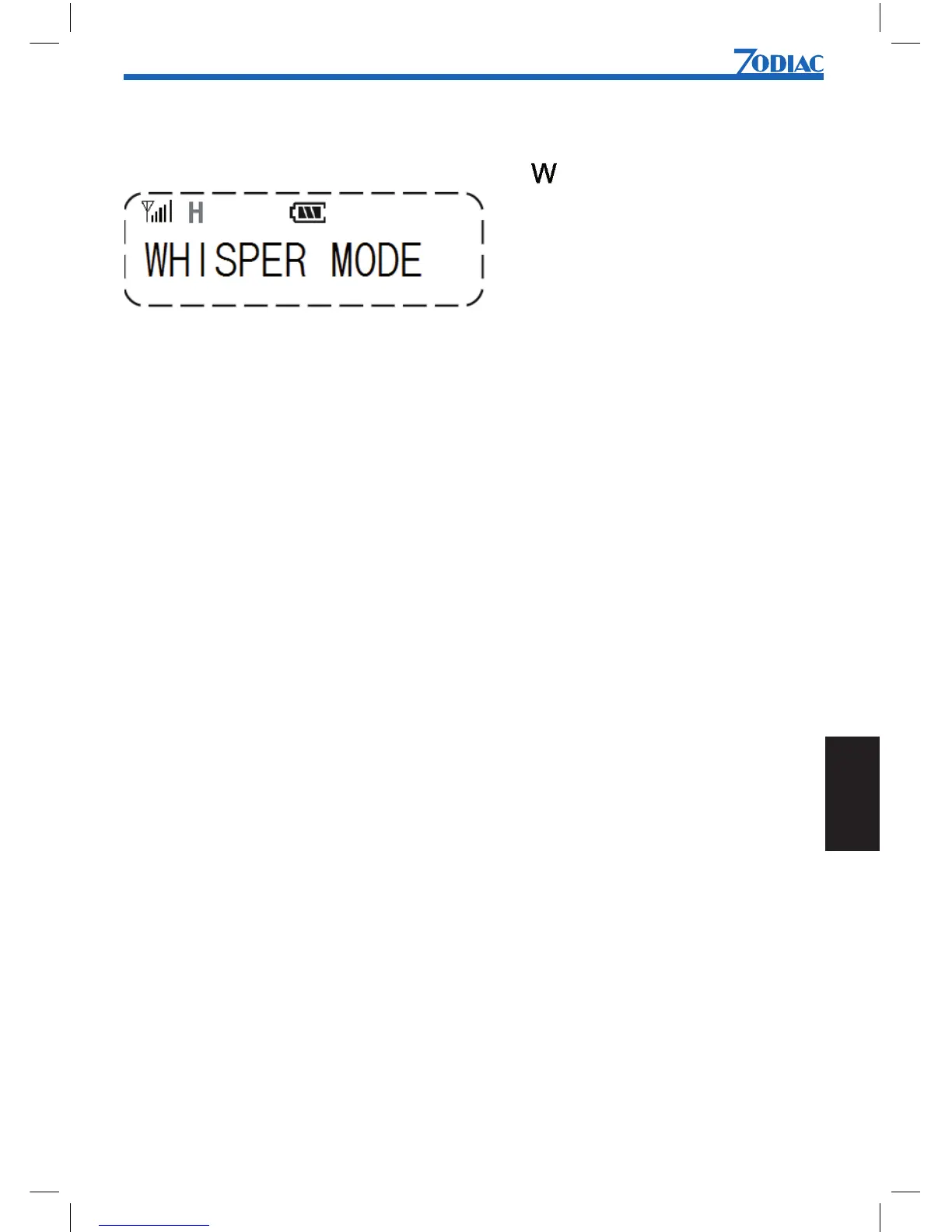
voice. When the Whisper mode is active, the symbol is shown in the display.
To enable the whisper function:
1. Press [Menu] to enter menu mode.
2. Use [UP] or [DN] to scroll list until WHISPER MODE is shown.
3. Press [Menu] to select.
4. Use [UP] or [DN] to select YES or NO.
5. Press [Menu] to conrm


 To Next Page