¢TX Power
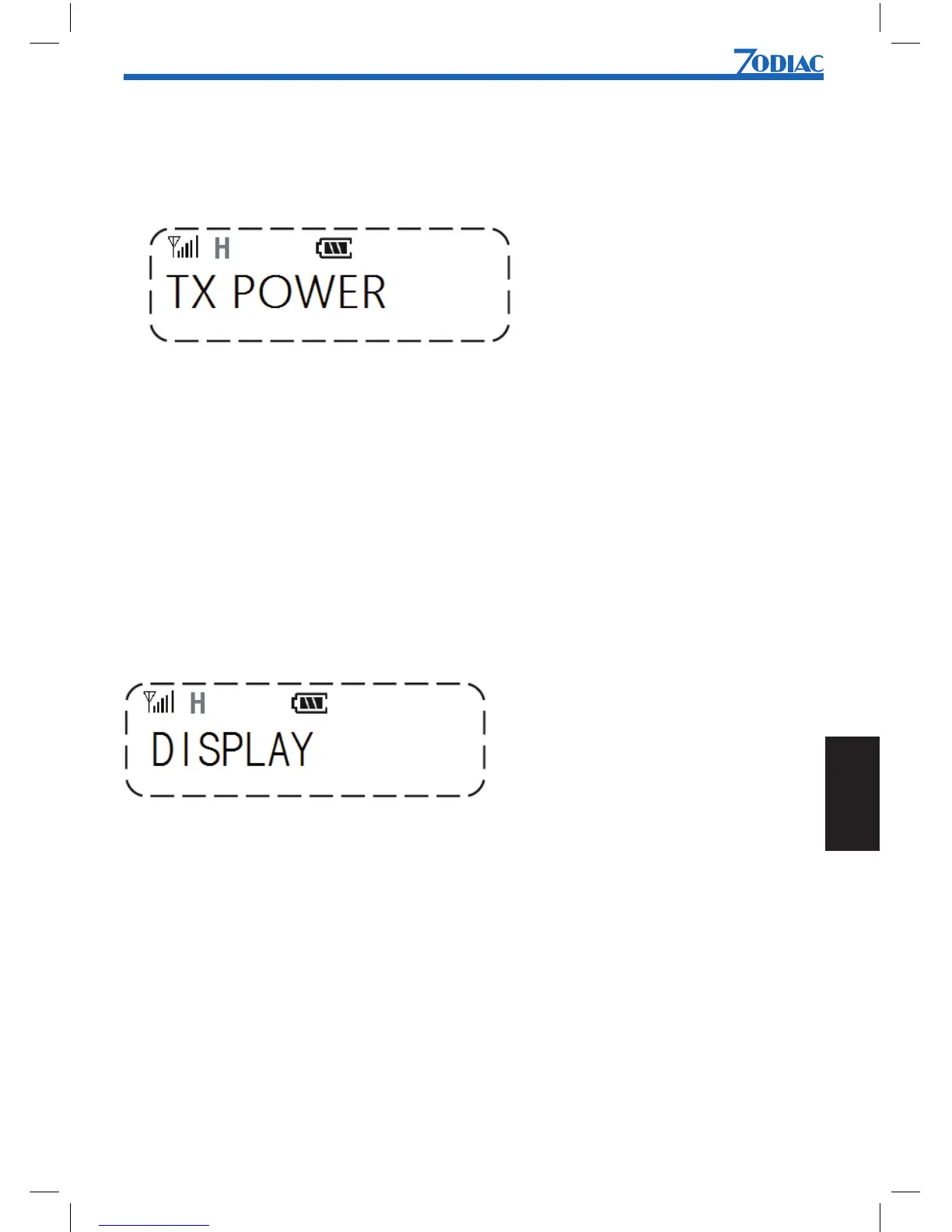
You can select high, middle or low TX output power.
The display shows H for high power and L for low power. When middle power is selectet,
no TX power icon is shown.
To change TX output power:
1. Press [Menu] to enter menu mode.
2. Use [UP] or [DN] to scroll list until TX POWER is shown.
3. Press [Menu] to select.
4. Use [UP] or [DN] to select HIGH, MIDDLE or LOW output power.
5. Press [Menu] to conrm.
¢Display
You can select to show the channel setting as channel number or channel text.
To change display information:
6. Press [Menu] to enter menu mode.
7. Use [UP] or [DN] to scroll list until DISPLAY is shown.
8. Press [Menu] to select.
9. Use [UP] or [DN] to select CH NUMBER or CH TEXT.
10. Press [Menu] to conrm.


 To Next Page