¢Battery save
If the battery save function is activated, the radio will enter save mode when it has not
been receiving or transmitting for a predetermined time in order to save battery power.
When the function is activated, you will have a small delay when transmitting / receiving,
because it will use a short moment to wake up. Therefore you should wait a short moment
after you have pressed the PTT button before talking in order to avoid that your rst word
not being transmitted.
To enable the battery save function:
1. Press [Menu] to enter menu mode.
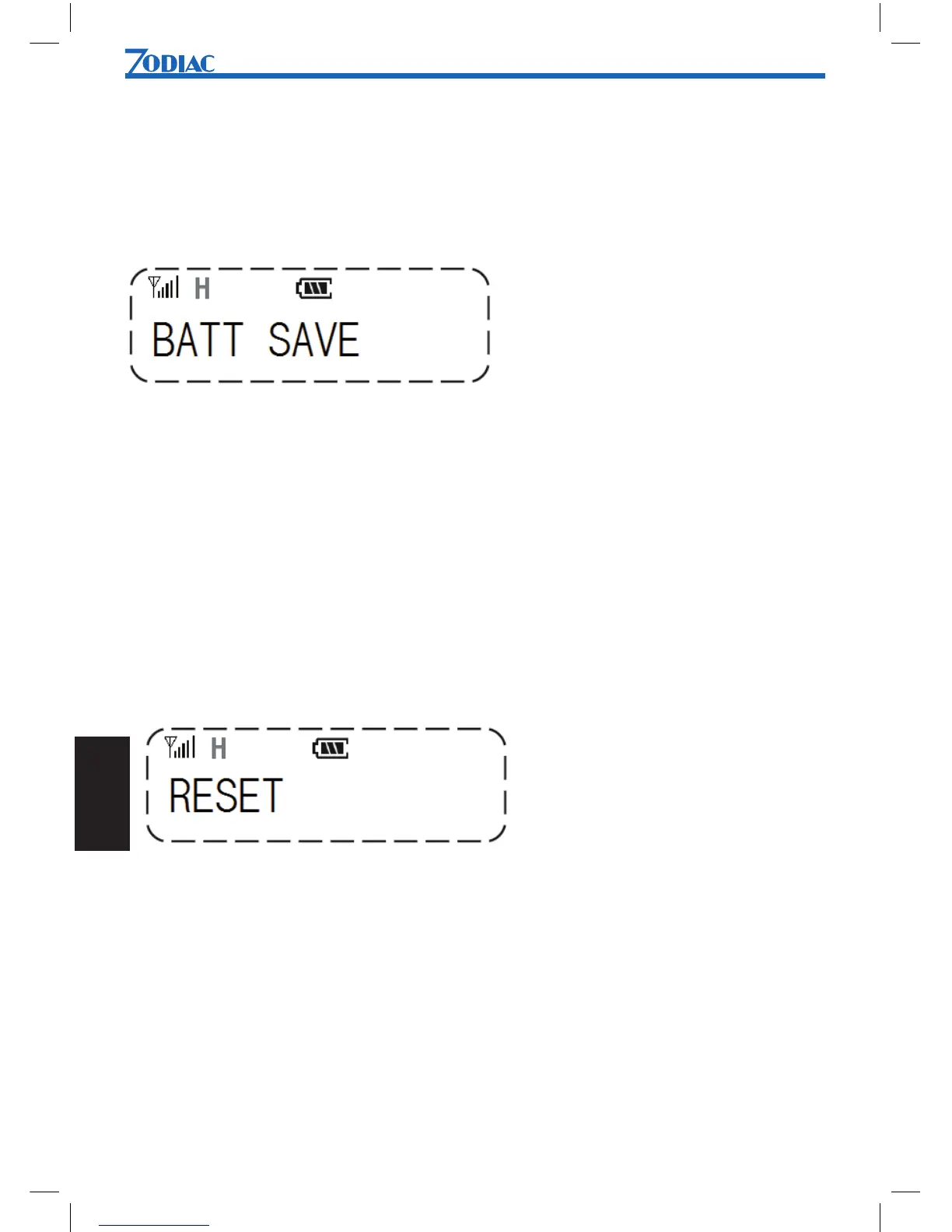
2. Use [UP] or [DN] to scroll list until BATT SAVE is shown.
3. Press [Menu] to select.
4. Use [UP] or [DN] to select YES or NO.
5. Press [Menu] to conrm.
¢Reset
This function will reset the radio to default settings.
To reset to factory default settings:
1. Press [Menu] to enter menu mode.
2. Use [UP] or [DN] to scroll list until RESET is shown.
3. Press [Menu] to select.
4. Use [UP] or [DN] to select YES or NO.
5. Press [Menu] to conrm.


 To Next Page