¢Language
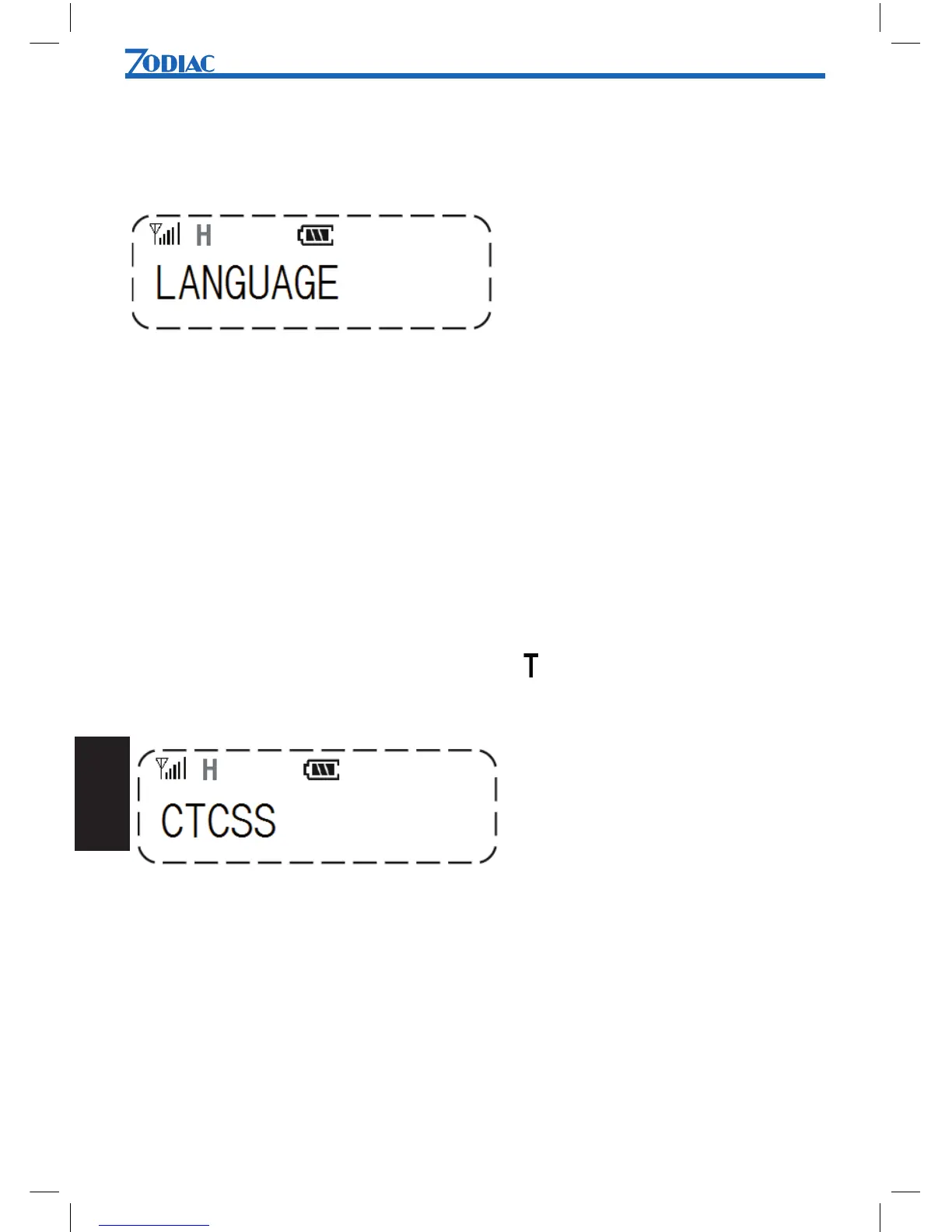
You can select Norwegian, Swedish, Finnish or English as menu language.
To change language:
1. Press [Menu] to enter menu mode.
2. Use [UP] or [DN] to scroll list until LANGUAGE is shown.
3. Press [Menu] to select.
4. Use [UP] or [DN] to select desired language.
5. Press [Menu] to conrm.
¢CTCSS
You can choose between 39 different CTCSS tones with a frequency range between 67
and 254 Hz. When CTCSS is activated, the symbol is shown in the display.
To enable/change CTCSS tone:
1. Press [Menu] to enter menu mode.
2. Use [UP] or [DN] to scroll list until CTCSS is shown.
3. Press [Menu] to select.
4. Use [UP] or [DN] to select desired CTCSS tone.
5. Press [Menu] to conrm.


 To Next Page