Using the Macintosh Configuration Utility
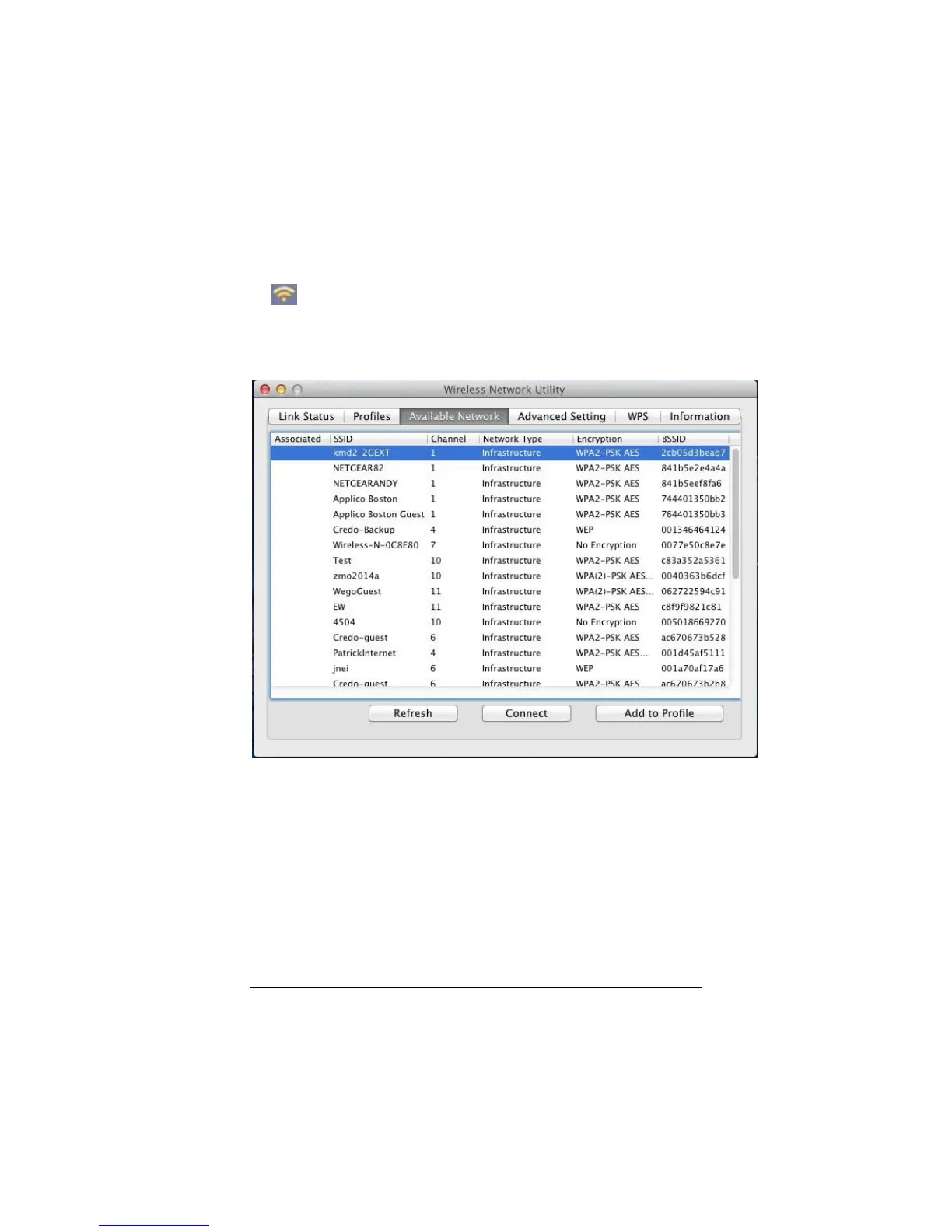
Viewing Available Networks
To view the available wireless networks
1 Double-click on the Wireless-N USB Configuration utility icon
on the Dock. This opens the wireless configuration utility.
2 Click on the Available Network tab.
The available wireless networks page will appear:
To refresh the list of available networks, click on the Refresh
button.
To connect to an existing wireless network:
1 If you are connecting to the wireless network just once,
select the SSID of the wireless network you want to join and
click Connect. If you want to connect to the network


 To Next Page