Adjusting the master tempo
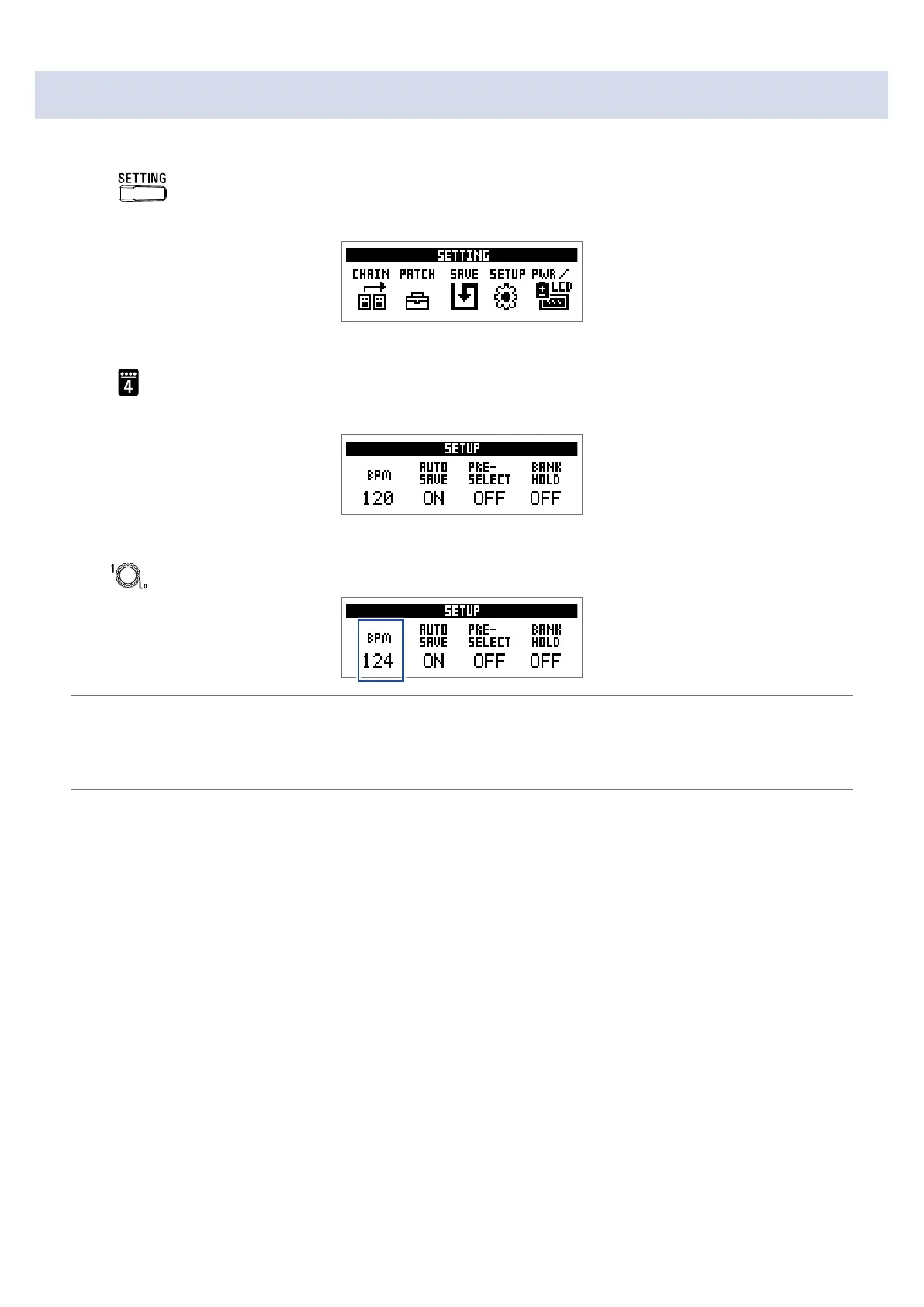
The master tempo is the tempo shared by effects, rhythms and the looper.
1.
Press .
This opens the SETTING screen.
2.
Press .
This opens the SETUP screen.
3.
Turn .
HINT
• This can be set from 40 to 250.
• BPM (Beats Per Minute) is the number of beats (quarter notes) in one minute and is a unit used to show
how fast a musical tempo is. For example, 60 BPM is a tempo of 60 beats per minute.
27



 To Next Page
 Loading...









