- 8 -
14. Battery
1) Disconnect AC adaptor and set the power supply voltage to 6.0 V.
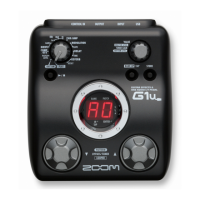
2) Make sure that “A0” is indicated on the 7 segment LED.
3) Set the power supply voltage to 3.7 V.
Make sure that the indication “bt” appears on the 7 segment LED.
4) Set the power supply voltage to 4.6 V.
Make sure that the 7 segment LED indication returns to the previous state.
15. Stability
Put the G1X on a surface plate, and push it diagonally.
Make sure that there is no remarkable space (less than ±0.3 mm is acceptable).



 To Next Page
 Loading...