Reference [Recorder]
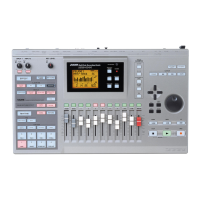
ZOOM MRS-802
34
ACO/BASS SIM
• BASxx-yy
V-take recorded through insert effect BASS
•MICxx-yy
V-take recorded through insert effect MIC
• DULxx-yy
V-take recorded through insert effect DUAL MIC
•LINxx-yy
V-take recorded through insert effect LINE
• MASxx-yy
V-take recorded through insert effect MASTERING
• BYPxx-yy
V-take recorded while bypassing the insert effect
• BOUxx-yy
V-take recorded using bounce function or rhythm recording
function
• LP_xx-yy
Phrase written to V-take using phrase loop function
(→ p. 57)
HINT
When you write a phrase to the master track, the name
"LP_MS_yy" is automatically assigned.
These names can be changed as desired. To do this, proceed
as follows.
1.
From the main screen, press the [TRACK
PARAMETER] key.
NOTE
Only the name of the currently selected V-take of tracks 1 -
8 can be changed.
2.
Use the cursor up/down keys to bring the
indication “TR XX-YY” onto the display (where X, Y
is the track number and V-take number).
3.
Use the cursor left/right keys to select the track
whose V-take name you want to edit.
You can also select the track with the status keys (1 - 8,
[MASTER]).
NOTE
If you select a V-take on which nothing is recorded, the
indication “NO DATA” appears and the name cannot be
edited.
4.
Press the [EDIT] key.
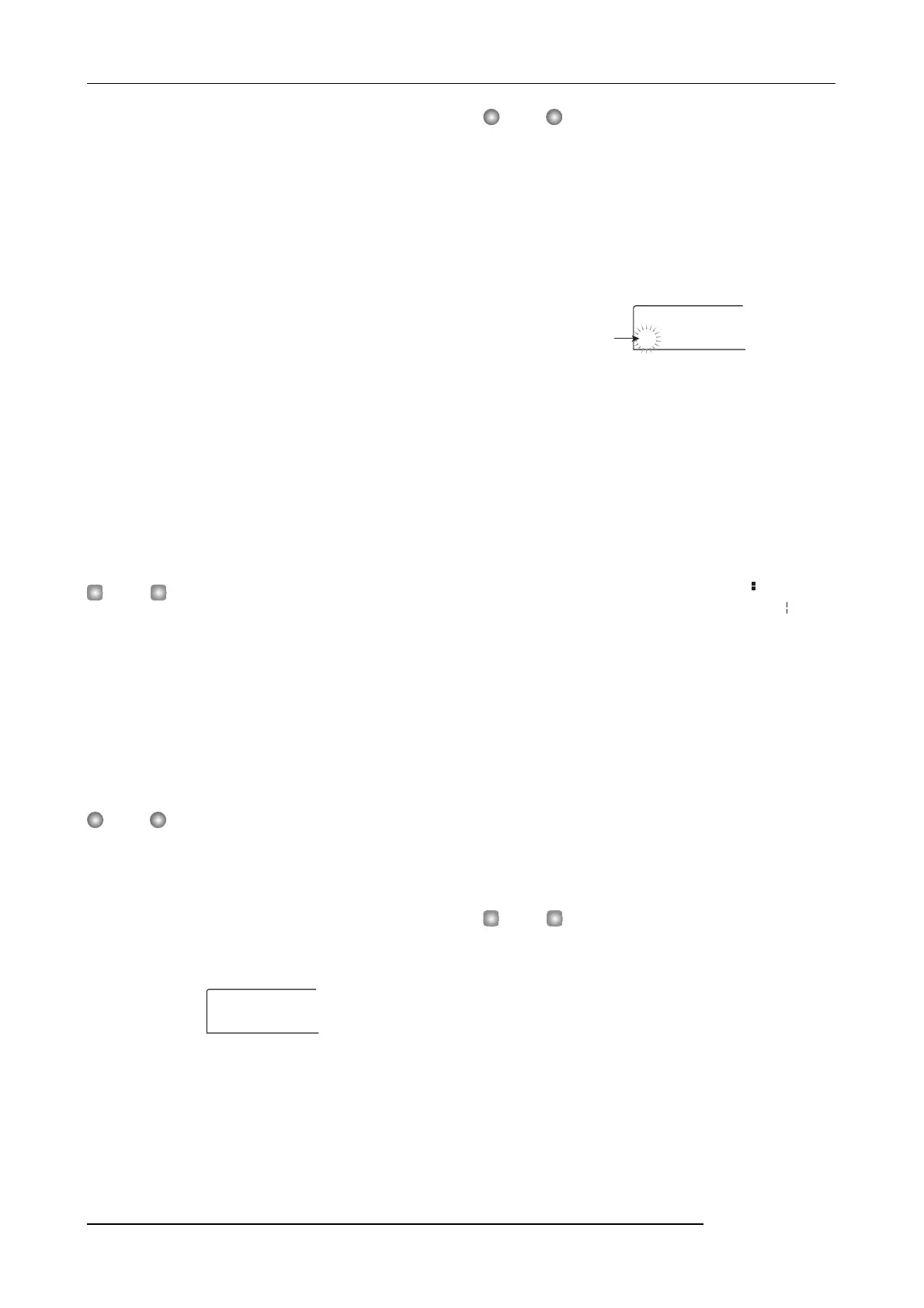
The cursor (flashing box) is on the first character of the V-
take name. This indicates that you can change this character.
5.
Use the cursor left/right keys to move the cursor to
the character you want to change.
6.
Turn the dial to select a character.
The following characters can be selected.
Numerals: 0 - 9
Letters: A - Z, a - z
Symbols: (space)
! " # $ % & ' ( ) + , - . / :
; < > = ? @ [ ] ^ _ ` { } \
˜
■
7.
Repeat steps 5 - 6 until the name is as desired.
8.
When you have finished editing the name, press
the [EXIT] key.
The new name is accepted and the unit returns to the
condition of step 3. If necessary, you can edit the names of
other V-takes.
9.
To return to the main screen, press the [EXIT] key.
The [TRACK PARAMETER] key goes out.
HINT
If the data on a V-take are erased, the name of the V-take
reverts to “NO DATA”.
TR 2- 1
GTR 2- 1
TR 3- 2
±TR 3- 2
Cursor



 To Next Page