Reference [Recorder]
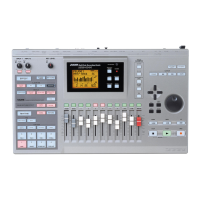
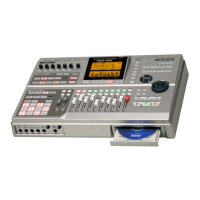
ZOOM MRS-802
37
the In point, recording will begin automatically (punch-in).
When you reach the Out point, recording will end
automatically, and playback will resume (punch-out).
9.
When you are finished recording, press the STOP
[
P
] key.
10.
To listen to the recorded result, press the status
key for the track on which you have performed
punch-in/out so that the key is lit in green. Then
move to a location earlier than the In point, and
press the PLAY [
R
] key.
If you want to re-do the recording, repeat steps 5 - 9.
11.
When you are satisfied with the recording, press
the [AUTO PUNCH-IN/OUT] key so that the key
goes out.
The auto punch-in/out function is turned off, and the In point
and Out point settings are discarded.
Recording several tracks on a
master track (Mixdown function)
This section explains how to play recorded tracks and drum
kit sounds and record them as a stereo mix on a master track
(mixdown).
About the master track
The master track is a set of stereo tracks that is separate from
the normal tracks 1 - 8. The most common use of the master
track is as a track on which the end result of a mixdown
process is recorded. The contents of the master track can be
used to create the material for an audio CD.
The MRS-802 offers one master track for each project.
Similar to the regular tracks 1 - 8, the master track also has
ten virtual tracks (V-takes). This allows you to record
different mixes on several V-takes and select the optimum
take later.
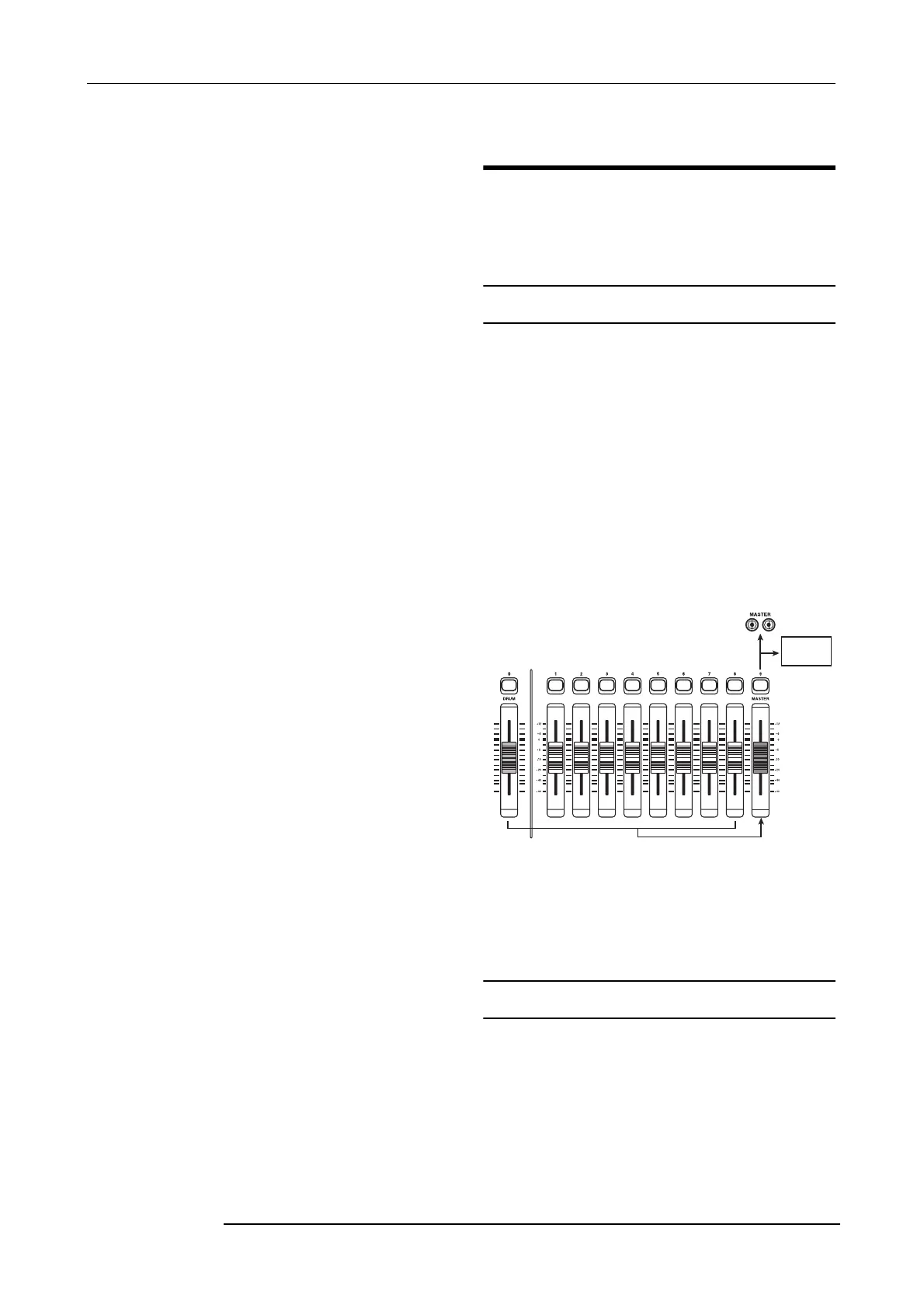
When you set the master track to recording, the signal
coming from the [MASTER] fader (same signal as supplied
at the OUTPUT jacks) will be recorded.
Mixdown steps
Here’s how to mix tracks 1 - 8 and the drum track onto two
stereo channels and record these on the master track.
1.
From the main screen, press the [TRACK
PARAMETER] key in the track parameter section.
Master
track



 To Next Page