Reference [Recorder]
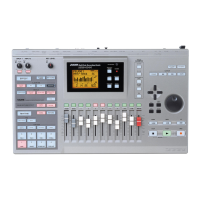
ZOOM MRS-802
33
Using V-takes
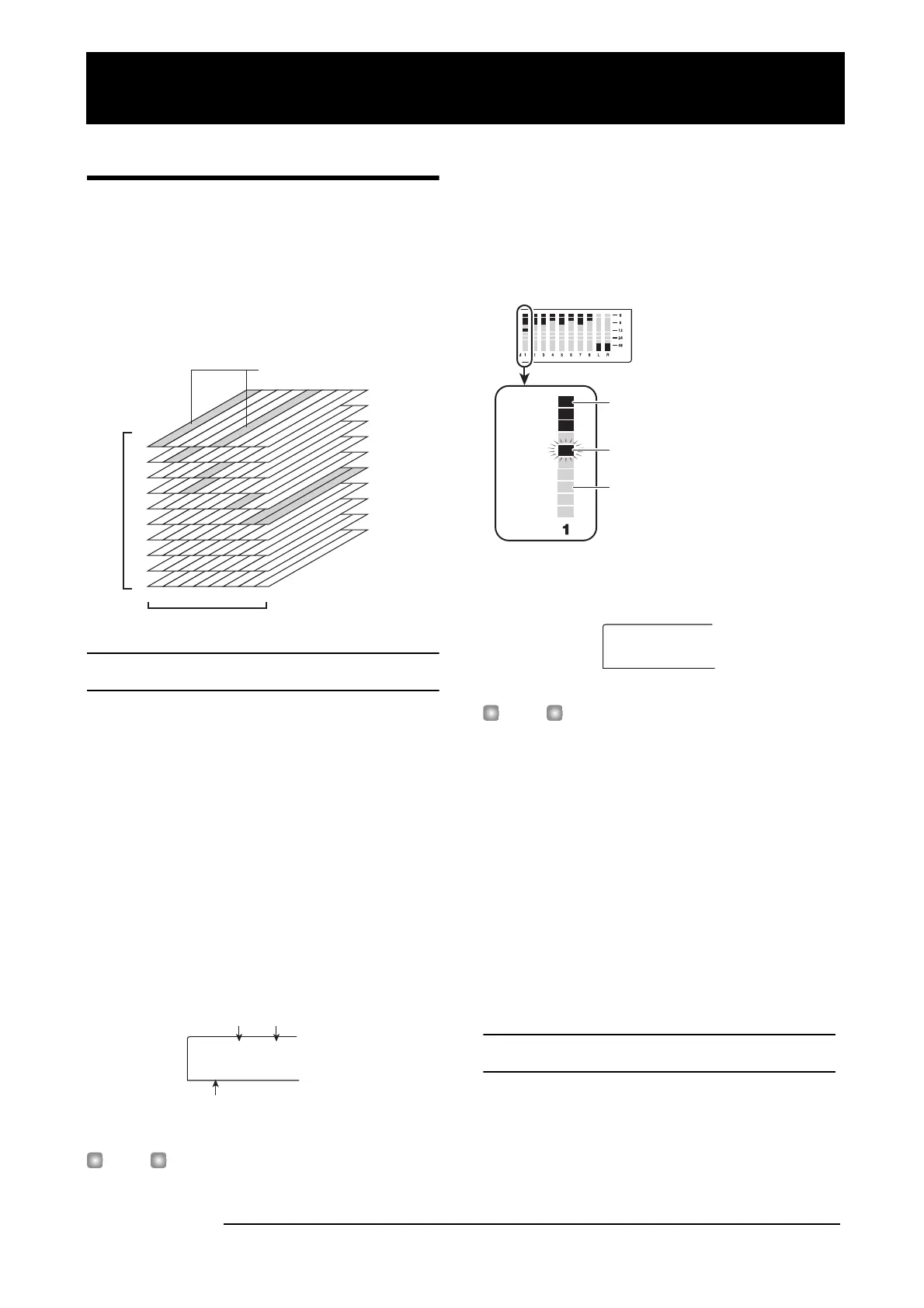
Each track 1 - 8 of the recorder contains ten virtual tracks,
called “V-takes”. For each track, you can select one take,
which will be used for recording and playback. For example,
you can switch V-takes as you record multiple vocal or
guitar solos on the same track, and later compare them and
select the best V-take.
Switching V-takes
Here’s how to switch the V-take used by each track 1 - 8.
1.
From the main screen, press the [TRACK
PARAMETER] key in the track parameter section.
The key lights up and you can select various track
parameters.
2.
Use the cursor up/down keys to bring the
indication “TR xx-yy” onto the display (where xx is
the track number and yy the V-take number).
The V-take name is shown under the track number/V-take
number.
HINT
If you select a V-take on which nothing is recorded, the
indication “NO DATA” is shown instead of the V-take name.
In the level meter display area, a lit dot indicates a recorded
V-take. If the dot is out, the V-take is unrecorded.
A flashing dot indicates the currently selected V-take for
each track. (The dot for the selected V-take will flash at the
same frequency regardless of whether it is recorded or not.)
3.
Use the cursor left/right keys to select the track.
HINT
You can also select the track with the status keys (1 - 8,
[MASTER]).
4.
Turn the dial to select the V-take.
5.
Repeat steps 3 - 4 as necessary, to select a V-take
for each track.
6.
When you have finished selecting V-takes, press
the [EXIT] key.
The [TRACK PARAMETER] key goes out, and the unit
returns to the main screen.
Editing V-take names
A V-take that has been recorded will be automatically
assigned a default name, according to the following pattern.
• GTRxx-yy
V-take recorded through insert effect CLEAN, DIST, or
1
1
2
3
4
5
6
7
8
9
10
2
-takes
3456 78
Track
V-take currently selected
for each track 1 - 8
TR 1- 1
GTR 1- 1
V-take name
Track number V-take numbe
1
2
3
4
5
6
7
8
9
10
V-take
Lit: recorded V-take
Out: unrecorded V-take
Flashing: currently selected V-take
Track
TR 3- 1
GTR 3- 1
Reference [Recorder]



 To Next Page