Reference [Track Editing]
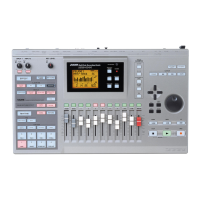
ZOOM MRS-802
52
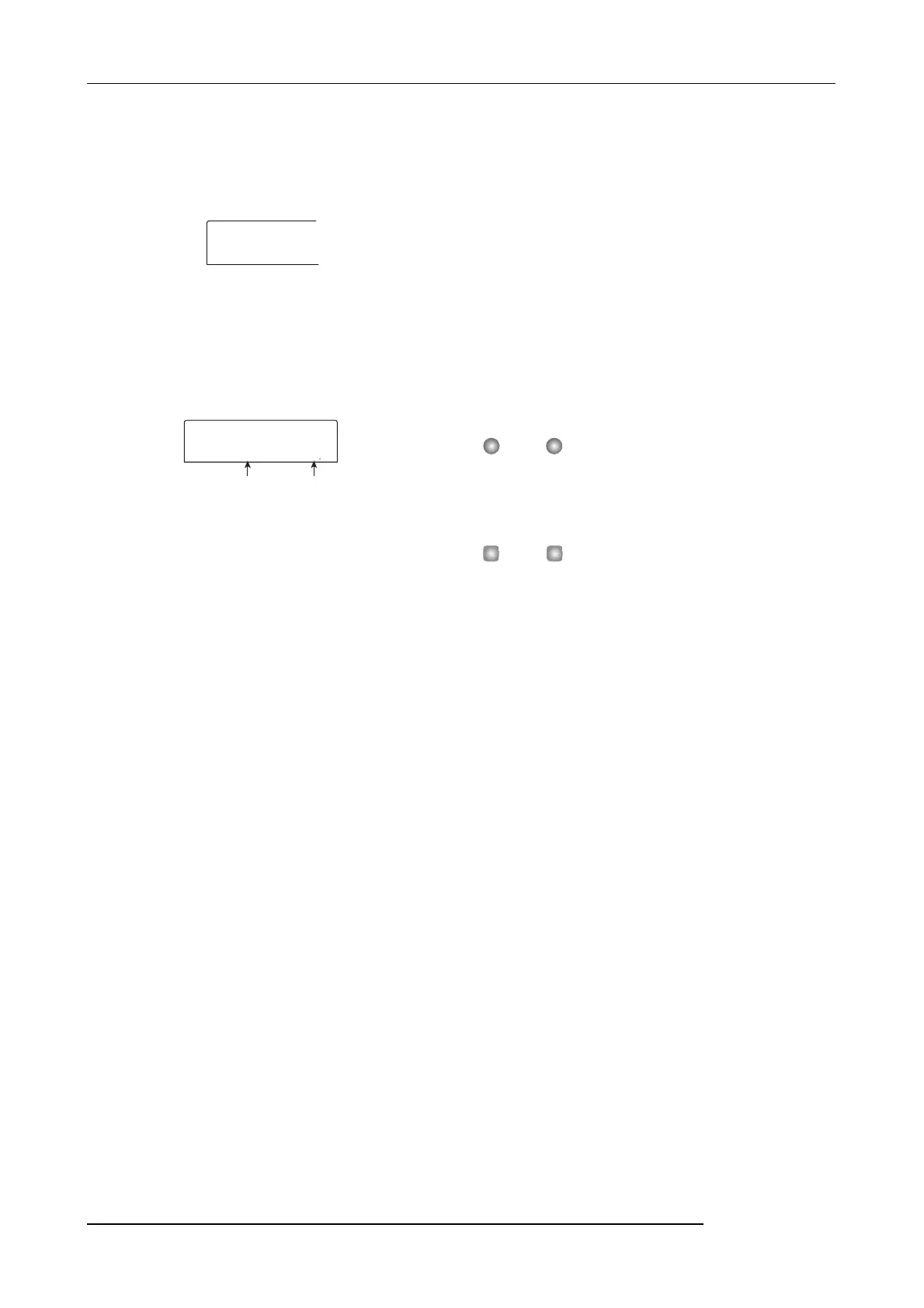
The display changes to a screen for selecting a track/V-take
on which to place the audio data after time stretch/compress.
The indication is “TmStrDst TR-xx-yy” (where xx is the
track number and yy the V-take number).
2.
Use the cursor up/down keys and the dial to select
the destination track/V-take, and press the
[ENTER] key.
The display changes as follows.
This screen lets you specify the ratio for time stretch/
compress in two ways, as listed below (the current selection
flashes).
•Stretch ratio (%)
Expresses the length of the track after time stretch/compress
in percentage of the original. The setting range is 50% -
150%.
•Tempo (BPM)
Sets the tempo (beats per minute) after time stretch/
compress, using the tempo set in the rhythm song as
reference. The default value is the tempo set at the beginning
of the current rhythm song.
3.
Use the cursor left/right keys to select the unit for
making the time stretch/compress setting.
The flashing section moves.
4.
Turn the dial to make the time stretch/compress
setting.
When you change one item, the other item also changes
accordingly.
Also when using the BPM item for making the setting, the
setting range of 50% - 150% cannot be exceeded.
5.
Press the PLAY [
R
] key.
The stretched/compressed track is played from the
beginning of the V-take.
6.
At the point where you want the time stretch/
compress function to end, press the STOP [
P
] key.
The indication “TimStrch SURE?” appears on the display.
7.
To execute the time stretch/compress operation,
press the [ENTER] key.
By using the [EXIT] key instead of the [ENTER] key, you
can move back to previous screens.
When the time stretch/compress operation is executed, the
indication “TimStrch COMPLETE” appears on the display,
and the unit returns to the track edit menu.
NOTE
When performing time stretch/compress, the range is always
from the start of the V-take to the point where the STOP [
P]
key was pressed.
HINT
When wishing to apply time stretch/compress only to a part
of the song such as a drum pattern or riff, use the copy
function and trimming function to create a V-take of the
desired length first.
TmStrDst
TR 1- 1
Stretch ratio Tempo
TimStrch
100.00%
120.0



 To Next Page