09
Turning the Power On and Off
6.
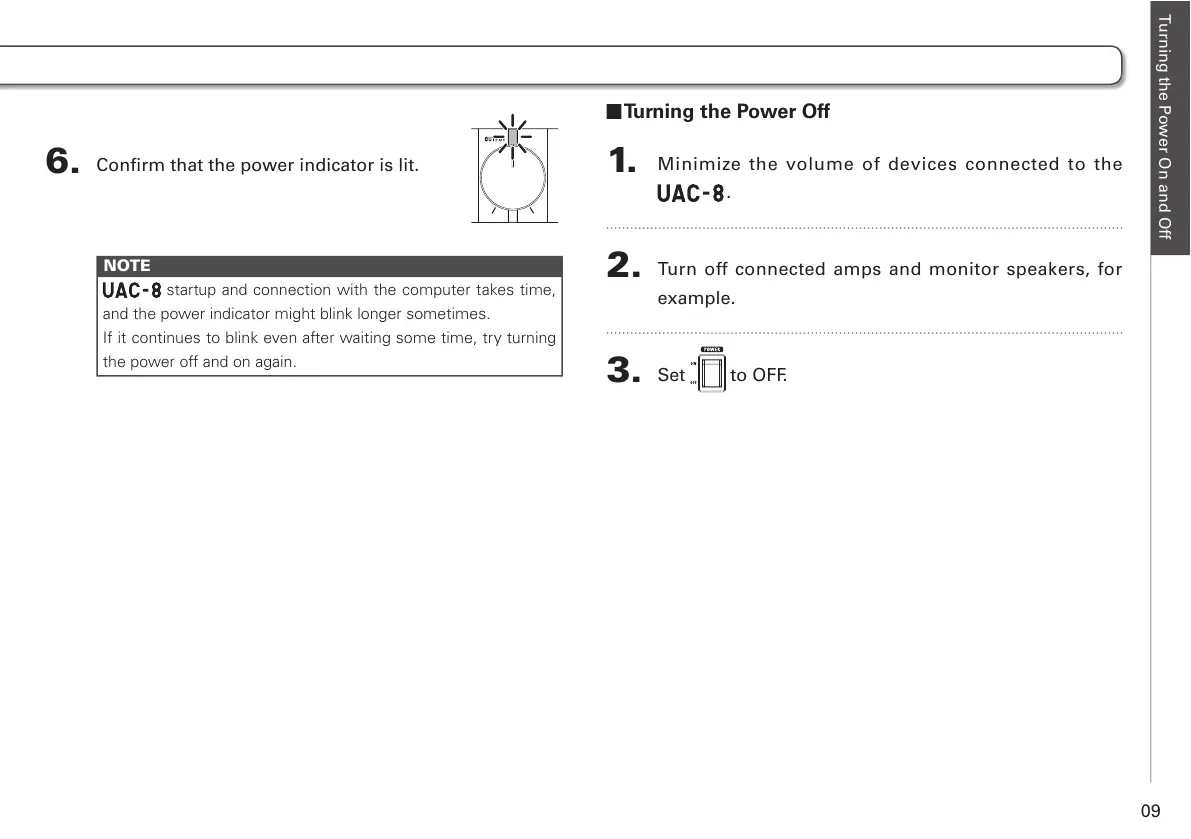
Confirm that the power indicator is lit.
NOTE
startup and connection with the computer takes time,
and the power indicator might blink longer sometimes.
If it continues to blink even after waiting some time, try turning
the power off and on again.
Turning the Power Off
1.
Minimize the volume of devices connected to the
.
2.
Turn off connected amps and monitor speakers, for
example.
3.
Set to OFF.



 To Next Page