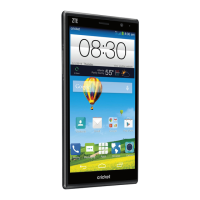
Set Up Your Phone 3
Set Up Your Phone
The following topics give you all the information you need to set up your phone and wireless service the
first time.
Parts and Functions
These topics illustrate your phone’s primary parts and key functions.
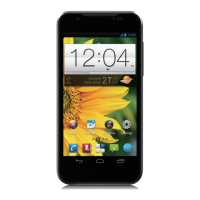
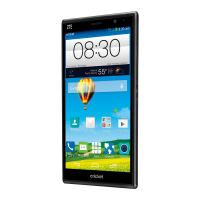
Note: Your phone's screens and apps layouts are subject to change. This user guide uses sample
images only.
Phone Layout
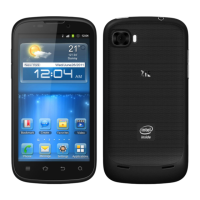
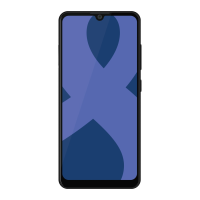
The following illustration outlines your phone’s primary external features and keys.
Transmits your voice for phone calls or records your voice or ambient
sounds for voice recordings and videos. The microphone on the top of
the phone is useful for canceling ambient noise during a phone call.
Lets you hear the caller and automated prompts.
Hold the nano-SIM card and SD card.



 To Next Page