12
WPS
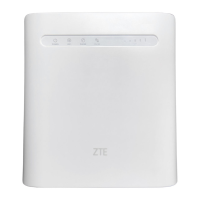
Your device supports the WPS function. You can use this function to
connect a client to your device.
1. Press the
WPS
button on your device to activate the WPS function.
The WIFI indicator is blinking.
2. Enable the WPS function on your client.
3. Follow the system prompts on your client to establish the connection.


 To Next Page