13
u
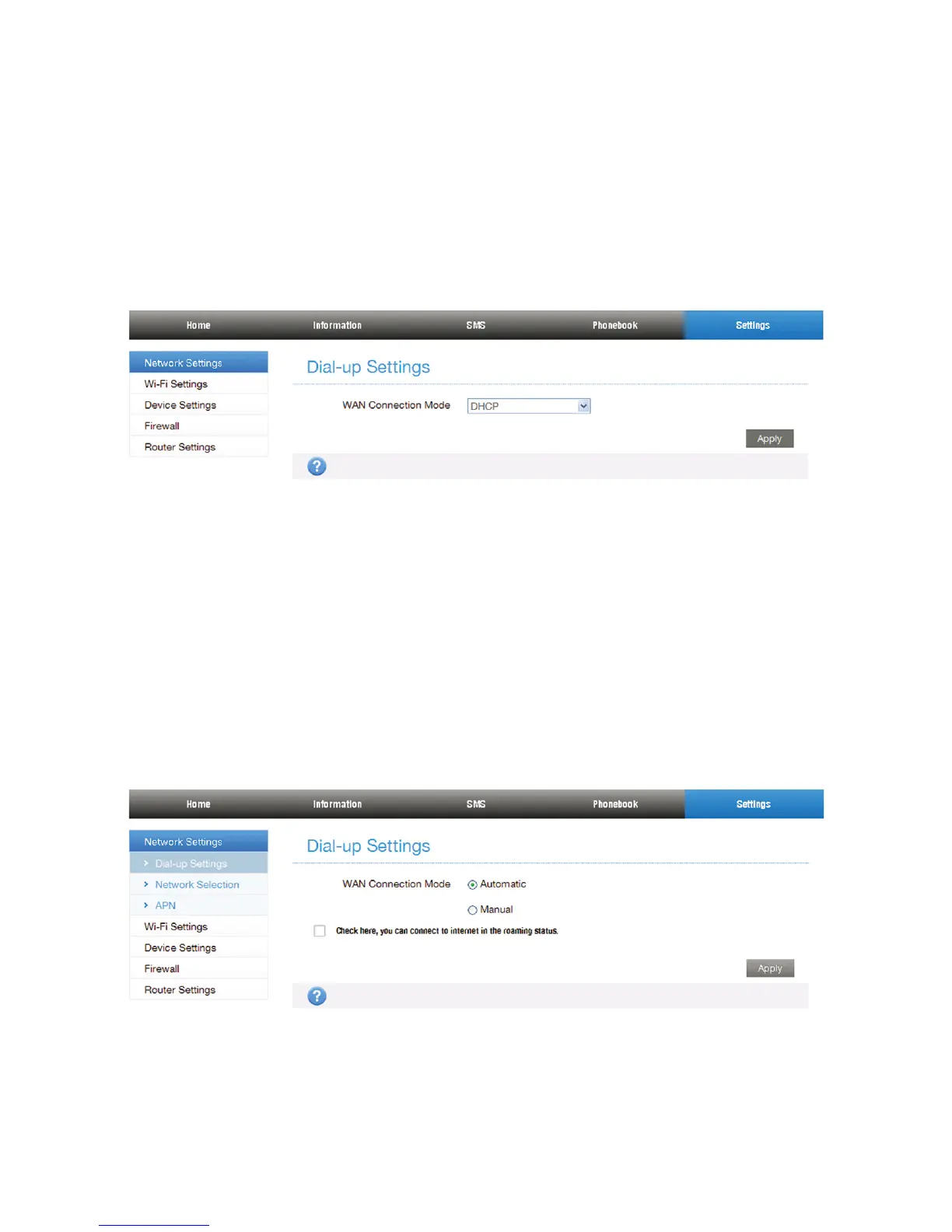
DHCP mode
Please select DHCP and then click Apply.
NOTE:
Your service provider does not give you any parameters.
• For Wireless Broadband
If you want to use your PC to connect to the Internet,
please connect your PC to the LAN port via Ethernet cable.
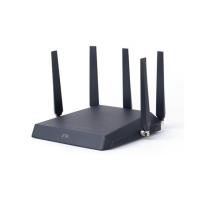
Select Settings > Network Settings > Dial-up Settings to
change the WAN connection mode. The default WAN Con-
nection Mode is Automatic.
5. Begin to enjoy your Internet service.


 To Next Page