8
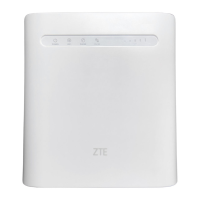
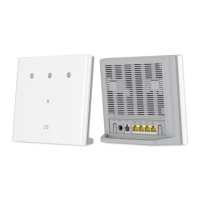
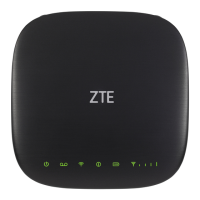
Logging in to the 4G Mobile Hotspot
Conguration Page
1. Ensure that the connection between your device and the
client device is correct.
2. Launch the Internet browser and enter
http://192.168.0.1
or
http://u.ztedevice.com
in the address bar.
3. Enter the password to log in to the 4G Mobile Hotspot
conguration page.
NOTE:
You can view the label on the device to get the default
password.
Changing the Wi-Fi SSID or Password
1. Log in to the 4G Mobile Hotspot conguration page.
2. Select Wi-Fi
Settings
.
3. Change the
Network Name (SSID)
or the
Password
in
the Main SSID area.
4. Click
Apply
.


 To Next Page