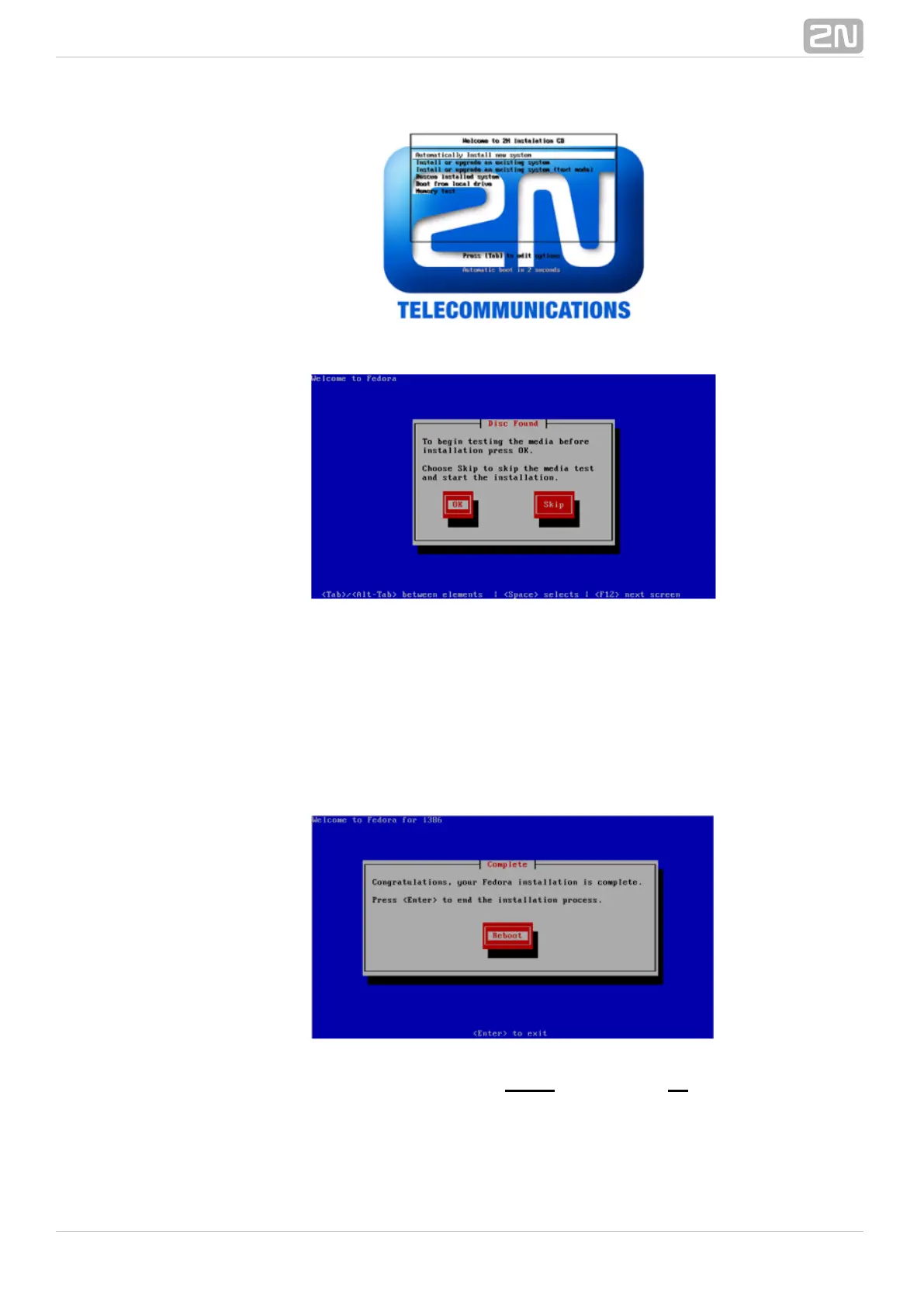
You can test the installation CD before installation. Choose to test the CD or OK Skip
to continue the installation process.
The installer will automatically format the hard drive and install all system files. When
the installation is finished, the installer will wait for reboot confirmation. Press ENTER
to continue.
Remove the CD from the CD ROM and let the new system boot.
To finish the system settings log in as the user with the password.Admin 2n
The wizard will help you set the network and install the package correctly.



 To Next Page