Network Settings
You can set the network during the first login. A graphical wizard will help you set the
IP address, network mask and default gateway. Use to move between options.TAB
Use to select or unselect options. You can also change the IP by running theSPACE
command set-up.
Time Zone and Time Synchronisation
Because the routing rules are based on time and date, be sure to set the correct time
zone and synchronise time. For time synchronisation use the NTP protocol and so you
need the Internet connection.
Package Installation
Choose the package to be installed. You can choose either the or 2N ERM
®
2N SIM
®
application.Star Server
Configuration via WEB interface
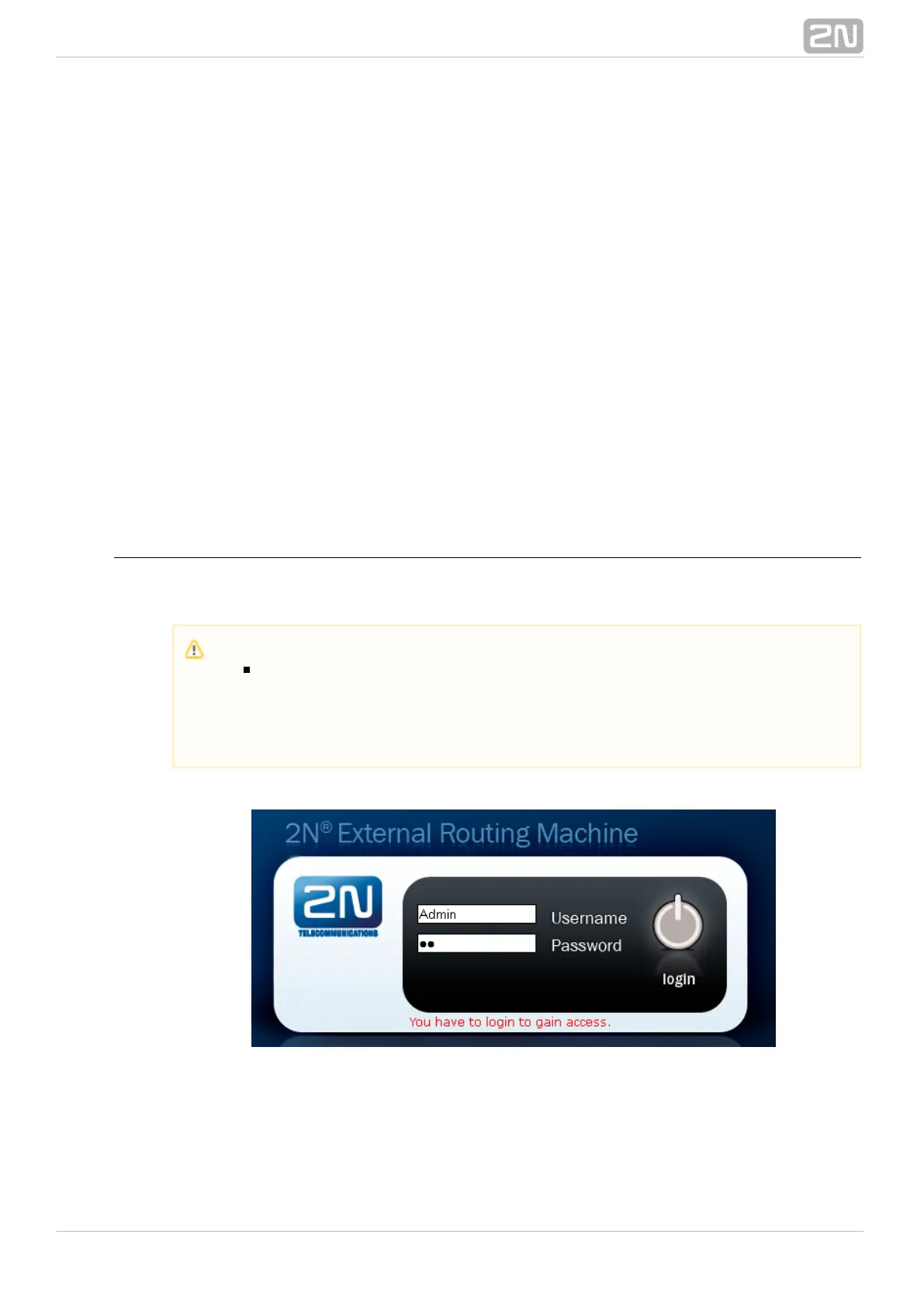
Enter into your browser address row to access the ERM http://IP_address_PC/erm
web interface.
Gateway Connection
Access the ERM configuration via the web interface sections. Use this interface to fully
configure the ERM and manage the database table records.
Caution
The manufacturer supplies the gateways with a predefined default user
account with default password . Mind the Upper/Lower Case Admin 2n
while entering the user name and password! The first thing you should do
for safety reasons after putting your gateway in operation is to change the
administrator password.



 To Next Page