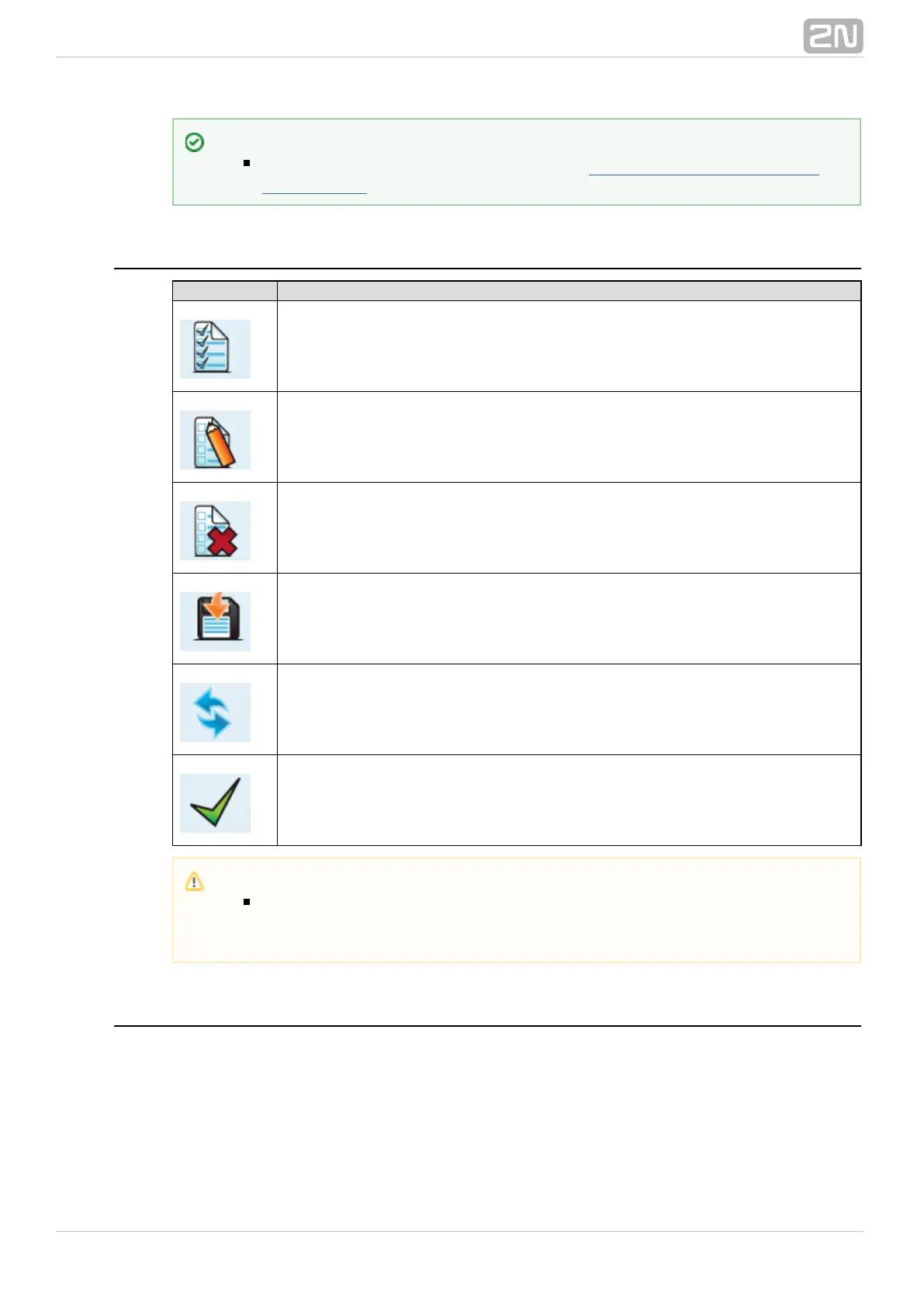
Web Icons
Icon Description
Reset factory values
Store current configuration into GSM gateway
Restore previous GSM gateway configuration values
Save onto local disk of connected terminal
Refresh display data
Confirmation (e.g. of configuration file storing to GSM gateway)
Home Page
Having logged in, you get to the home page as shown in the figure below.Gateway
There is a menu on the left, which includes the Gateway control and Gateway
configuration items. The right-hand upper corner displays the current state of the login
timer and the button for automatic time limit refreshing.Refresh
The home page also includes the Logout button. You wil be notified of successful logout
after every logout action to avoid re-use of your login data.
Tip
Set the login timeout value in the Gateway Configuration - Web
logout section.Configuration
Caution
Push the Save settings button to save the changes. Otherwise you will
lose the configuration changes after quitting the current configuration
window!



 To Next Page