Target
Unit Meas.
Customer
Product
Operator
Truck N.
Max N.W.
Project
000 ----------
001 ----------
002 ----------
003 ----------
004 ----------
22
To set the value proceed as follows:
Use the RIGHT (+) pushbutton to move the cursor to the right along the line
Use the LEFT (-) pushbutton to move the cursor to the left along the line
Use the DOWN pushbutton to move the cursor down along the columns
Use the UP pushbutton to move the cursor up along the columns
Press and release the ENTER pushbutton every time the cursor is positioned on the letter
or number required.
Once the name is complete (it can be seen on the display at the bottom) press and hold
HOME pushbutton for a few seconds to confirm. 8 character lines can be set.
NOTE: to scroll the page down (maximum 1000 code No.) position the cursor on the last
code No. displayed and press and release the SEL pushbutton. To scroll the page up
position the cursor on the first code No. displayed and press and release the SEL
pushbutton.
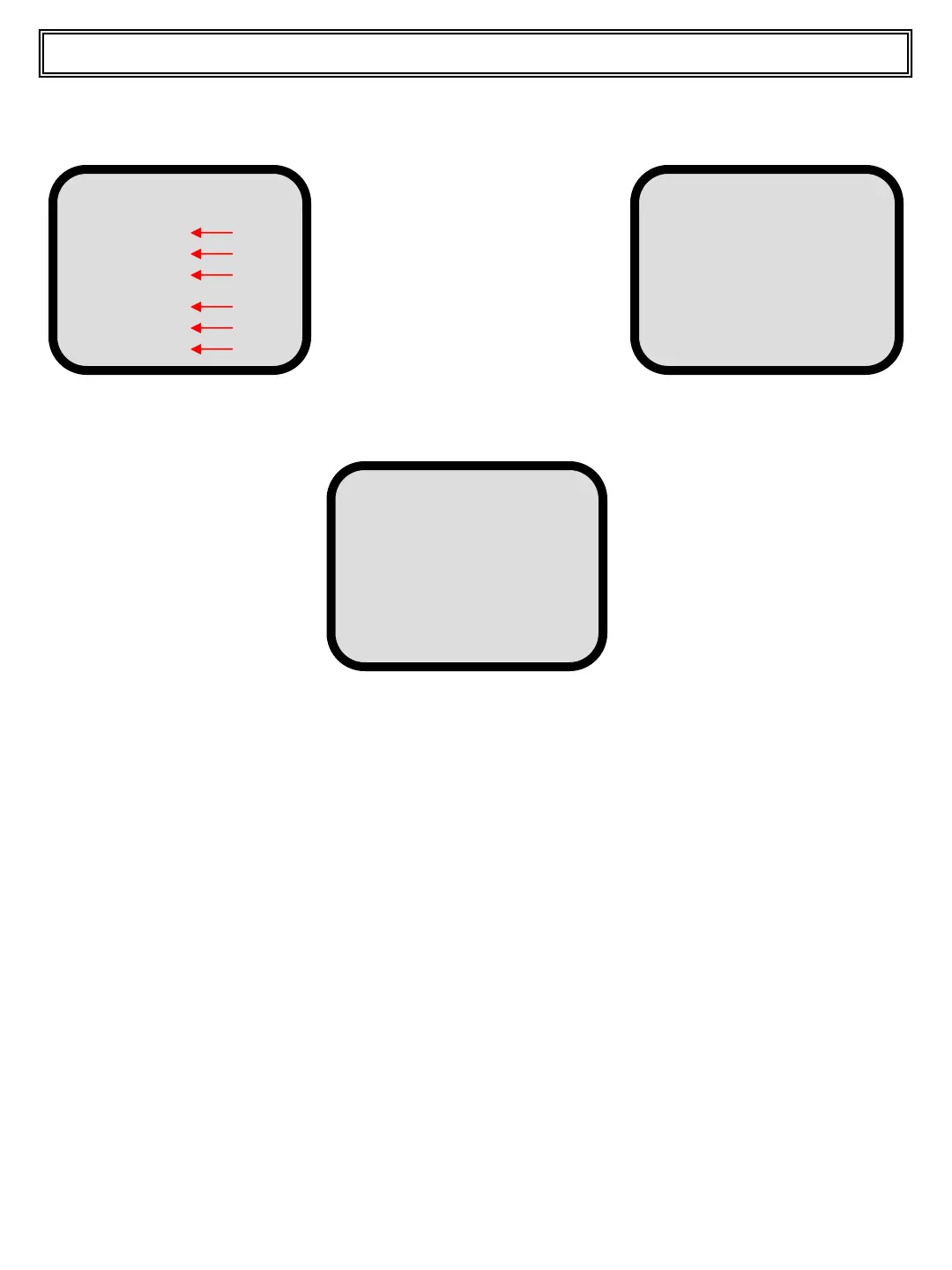
Customer,Material,,Operator,Truck,Max NW,Project No.
Use the UP or DOWN pushbutton to scroll on the code No. with which the name is to be
associated. Now press and release the MENU pushbutton, the display changes as below.
Press and release the ENTER
pushbutton to change to the
following screen:
Customer
0 1 2 3 4 5 6 7 8 9 A B C D
E F G H I J K L M N O P Q R
S T U V W X Y Z a b c d e f
g h i j k l m n o p q r s t
u v w x y z & . , - / < >
XXXXX
Top Master User Manual
Press and release the UP or DOWN pushbutton to scroll to the proper line.


 To Next Page